

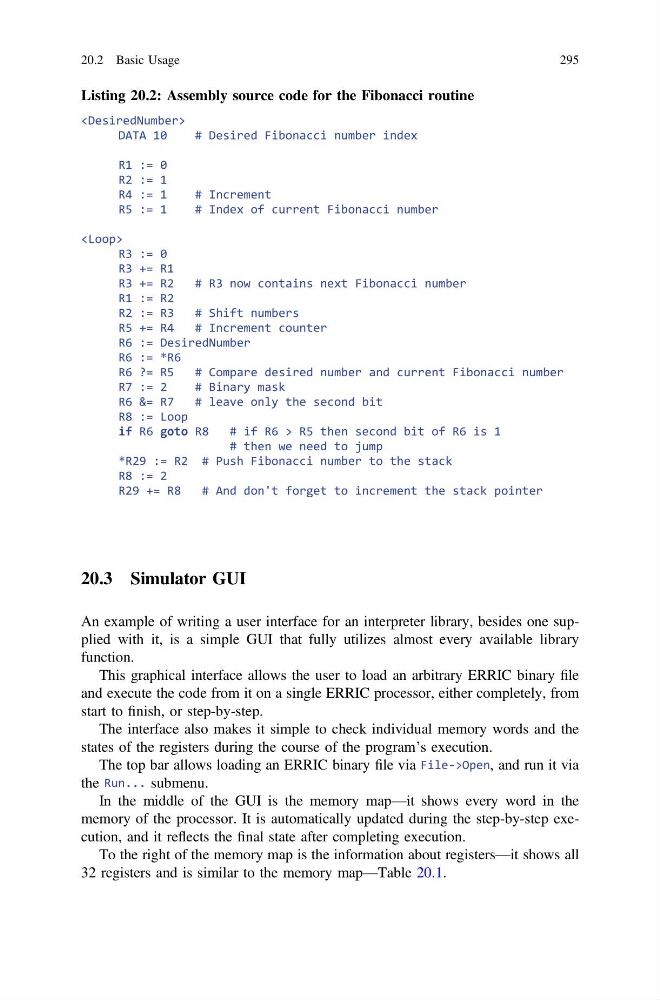
Listing 20.2: Assembly source code for the Fibonacci routine
DATA 10
# Desired Fibonacci number index
R1 := 0
R2 := 1
R4 := 1
# Increment
R5 := 1
# Index of current Fibonacci number
R3 := 0
R3 += R1
R3 += R2
# R3 now contains next Fibonacci number
R1 := R2
R2 := R3
# Shift numbers
R5 += R4
# Increment counter
R6 := DesiredNumber
R6 := *R6
R6 ?= R5
# Compare desired number and current Fibonacci number
R7 := 2
# Binary mask
R6 &= R7
# leave only the second bit
R8 := Loop
if R6 goto R8
# if R6 > R5 then second bit of R6 is 1
# then we need to jump
*R29 := R2 # Push Fibonacci number to the stack
R8 := 2
R29 += R8
# And don't forget to increment the stack pointer
20.3 Simulator GUI
An example of writing a user interface for an interpreter library, besides one supplied with it, is a simple GUI that fully utilizes almost every available library
function.
This graphical interface allows the user to load an arbitrary ERRIC binary file
and execute the code from it on a single ERRIC processor, either completely, from
start to finish, or step-by-step.
The interface also makes it simple to check individual memory words and the
states of the registers during the course of the program’s execution.
The top bar allows loading an ERRIC binary file via File->Open, and run it via
the Run... submenu.
In the middle of the GUI is the memory map—it shows every word in the
memory of the processor. It is automatically updated during the step-by-step execution, and it reflects the final state after completing execution.
To the right of the memory map is the information about registers—it shows all
32 registers and is similar to the memory map—Table 20.1.
20.2 Basic Usage
295
DATA 10
# Desired Fibonacci number index
R1 := 0
R2 := 1
R4 := 1
# Increment
R5 := 1
# Index of current Fibonacci number
R3 := 0
R3 += R1
R3 += R2
# R3 now contains next Fibonacci number
R1 := R2
R2 := R3
# Shift numbers
R5 += R4
# Increment counter
R6 := DesiredNumber
R6 := *R6
R6 ?= R5
# Compare desired number and current Fibonacci number
R7 := 2
# Binary mask
R6 &= R7
# leave only the second bit
R8 := Loop
if R6 goto R8
# if R6 > R5 then second bit of R6 is 1
# then we need to jump
*R29 := R2 # Push Fibonacci number to the stack
R8 := 2
R29 += R8
# And don't forget to increment the stack pointer
20.3 Simulator GUI
An example of writing a user interface for an interpreter library, besides one supplied with it, is a simple GUI that fully utilizes almost every available library
function.
This graphical interface allows the user to load an arbitrary ERRIC binary file
and execute the code from it on a single ERRIC processor, either completely, from
start to finish, or step-by-step.
The interface also makes it simple to check individual memory words and the
states of the registers during the course of the program’s execution.
The top bar allows loading an ERRIC binary file via File->Open, and run it via
the Run... submenu.
In the middle of the GUI is the memory map—it shows every word in the
memory of the processor. It is automatically updated during the step-by-step execution, and it reflects the final state after completing execution.
To the right of the memory map is the information about registers—it shows all
32 registers and is similar to the memory map—Table 20.1.
20.2 Basic Usage
295