

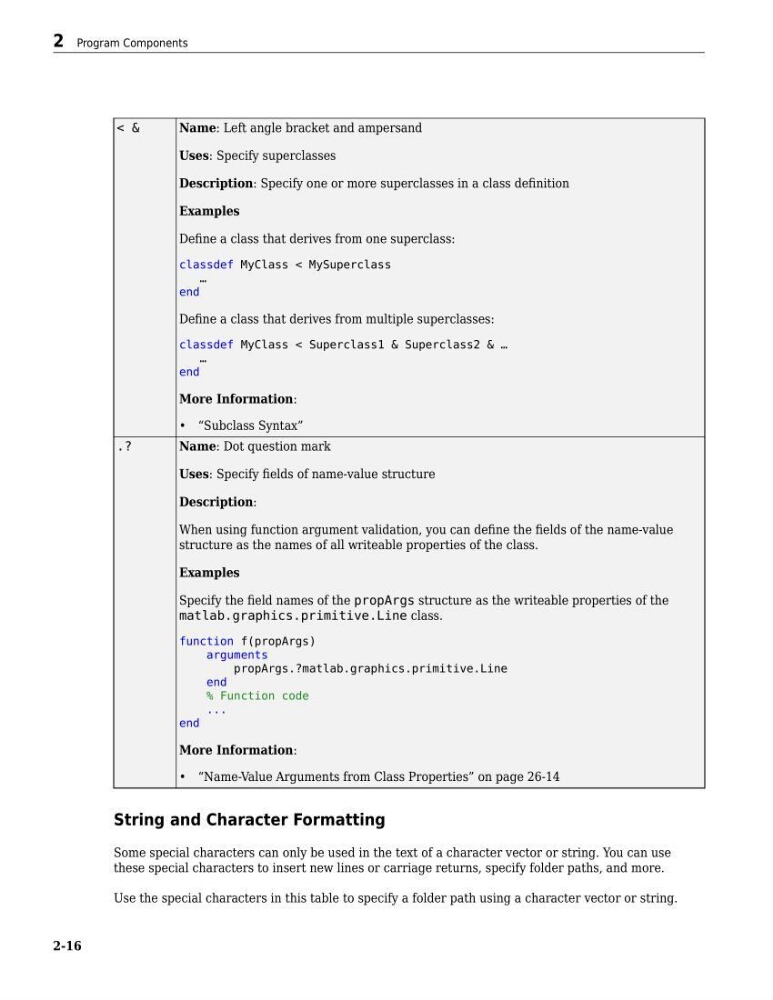
< &
Name: Left angle bracket and ampersand
Uses: Specify superclasses
Description: Specify one or more superclasses in a class definition
Examples
Define a class that derives from one superclass:
classdef MyClass < MySuperclass
…
end
Define a class that derives from multiple superclasses:
classdef MyClass < Superclass1 & Superclass2 & …
…
end
More Information:
• “Subclass Syntax”
.?
Name: Dot question mark
Uses: Specify fields of name-value structure
Description:
When using function argument validation, you can define the fields of the name-value
structure as the names of all writeable properties of the class.
Examples
Specify the field names of the propArgs structure as the writeable properties of the
matlab.graphics.primitive.Line class.
function f(propArgs)
arguments
propArgs.?matlab.graphics.primitive.Line
end
% Function code
...
end
More Information:
• “Name-Value Arguments from Class Properties” on page 26-14
String and Character Formatting
Some special characters can only be used in the text of a character vector or string. You can use
these special characters to insert new lines or carriage returns, specify folder paths, and more.
Use the special characters in this table to specify a folder path using a character vector or string.
2 Program Components
2-16
Name: Left angle bracket and ampersand
Uses: Specify superclasses
Description: Specify one or more superclasses in a class definition
Examples
Define a class that derives from one superclass:
classdef MyClass < MySuperclass
…
end
Define a class that derives from multiple superclasses:
classdef MyClass < Superclass1 & Superclass2 & …
…
end
More Information:
• “Subclass Syntax”
.?
Name: Dot question mark
Uses: Specify fields of name-value structure
Description:
When using function argument validation, you can define the fields of the name-value
structure as the names of all writeable properties of the class.
Examples
Specify the field names of the propArgs structure as the writeable properties of the
matlab.graphics.primitive.Line class.
function f(propArgs)
arguments
propArgs.?matlab.graphics.primitive.Line
end
% Function code
...
end
More Information:
• “Name-Value Arguments from Class Properties” on page 26-14
String and Character Formatting
Some special characters can only be used in the text of a character vector or string. You can use
these special characters to insert new lines or carriage returns, specify folder paths, and more.
Use the special characters in this table to specify a folder path using a character vector or string.
2 Program Components
2-16