

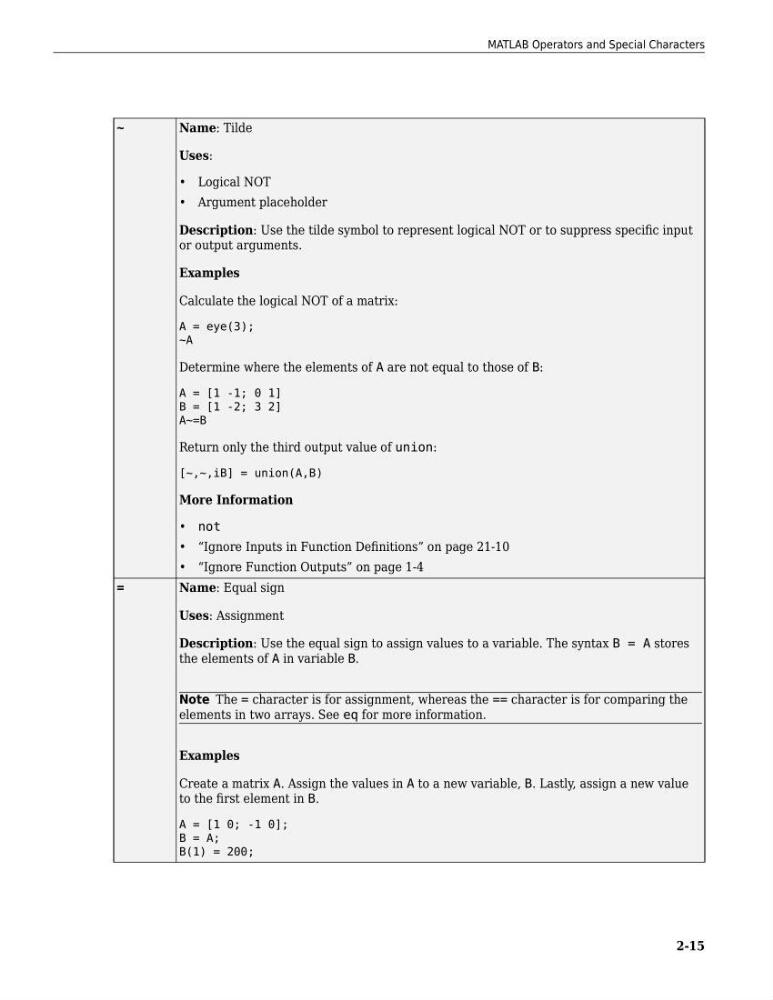
~
Name: Tilde
Uses:
• Logical NOT
• Argument placeholder
Description: Use the tilde symbol to represent logical NOT or to suppress specific input
or output arguments.
Examples
Calculate the logical NOT of a matrix:
A = eye(3);
~A
Determine where the elements of A are not equal to those of B:
A = [1 -1; 0 1]
B = [1 -2; 3 2]
A~=B
Return only the third output value of union:
[~,~,iB] = union(A,B)
More Information
• not
• “Ignore Inputs in Function Definitions” on page 21-10
• “Ignore Function Outputs” on page 1-4
=
Name: Equal sign
Uses: Assignment
Description: Use the equal sign to assign values to a variable. The syntax B = A stores
the elements of A in variable B.
Note The = character is for assignment, whereas the == character is for comparing the
elements in two arrays. See eq for more information.
Examples
Create a matrix A. Assign the values in A to a new variable, B. Lastly, assign a new value
to the first element in B.
A = [1 0; -1 0];
B = A;
B(1) = 200;
MATLAB Operators and Special Characters
2-15
Name: Tilde
Uses:
• Logical NOT
• Argument placeholder
Description: Use the tilde symbol to represent logical NOT or to suppress specific input
or output arguments.
Examples
Calculate the logical NOT of a matrix:
A = eye(3);
~A
Determine where the elements of A are not equal to those of B:
A = [1 -1; 0 1]
B = [1 -2; 3 2]
A~=B
Return only the third output value of union:
[~,~,iB] = union(A,B)
More Information
• not
• “Ignore Inputs in Function Definitions” on page 21-10
• “Ignore Function Outputs” on page 1-4
=
Name: Equal sign
Uses: Assignment
Description: Use the equal sign to assign values to a variable. The syntax B = A stores
the elements of A in variable B.
Note The = character is for assignment, whereas the == character is for comparing the
elements in two arrays. See eq for more information.
Examples
Create a matrix A. Assign the values in A to a new variable, B. Lastly, assign a new value
to the first element in B.
A = [1 0; -1 0];
B = A;
B(1) = 200;
MATLAB Operators and Special Characters
2-15