

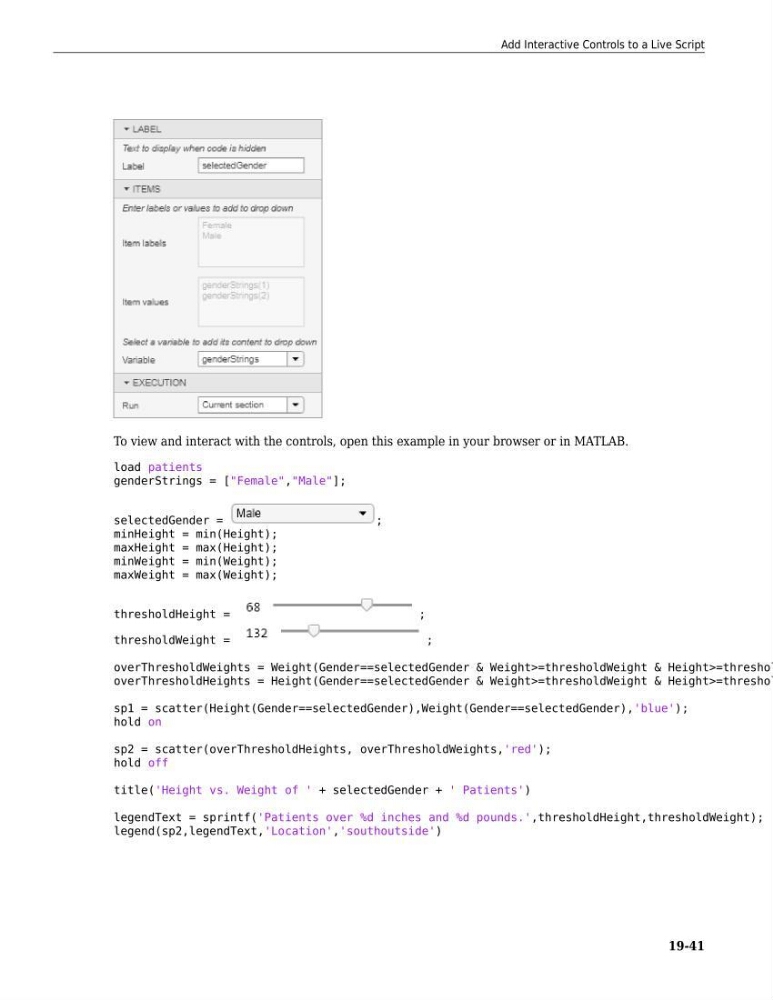
To view and interact with the controls, open this example in your browser or in MATLAB.
load patients
genderStrings = ["Female","Male"];
selectedGender =
;
minHeight = min(Height);
maxHeight = max(Height);
minWeight = min(Weight);
maxWeight = max(Weight);
thresholdHeight =
;
thresholdWeight =
;
overThresholdWeights = Weight(Gender==selectedGender & Weight>=thresholdWeight & Height>=threshol
overThresholdHeights = Height(Gender==selectedGender & Weight>=thresholdWeight & Height>=threshol
sp1 = scatter(Height(Gender==selectedGender),Weight(Gender==selectedGender),'blue');
hold on
sp2 = scatter(overThresholdHeights, overThresholdWeights,'red');
hold off
title('Height vs. Weight of ' + selectedGender + ' Patients')
legendText = sprintf('Patients over %d inches and %d pounds.',thresholdHeight,thresholdWeight);
legend(sp2,legendText,'Location','southoutside')
Add Interactive Controls to a Live Script
19-41
load patients
genderStrings = ["Female","Male"];
selectedGender =
;
minHeight = min(Height);
maxHeight = max(Height);
minWeight = min(Weight);
maxWeight = max(Weight);
thresholdHeight =
;
thresholdWeight =
;
overThresholdWeights = Weight(Gender==selectedGender & Weight>=thresholdWeight & Height>=threshol
overThresholdHeights = Height(Gender==selectedGender & Weight>=thresholdWeight & Height>=threshol
sp1 = scatter(Height(Gender==selectedGender),Weight(Gender==selectedGender),'blue');
hold on
sp2 = scatter(overThresholdHeights, overThresholdWeights,'red');
hold off
title('Height vs. Weight of ' + selectedGender + ' Patients')
legendText = sprintf('Patients over %d inches and %d pounds.',thresholdHeight,thresholdWeight);
legend(sp2,legendText,'Location','southoutside')
Add Interactive Controls to a Live Script
19-41