

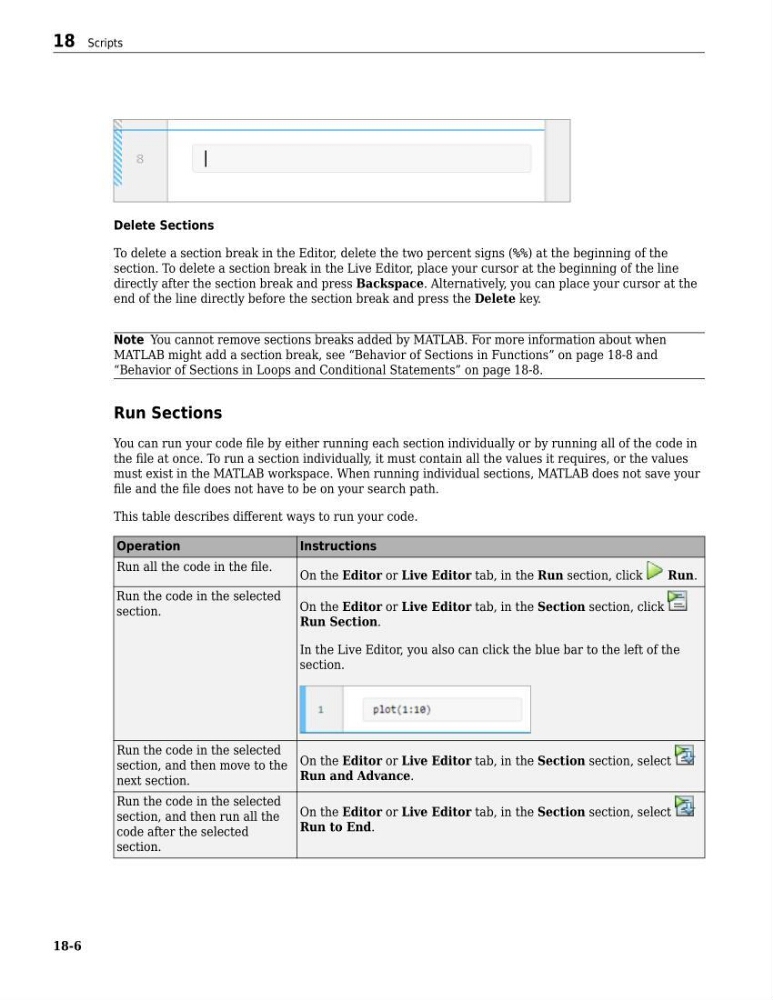
Delete Sections
To delete a section break in the Editor, delete the two percent signs (%%) at the beginning of the
section. To delete a section break in the Live Editor, place your cursor at the beginning of the line
directly after the section break and press Backspace. Alternatively, you can place your cursor at the
end of the line directly before the section break and press the Delete key.
Note You cannot remove sections breaks added by MATLAB. For more information about when
MATLAB might add a section break, see “Behavior of Sections in Functions” on page 18-8 and
“Behavior of Sections in Loops and Conditional Statements” on page 18-8.
Run Sections
You can run your code file by either running each section individually or by running all of the code in
the file at once. To run a section individually, it must contain all the values it requires, or the values
must exist in the MATLAB workspace. When running individual sections, MATLAB does not save your
file and the file does not have to be on your search path.
This table describes different ways to run your code.
Operation
Instructions
Run all the code in the file.
On the Editor or Live Editor tab, in the Run section, click
Run.
Run the code in the selected
section.
On the Editor or Live Editor tab, in the Section section, click
Run Section.
In the Live Editor, you also can click the blue bar to the left of the
section.
Run the code in the selected
section, and then move to the
next section.
On the Editor or Live Editor tab, in the Section section, select
Run and Advance.
Run the code in the selected
section, and then run all the
code after the selected
section.
On the Editor or Live Editor tab, in the Section section, select
Run to End.
18 Scripts
18-6
To delete a section break in the Editor, delete the two percent signs (%%) at the beginning of the
section. To delete a section break in the Live Editor, place your cursor at the beginning of the line
directly after the section break and press Backspace. Alternatively, you can place your cursor at the
end of the line directly before the section break and press the Delete key.
Note You cannot remove sections breaks added by MATLAB. For more information about when
MATLAB might add a section break, see “Behavior of Sections in Functions” on page 18-8 and
“Behavior of Sections in Loops and Conditional Statements” on page 18-8.
Run Sections
You can run your code file by either running each section individually or by running all of the code in
the file at once. To run a section individually, it must contain all the values it requires, or the values
must exist in the MATLAB workspace. When running individual sections, MATLAB does not save your
file and the file does not have to be on your search path.
This table describes different ways to run your code.
Operation
Instructions
Run all the code in the file.
On the Editor or Live Editor tab, in the Run section, click
Run.
Run the code in the selected
section.
On the Editor or Live Editor tab, in the Section section, click
Run Section.
In the Live Editor, you also can click the blue bar to the left of the
section.
Run the code in the selected
section, and then move to the
next section.
On the Editor or Live Editor tab, in the Section section, select
Run and Advance.
Run the code in the selected
section, and then run all the
code after the selected
section.
On the Editor or Live Editor tab, in the Section section, select
Run to End.
18 Scripts
18-6