

2015-08-21 00:00:00
Friday
11
7
4
2015-08-21 00:00:00
Friday
14
9
5
2015-08-21 02:00:00
Friday
6
5
1
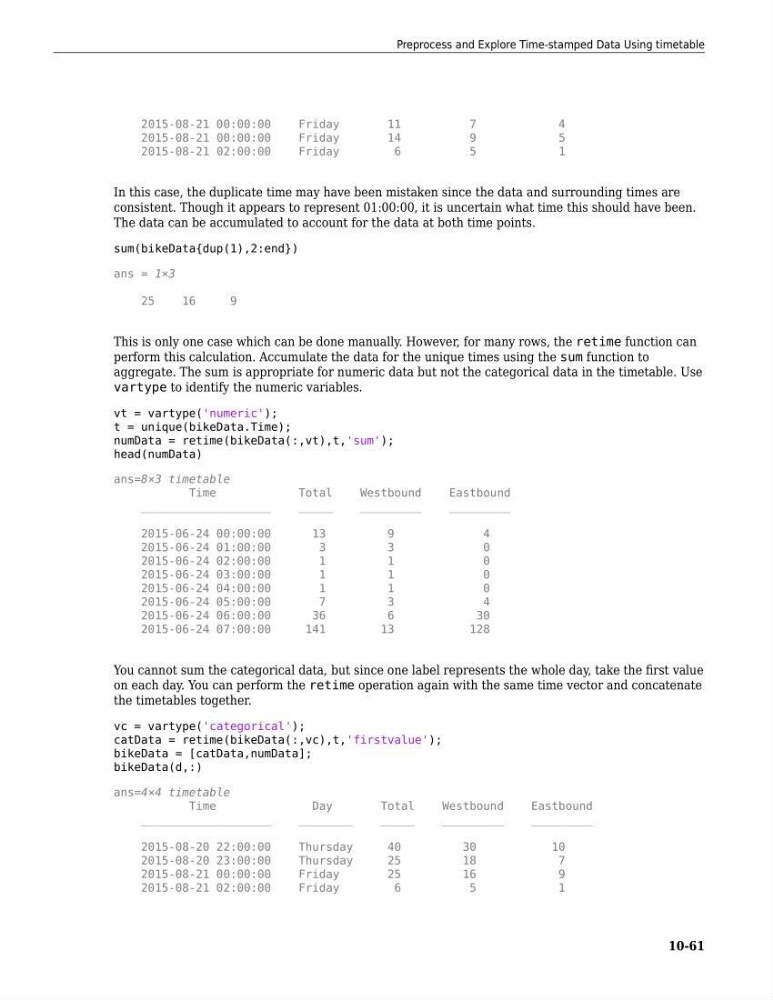
In this case, the duplicate time may have been mistaken since the data and surrounding times are
consistent. Though it appears to represent 01:00:00, it is uncertain what time this should have been.
The data can be accumulated to account for the data at both time points.
sum(bikeData{dup(1),2:end})
ans = 1×3
25
16
9
This is only one case which can be done manually. However, for many rows, the retime function can
perform this calculation. Accumulate the data for the unique times using the sum function to
aggregate. The sum is appropriate for numeric data but not the categorical data in the timetable. Use
vartype to identify the numeric variables.
vt = vartype('numeric');
t = unique(bikeData.Time);
numData = retime(bikeData(:,vt),t,'sum');
head(numData)
ans=8×3 timetable
Time
Total
Westbound
Eastbound
___________________
_____
_________
_________
2015-06-24 00:00:00
13
9
4
2015-06-24 01:00:00
3
3
0
2015-06-24 02:00:00
1
1
0
2015-06-24 03:00:00
1
1
0
2015-06-24 04:00:00
1
1
0
2015-06-24 05:00:00
7
3
4
2015-06-24 06:00:00
36
6
30
2015-06-24 07:00:00
141
13
128
You cannot sum the categorical data, but since one label represents the whole day, take the first value
on each day. You can perform the retime operation again with the same time vector and concatenate
the timetables together.
vc = vartype('categorical');
catData = retime(bikeData(:,vc),t,'firstvalue');
bikeData = [catData,numData];
bikeData(d,:)
ans=4×4 timetable
Time
Day
Total
Westbound
Eastbound
___________________
________
_____
_________
_________
2015-08-20 22:00:00
Thursday
40
30
10
2015-08-20 23:00:00
Thursday
25
18
7
2015-08-21 00:00:00
Friday
25
16
9
2015-08-21 02:00:00
Friday
6
5
1
Preprocess and Explore Time-stamped Data Using timetable
10-61
Friday
11
7
4
2015-08-21 00:00:00
Friday
14
9
5
2015-08-21 02:00:00
Friday
6
5
1
In this case, the duplicate time may have been mistaken since the data and surrounding times are
consistent. Though it appears to represent 01:00:00, it is uncertain what time this should have been.
The data can be accumulated to account for the data at both time points.
sum(bikeData{dup(1),2:end})
ans = 1×3
25
16
9
This is only one case which can be done manually. However, for many rows, the retime function can
perform this calculation. Accumulate the data for the unique times using the sum function to
aggregate. The sum is appropriate for numeric data but not the categorical data in the timetable. Use
vartype to identify the numeric variables.
vt = vartype('numeric');
t = unique(bikeData.Time);
numData = retime(bikeData(:,vt),t,'sum');
head(numData)
ans=8×3 timetable
Time
Total
Westbound
Eastbound
___________________
_____
_________
_________
2015-06-24 00:00:00
13
9
4
2015-06-24 01:00:00
3
3
0
2015-06-24 02:00:00
1
1
0
2015-06-24 03:00:00
1
1
0
2015-06-24 04:00:00
1
1
0
2015-06-24 05:00:00
7
3
4
2015-06-24 06:00:00
36
6
30
2015-06-24 07:00:00
141
13
128
You cannot sum the categorical data, but since one label represents the whole day, take the first value
on each day. You can perform the retime operation again with the same time vector and concatenate
the timetables together.
vc = vartype('categorical');
catData = retime(bikeData(:,vc),t,'firstvalue');
bikeData = [catData,numData];
bikeData(d,:)
ans=4×4 timetable
Time
Day
Total
Westbound
Eastbound
___________________
________
_____
_________
_________
2015-08-20 22:00:00
Thursday
40
30
10
2015-08-20 23:00:00
Thursday
25
18
7
2015-08-21 00:00:00
Friday
25
16
9
2015-08-21 02:00:00
Friday
6
5
1
Preprocess and Explore Time-stamped Data Using timetable
10-61