

Examine Uniformity of Time Interval
The data appear to have a uniform time step of one hour. To determine if this is true for all the row
times in the timetable, use the isregular function. isregular returns true for sorted, evenlyspaced times (monotonically increasing), with no duplicate or missing times (NaT or NaN).
isregular(bikeData)
ans = logical
0
The output of 0, or false, indicates that the times in the timetable are not evenly spaced. Explore
the time interval in more detail.
dt = diff(bikeData.Time);
[min(dt); max(dt)]
ans = 2x1 duration
00:30:00
03:00:00
To put the timetable on a regular time interval, use retime or synchronize and specify the time
interval of interest.
Determine Daily Bicycle Volume
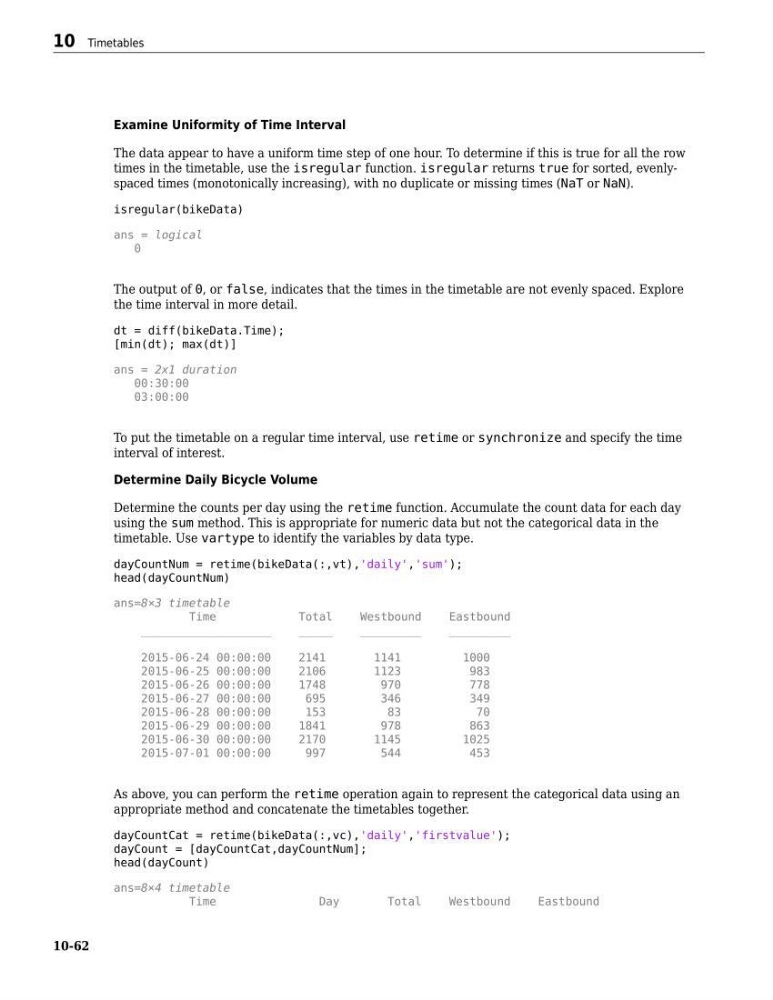
Determine the counts per day using the retime function. Accumulate the count data for each day
using the sum method. This is appropriate for numeric data but not the categorical data in the
timetable. Use vartype to identify the variables by data type.
dayCountNum = retime(bikeData(:,vt),'daily','sum');
head(dayCountNum)
ans=8×3 timetable
Time
Total
Westbound
Eastbound
___________________
_____
_________
_________
2015-06-24 00:00:00
2141
1141
1000
2015-06-25 00:00:00
2106
1123
983
2015-06-26 00:00:00
1748
970
778
2015-06-27 00:00:00
695
346
349
2015-06-28 00:00:00
153
83
70
2015-06-29 00:00:00
1841
978
863
2015-06-30 00:00:00
2170
1145
1025
2015-07-01 00:00:00
997
544
453
As above, you can perform the retime operation again to represent the categorical data using an
appropriate method and concatenate the timetables together.
dayCountCat = retime(bikeData(:,vc),'daily','firstvalue');
dayCount = [dayCountCat,dayCountNum];
head(dayCount)
ans=8×4 timetable
Time
Day
Total
Westbound
Eastbound
10 Timetables
10-62
The data appear to have a uniform time step of one hour. To determine if this is true for all the row
times in the timetable, use the isregular function. isregular returns true for sorted, evenlyspaced times (monotonically increasing), with no duplicate or missing times (NaT or NaN).
isregular(bikeData)
ans = logical
0
The output of 0, or false, indicates that the times in the timetable are not evenly spaced. Explore
the time interval in more detail.
dt = diff(bikeData.Time);
[min(dt); max(dt)]
ans = 2x1 duration
00:30:00
03:00:00
To put the timetable on a regular time interval, use retime or synchronize and specify the time
interval of interest.
Determine Daily Bicycle Volume
Determine the counts per day using the retime function. Accumulate the count data for each day
using the sum method. This is appropriate for numeric data but not the categorical data in the
timetable. Use vartype to identify the variables by data type.
dayCountNum = retime(bikeData(:,vt),'daily','sum');
head(dayCountNum)
ans=8×3 timetable
Time
Total
Westbound
Eastbound
___________________
_____
_________
_________
2015-06-24 00:00:00
2141
1141
1000
2015-06-25 00:00:00
2106
1123
983
2015-06-26 00:00:00
1748
970
778
2015-06-27 00:00:00
695
346
349
2015-06-28 00:00:00
153
83
70
2015-06-29 00:00:00
1841
978
863
2015-06-30 00:00:00
2170
1145
1025
2015-07-01 00:00:00
997
544
453
As above, you can perform the retime operation again to represent the categorical data using an
appropriate method and concatenate the timetables together.
dayCountCat = retime(bikeData(:,vc),'daily','firstvalue');
dayCount = [dayCountCat,dayCountNum];
head(dayCount)
ans=8×4 timetable
Time
Day
Total
Westbound
Eastbound
10 Timetables
10-62