

Remove Duplicate Times and Data
Determine if there are duplicate times and/or duplicate rows of data. You might want to exclude exact
duplicates, as these can also be considered measurement errors. Identify duplicate times by finding
where the difference between the sorted times is exactly zero.
idx = diff(bikeData.Time) == 0;
dup = bikeData.Time(idx)
dup = 3x1 datetime
2015-08-21 00:00:00
2015-11-19 23:00:00
2015-11-19 23:00:00
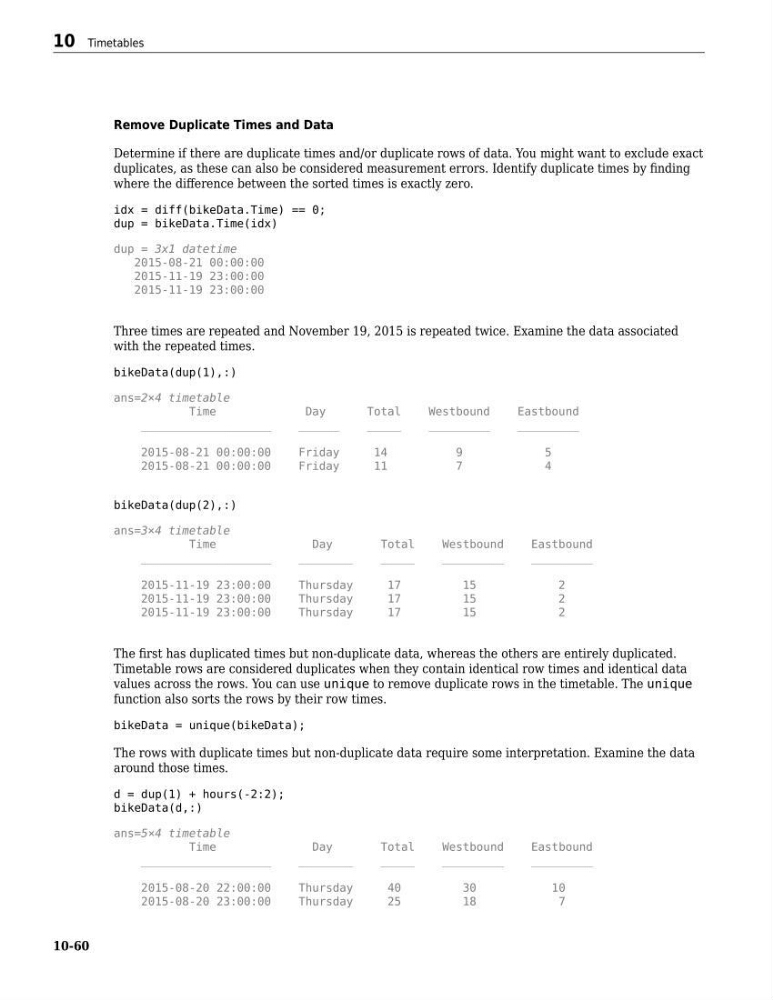
Three times are repeated and November 19, 2015 is repeated twice. Examine the data associated
with the repeated times.
bikeData(dup(1),:)
ans=2×4 timetable
Time
Day
Total
Westbound
Eastbound
___________________
______
_____
_________
_________
2015-08-21 00:00:00
Friday
14
9
5
2015-08-21 00:00:00
Friday
11
7
4
bikeData(dup(2),:)
ans=3×4 timetable
Time
Day
Total
Westbound
Eastbound
___________________
________
_____
_________
_________
2015-11-19 23:00:00
Thursday
17
15
2
2015-11-19 23:00:00
Thursday
17
15
2
2015-11-19 23:00:00
Thursday
17
15
2
The first has duplicated times but non-duplicate data, whereas the others are entirely duplicated.
Timetable rows are considered duplicates when they contain identical row times and identical data
values across the rows. You can use unique to remove duplicate rows in the timetable. The unique
function also sorts the rows by their row times.
bikeData = unique(bikeData);
The rows with duplicate times but non-duplicate data require some interpretation. Examine the data
around those times.
d = dup(1) + hours(-2:2);
bikeData(d,:)
ans=5×4 timetable
Time
Day
Total
Westbound
Eastbound
___________________
________
_____
_________
_________
2015-08-20 22:00:00
Thursday
40
30
10
2015-08-20 23:00:00
Thursday
25
18
7
10 Timetables
10-60
Determine if there are duplicate times and/or duplicate rows of data. You might want to exclude exact
duplicates, as these can also be considered measurement errors. Identify duplicate times by finding
where the difference between the sorted times is exactly zero.
idx = diff(bikeData.Time) == 0;
dup = bikeData.Time(idx)
dup = 3x1 datetime
2015-08-21 00:00:00
2015-11-19 23:00:00
2015-11-19 23:00:00
Three times are repeated and November 19, 2015 is repeated twice. Examine the data associated
with the repeated times.
bikeData(dup(1),:)
ans=2×4 timetable
Time
Day
Total
Westbound
Eastbound
___________________
______
_____
_________
_________
2015-08-21 00:00:00
Friday
14
9
5
2015-08-21 00:00:00
Friday
11
7
4
bikeData(dup(2),:)
ans=3×4 timetable
Time
Day
Total
Westbound
Eastbound
___________________
________
_____
_________
_________
2015-11-19 23:00:00
Thursday
17
15
2
2015-11-19 23:00:00
Thursday
17
15
2
2015-11-19 23:00:00
Thursday
17
15
2
The first has duplicated times but non-duplicate data, whereas the others are entirely duplicated.
Timetable rows are considered duplicates when they contain identical row times and identical data
values across the rows. You can use unique to remove duplicate rows in the timetable. The unique
function also sorts the rows by their row times.
bikeData = unique(bikeData);
The rows with duplicate times but non-duplicate data require some interpretation. Examine the data
around those times.
d = dup(1) + hours(-2:2);
bikeData(d,:)
ans=5×4 timetable
Time
Day
Total
Westbound
Eastbound
___________________
________
_____
_________
_________
2015-08-20 22:00:00
Thursday
40
30
10
2015-08-20 23:00:00
Thursday
25
18
7
10 Timetables
10-60