

remove, and fill missing values with the standardizeMissing, ismissing, rmmissing, and
fillmissing functions, respectively.
Find and count the missing values in the timetable variables. In this example, missing values indicate
circumstances when no data were collected.
missData = ismissing(bikeData);
sum(missData)
ans = 1×4
1
3
3
3
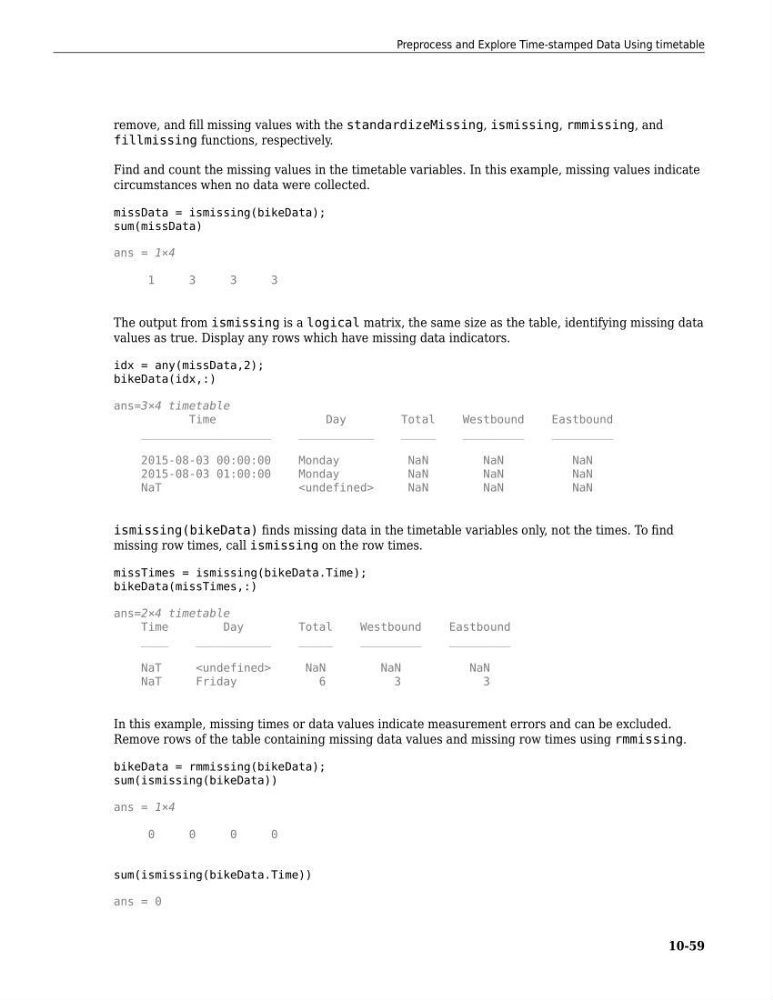
The output from ismissing is a logical matrix, the same size as the table, identifying missing data
values as true. Display any rows which have missing data indicators.
idx = any(missData,2);
bikeData(idx,:)
ans=3×4 timetable
Time
Day
Total
Westbound
Eastbound
___________________
___________
_____
_________
_________
2015-08-03 00:00:00
Monday
NaN
NaN
NaN
2015-08-03 01:00:00
Monday
NaN
NaN
NaN
NaT
NaN
NaN
NaN
ismissing(bikeData) finds missing data in the timetable variables only, not the times. To find
missing row times, call ismissing on the row times.
missTimes = ismissing(bikeData.Time);
bikeData(missTimes,:)
ans=2×4 timetable
Time
Day
Total
Westbound
Eastbound
____
___________
_____
_________
_________
NaT
NaN
NaN
NaN
NaT
Friday
6
3
3
In this example, missing times or data values indicate measurement errors and can be excluded.
Remove rows of the table containing missing data values and missing row times using rmmissing.
bikeData = rmmissing(bikeData);
sum(ismissing(bikeData))
ans = 1×4
0
0
0
0
sum(ismissing(bikeData.Time))
ans = 0
Preprocess and Explore Time-stamped Data Using timetable
10-59
fillmissing functions, respectively.
Find and count the missing values in the timetable variables. In this example, missing values indicate
circumstances when no data were collected.
missData = ismissing(bikeData);
sum(missData)
ans = 1×4
1
3
3
3
The output from ismissing is a logical matrix, the same size as the table, identifying missing data
values as true. Display any rows which have missing data indicators.
idx = any(missData,2);
bikeData(idx,:)
ans=3×4 timetable
Time
Day
Total
Westbound
Eastbound
___________________
___________
_____
_________
_________
2015-08-03 00:00:00
Monday
NaN
NaN
NaN
2015-08-03 01:00:00
Monday
NaN
NaN
NaN
NaT
NaN
NaN
NaN
ismissing(bikeData) finds missing data in the timetable variables only, not the times. To find
missing row times, call ismissing on the row times.
missTimes = ismissing(bikeData.Time);
bikeData(missTimes,:)
ans=2×4 timetable
Time
Day
Total
Westbound
Eastbound
____
___________
_____
_________
_________
NaT
NaN
NaN
NaN
NaT
Friday
6
3
3
In this example, missing times or data values indicate measurement errors and can be excluded.
Remove rows of the table containing missing data values and missing row times using rmmissing.
bikeData = rmmissing(bikeData);
sum(ismissing(bikeData))
ans = 1×4
0
0
0
0
sum(ismissing(bikeData.Time))
ans = 0
Preprocess and Explore Time-stamped Data Using timetable
10-59