

It would be tedious to use this strategy to extract the entire day. You can also specify ranges of time
without indexing on specific times. To create a time range subscript as a helper, use the timerange
function.
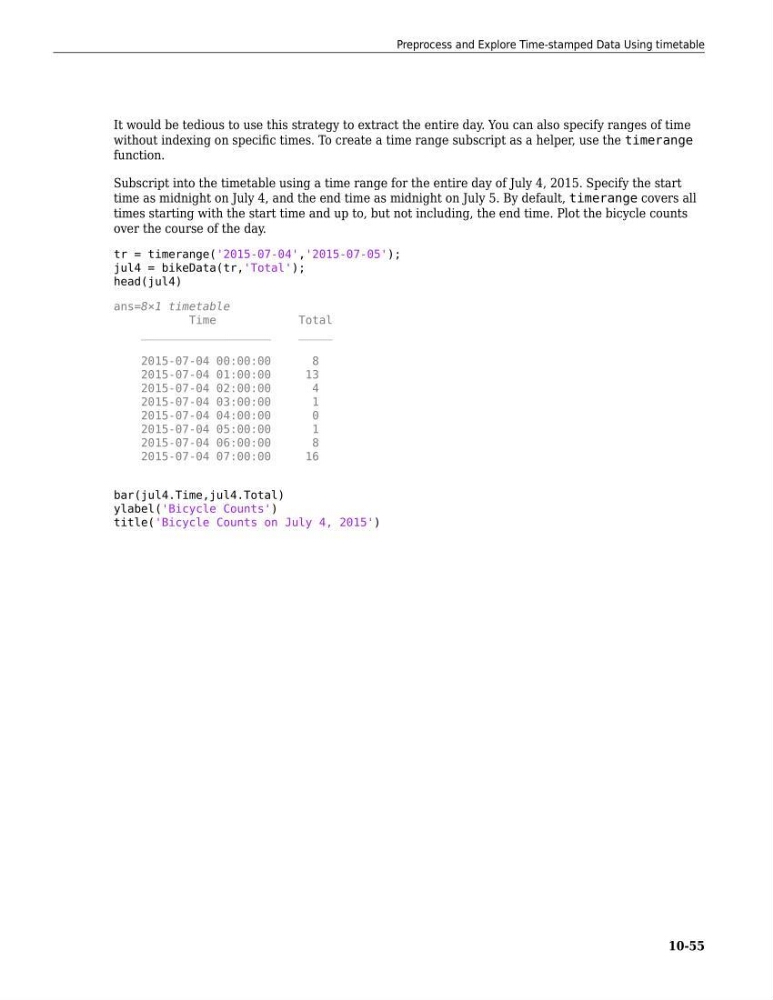
Subscript into the timetable using a time range for the entire day of July 4, 2015. Specify the start
time as midnight on July 4, and the end time as midnight on July 5. By default, timerange covers all
times starting with the start time and up to, but not including, the end time. Plot the bicycle counts
over the course of the day.
tr = timerange('2015-07-04','2015-07-05');
jul4 = bikeData(tr,'Total');
head(jul4)
ans=8×1 timetable
Time
Total
___________________
_____
2015-07-04 00:00:00
8
2015-07-04 01:00:00
13
2015-07-04 02:00:00
4
2015-07-04 03:00:00
1
2015-07-04 04:00:00
0
2015-07-04 05:00:00
1
2015-07-04 06:00:00
8
2015-07-04 07:00:00
16
bar(jul4.Time,jul4.Total)
ylabel('Bicycle Counts')
title('Bicycle Counts on July 4, 2015')
Preprocess and Explore Time-stamped Data Using timetable
10-55
without indexing on specific times. To create a time range subscript as a helper, use the timerange
function.
Subscript into the timetable using a time range for the entire day of July 4, 2015. Specify the start
time as midnight on July 4, and the end time as midnight on July 5. By default, timerange covers all
times starting with the start time and up to, but not including, the end time. Plot the bicycle counts
over the course of the day.
tr = timerange('2015-07-04','2015-07-05');
jul4 = bikeData(tr,'Total');
head(jul4)
ans=8×1 timetable
Time
Total
___________________
_____
2015-07-04 00:00:00
8
2015-07-04 01:00:00
13
2015-07-04 02:00:00
4
2015-07-04 03:00:00
1
2015-07-04 04:00:00
0
2015-07-04 05:00:00
1
2015-07-04 06:00:00
8
2015-07-04 07:00:00
16
bar(jul4.Time,jul4.Total)
ylabel('Bicycle Counts')
title('Bicycle Counts on July 4, 2015')
Preprocess and Explore Time-stamped Data Using timetable
10-55