

09-Jun-2016 05:03:11
66.2
0.05
3
09-Jun-2016 06:01:04
73
0.01
2.3
09-Jun-2016 07:59:23
59
0.08
0.9
09-Jun-2016 08:49:10
82
0.01
2.7
09-Jun-2016 09:53:57
67
0.03
3.4
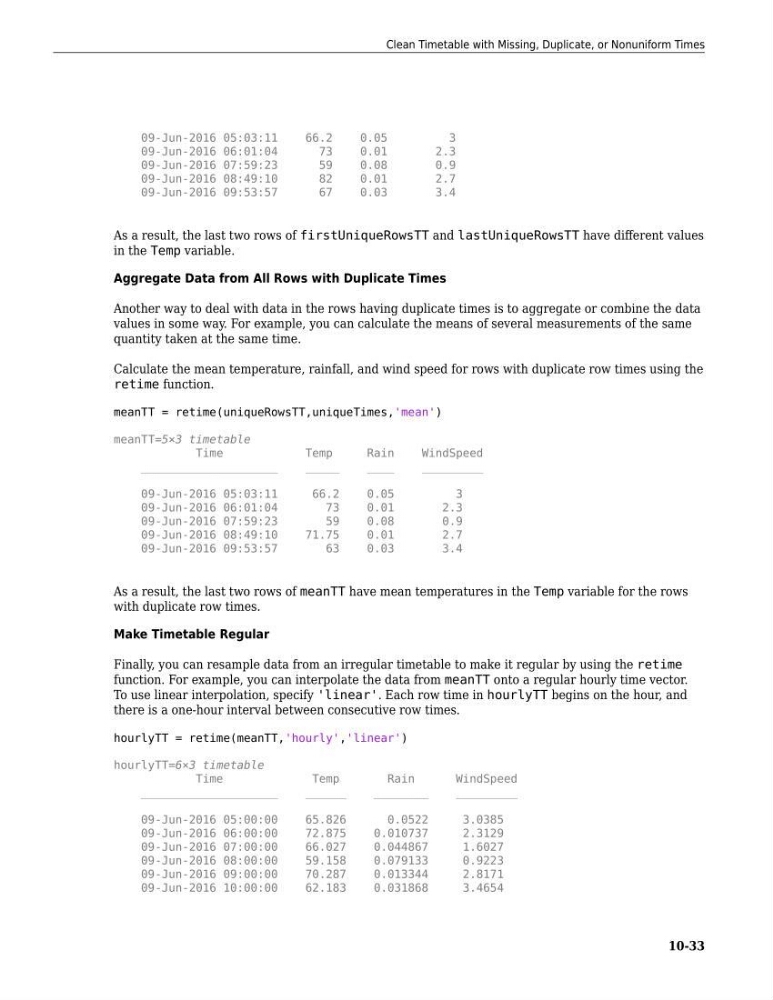
As a result, the last two rows of firstUniqueRowsTT and lastUniqueRowsTT have different values
in the Temp variable.
Aggregate Data from All Rows with Duplicate Times
Another way to deal with data in the rows having duplicate times is to aggregate or combine the data
values in some way. For example, you can calculate the means of several measurements of the same
quantity taken at the same time.
Calculate the mean temperature, rainfall, and wind speed for rows with duplicate row times using the
retime function.
meanTT = retime(uniqueRowsTT,uniqueTimes,'mean')
meanTT=5×3 timetable
Time
Temp
Rain
WindSpeed
____________________
_____
____
_________
09-Jun-2016 05:03:11
66.2
0.05
3
09-Jun-2016 06:01:04
73
0.01
2.3
09-Jun-2016 07:59:23
59
0.08
0.9
09-Jun-2016 08:49:10
71.75
0.01
2.7
09-Jun-2016 09:53:57
63
0.03
3.4
As a result, the last two rows of meanTT have mean temperatures in the Temp variable for the rows
with duplicate row times.
Make Timetable Regular
Finally, you can resample data from an irregular timetable to make it regular by using the retime
function. For example, you can interpolate the data from meanTT onto a regular hourly time vector.
To use linear interpolation, specify 'linear'. Each row time in hourlyTT begins on the hour, and
there is a one-hour interval between consecutive row times.
hourlyTT = retime(meanTT,'hourly','linear')
hourlyTT=6×3 timetable
Time
Temp
Rain
WindSpeed
____________________
______
________
_________
09-Jun-2016 05:00:00
65.826
0.0522
3.0385
09-Jun-2016 06:00:00
72.875
0.010737
2.3129
09-Jun-2016 07:00:00
66.027
0.044867
1.6027
09-Jun-2016 08:00:00
59.158
0.079133
0.9223
09-Jun-2016 09:00:00
70.287
0.013344
2.8171
09-Jun-2016 10:00:00
62.183
0.031868
3.4654
Clean Timetable with Missing, Duplicate, or Nonuniform Times
10-33
66.2
0.05
3
09-Jun-2016 06:01:04
73
0.01
2.3
09-Jun-2016 07:59:23
59
0.08
0.9
09-Jun-2016 08:49:10
82
0.01
2.7
09-Jun-2016 09:53:57
67
0.03
3.4
As a result, the last two rows of firstUniqueRowsTT and lastUniqueRowsTT have different values
in the Temp variable.
Aggregate Data from All Rows with Duplicate Times
Another way to deal with data in the rows having duplicate times is to aggregate or combine the data
values in some way. For example, you can calculate the means of several measurements of the same
quantity taken at the same time.
Calculate the mean temperature, rainfall, and wind speed for rows with duplicate row times using the
retime function.
meanTT = retime(uniqueRowsTT,uniqueTimes,'mean')
meanTT=5×3 timetable
Time
Temp
Rain
WindSpeed
____________________
_____
____
_________
09-Jun-2016 05:03:11
66.2
0.05
3
09-Jun-2016 06:01:04
73
0.01
2.3
09-Jun-2016 07:59:23
59
0.08
0.9
09-Jun-2016 08:49:10
71.75
0.01
2.7
09-Jun-2016 09:53:57
63
0.03
3.4
As a result, the last two rows of meanTT have mean temperatures in the Temp variable for the rows
with duplicate row times.
Make Timetable Regular
Finally, you can resample data from an irregular timetable to make it regular by using the retime
function. For example, you can interpolate the data from meanTT onto a regular hourly time vector.
To use linear interpolation, specify 'linear'. Each row time in hourlyTT begins on the hour, and
there is a one-hour interval between consecutive row times.
hourlyTT = retime(meanTT,'hourly','linear')
hourlyTT=6×3 timetable
Time
Temp
Rain
WindSpeed
____________________
______
________
_________
09-Jun-2016 05:00:00
65.826
0.0522
3.0385
09-Jun-2016 06:00:00
72.875
0.010737
2.3129
09-Jun-2016 07:00:00
66.027
0.044867
1.6027
09-Jun-2016 08:00:00
59.158
0.079133
0.9223
09-Jun-2016 09:00:00
70.287
0.013344
2.8171
09-Jun-2016 10:00:00
62.183
0.031868
3.4654
Clean Timetable with Missing, Duplicate, or Nonuniform Times
10-33