

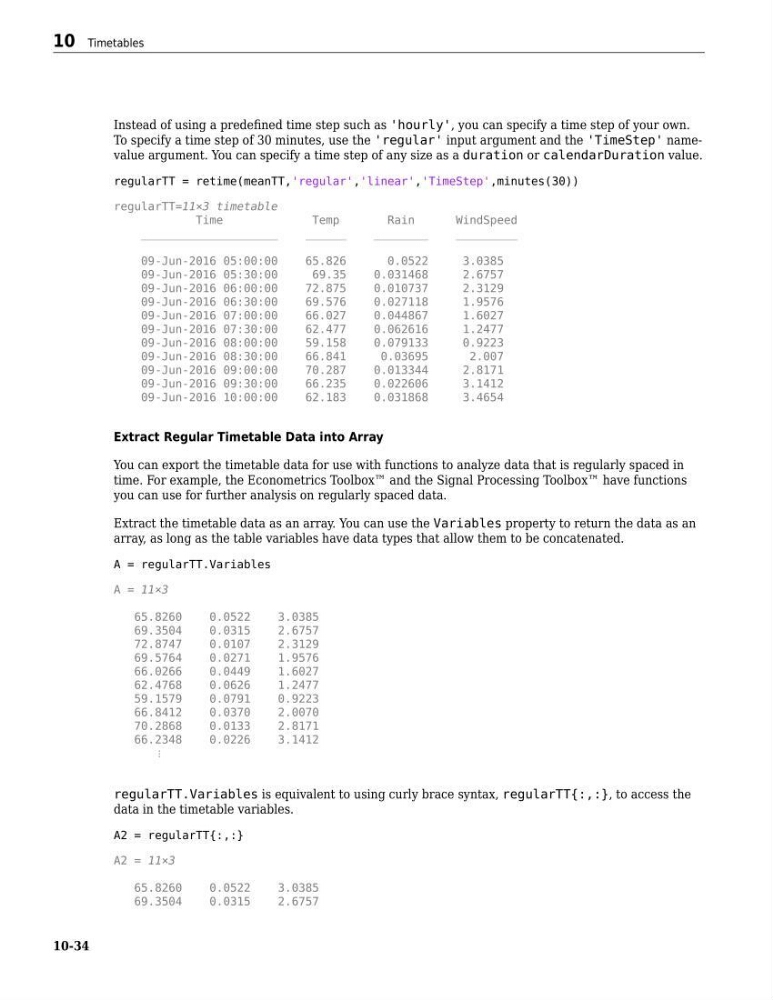
Instead of using a predefined time step such as 'hourly', you can specify a time step of your own.
To specify a time step of 30 minutes, use the 'regular' input argument and the 'TimeStep' namevalue argument. You can specify a time step of any size as a duration or calendarDuration value.
regularTT = retime(meanTT,'regular','linear','TimeStep',minutes(30))
regularTT=11×3 timetable
Time
Temp
Rain
WindSpeed
____________________
______
________
_________
09-Jun-2016 05:00:00
65.826
0.0522
3.0385
09-Jun-2016 05:30:00
69.35
0.031468
2.6757
09-Jun-2016 06:00:00
72.875
0.010737
2.3129
09-Jun-2016 06:30:00
69.576
0.027118
1.9576
09-Jun-2016 07:00:00
66.027
0.044867
1.6027
09-Jun-2016 07:30:00
62.477
0.062616
1.2477
09-Jun-2016 08:00:00
59.158
0.079133
0.9223
09-Jun-2016 08:30:00
66.841
0.03695
2.007
09-Jun-2016 09:00:00
70.287
0.013344
2.8171
09-Jun-2016 09:30:00
66.235
0.022606
3.1412
09-Jun-2016 10:00:00
62.183
0.031868
3.4654
Extract Regular Timetable Data into Array
You can export the timetable data for use with functions to analyze data that is regularly spaced in
time. For example, the Econometrics Toolbox™ and the Signal Processing Toolbox™ have functions
you can use for further analysis on regularly spaced data.
Extract the timetable data as an array. You can use the Variables property to return the data as an
array, as long as the table variables have data types that allow them to be concatenated.
A = regularTT.Variables
A = 11×3
65.8260
0.0522
3.0385
69.3504
0.0315
2.6757
72.8747
0.0107
2.3129
69.5764
0.0271
1.9576
66.0266
0.0449
1.6027
62.4768
0.0626
1.2477
59.1579
0.0791
0.9223
66.8412
0.0370
2.0070
70.2868
0.0133
2.8171
66.2348
0.0226
3.1412
⋮
regularTT.Variables is equivalent to using curly brace syntax, regularTT{:,:}, to access the
data in the timetable variables.
A2 = regularTT{:,:}
A2 = 11×3
65.8260
0.0522
3.0385
69.3504
0.0315
2.6757
10 Timetables
10-34
To specify a time step of 30 minutes, use the 'regular' input argument and the 'TimeStep' namevalue argument. You can specify a time step of any size as a duration or calendarDuration value.
regularTT = retime(meanTT,'regular','linear','TimeStep',minutes(30))
regularTT=11×3 timetable
Time
Temp
Rain
WindSpeed
____________________
______
________
_________
09-Jun-2016 05:00:00
65.826
0.0522
3.0385
09-Jun-2016 05:30:00
69.35
0.031468
2.6757
09-Jun-2016 06:00:00
72.875
0.010737
2.3129
09-Jun-2016 06:30:00
69.576
0.027118
1.9576
09-Jun-2016 07:00:00
66.027
0.044867
1.6027
09-Jun-2016 07:30:00
62.477
0.062616
1.2477
09-Jun-2016 08:00:00
59.158
0.079133
0.9223
09-Jun-2016 08:30:00
66.841
0.03695
2.007
09-Jun-2016 09:00:00
70.287
0.013344
2.8171
09-Jun-2016 09:30:00
66.235
0.022606
3.1412
09-Jun-2016 10:00:00
62.183
0.031868
3.4654
Extract Regular Timetable Data into Array
You can export the timetable data for use with functions to analyze data that is regularly spaced in
time. For example, the Econometrics Toolbox™ and the Signal Processing Toolbox™ have functions
you can use for further analysis on regularly spaced data.
Extract the timetable data as an array. You can use the Variables property to return the data as an
array, as long as the table variables have data types that allow them to be concatenated.
A = regularTT.Variables
A = 11×3
65.8260
0.0522
3.0385
69.3504
0.0315
2.6757
72.8747
0.0107
2.3129
69.5764
0.0271
1.9576
66.0266
0.0449
1.6027
62.4768
0.0626
1.2477
59.1579
0.0791
0.9223
66.8412
0.0370
2.0070
70.2868
0.0133
2.8171
66.2348
0.0226
3.1412
⋮
regularTT.Variables is equivalent to using curly brace syntax, regularTT{:,:}, to access the
data in the timetable variables.
A2 = regularTT{:,:}
A2 = 11×3
65.8260
0.0522
3.0385
69.3504
0.0315
2.6757
10 Timetables
10-34