

areaVars = ["LotArea" "FirstFlrArea" "SecondFlrArea" "LowQualFinishedArea" "TotalAboveGroundLivin
housing{:,areaVars} = 0.3048^2 * housing{:,areaVars};
housing.Properties.VariableUnits(areaVars) = "m^2";
A common mistake is to use parenthesis subscripting instead of braces to operate on the contents of a
table. While some functions, such as ismissing or varfun, do accept a table as their input, many
numeric operations, including arithmetic, do not. For example, this assignment using parentheses
results in an error. The try-catch block catches the error and displays it.
try
housing(:,areaVars) = 0.3048^2 * housing(:,areaVars);
catch ME
disp(ME.message)
end
Undefined function 'mtimes' for input arguments of type 'table'.
This assignment results in an error because housing(:,areaVars) is a 2928-by-5 table, not a
numeric matrix. If you used curly brace subscripting, such as housing{:,areaVars}, then the
result would be a 2928-by-5 numeric matrix. Because tables are designed to hold data of different
types, including nonnumeric data, many functions that make sense for only numeric data do not work
on a table. Dot notation and curly brace subscripting exist to give you access to data in a table.
A third way to do calculations on numeric variables in a table is to use the varfun function. Like
curly brace subscripting, varfun can operate on all or only some of the variables in a table. Unlike
curly braces, varfun operates on each table variable separately. By default, varfun returns another
table containing a variable for each separate result.
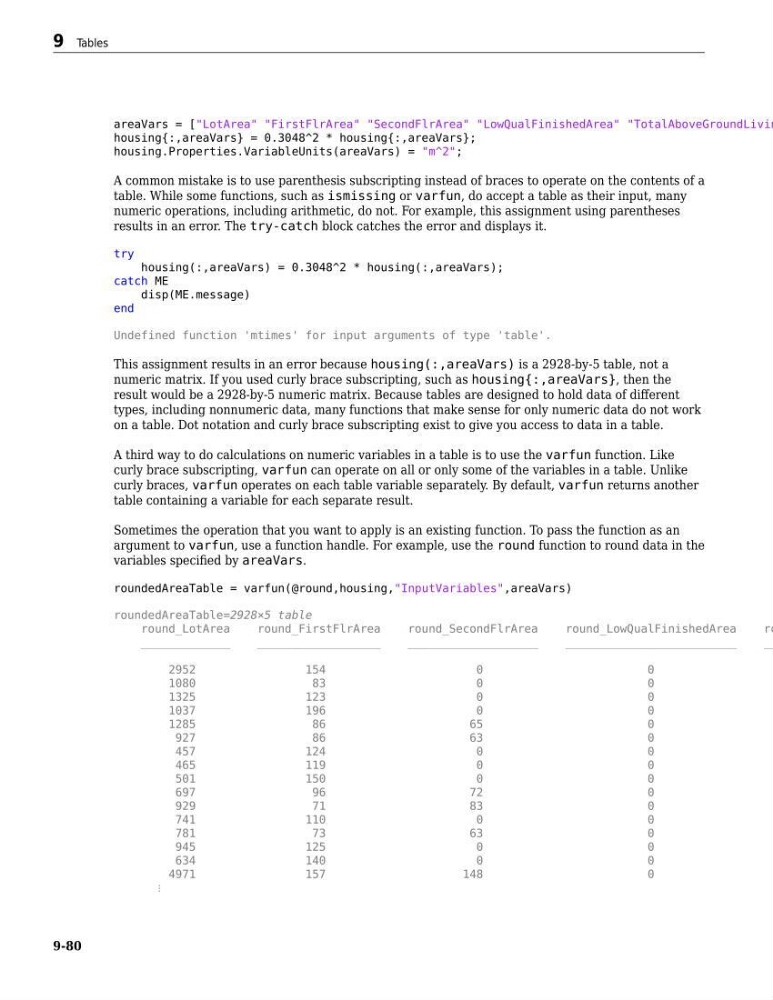
Sometimes the operation that you want to apply is an existing function. To pass the function as an
argument to varfun, use a function handle. For example, use the round function to round data in the
variables specified by areaVars.
roundedAreaTable = varfun(@round,housing,"InputVariables",areaVars)
roundedAreaTable=2928×5 table
round_LotArea
round_FirstFlrArea
round_SecondFlrArea
round_LowQualFinishedArea
ro
_____________
__________________
___________________
_________________________
__
2952
154
0
0
1080
83
0
0
1325
123
0
0
1037
196
0
0
1285
86
65
0
927
86
63
0
457
124
0
0
465
119
0
0
501
150
0
0
697
96
72
0
929
71
83
0
741
110
0
0
781
73
63
0
945
125
0
0
634
140
0
0
4971
157
148
0
⋮
9 Tables
9-80
housing{:,areaVars} = 0.3048^2 * housing{:,areaVars};
housing.Properties.VariableUnits(areaVars) = "m^2";
A common mistake is to use parenthesis subscripting instead of braces to operate on the contents of a
table. While some functions, such as ismissing or varfun, do accept a table as their input, many
numeric operations, including arithmetic, do not. For example, this assignment using parentheses
results in an error. The try-catch block catches the error and displays it.
try
housing(:,areaVars) = 0.3048^2 * housing(:,areaVars);
catch ME
disp(ME.message)
end
Undefined function 'mtimes' for input arguments of type 'table'.
This assignment results in an error because housing(:,areaVars) is a 2928-by-5 table, not a
numeric matrix. If you used curly brace subscripting, such as housing{:,areaVars}, then the
result would be a 2928-by-5 numeric matrix. Because tables are designed to hold data of different
types, including nonnumeric data, many functions that make sense for only numeric data do not work
on a table. Dot notation and curly brace subscripting exist to give you access to data in a table.
A third way to do calculations on numeric variables in a table is to use the varfun function. Like
curly brace subscripting, varfun can operate on all or only some of the variables in a table. Unlike
curly braces, varfun operates on each table variable separately. By default, varfun returns another
table containing a variable for each separate result.
Sometimes the operation that you want to apply is an existing function. To pass the function as an
argument to varfun, use a function handle. For example, use the round function to round data in the
variables specified by areaVars.
roundedAreaTable = varfun(@round,housing,"InputVariables",areaVars)
roundedAreaTable=2928×5 table
round_LotArea
round_FirstFlrArea
round_SecondFlrArea
round_LowQualFinishedArea
ro
_____________
__________________
___________________
_________________________
__
2952
154
0
0
1080
83
0
0
1325
123
0
0
1037
196
0
0
1285
86
65
0
927
86
63
0
457
124
0
0
465
119
0
0
501
150
0
0
697
96
72
0
929
71
83
0
741
110
0
0
781
73
63
0
945
125
0
0
634
140
0
0
4971
157
148
0
⋮
9 Tables
9-80