

"0527180040"
1-STORY 1946 & NEWER ALL STYLES
25.908
1017
"0527182190"
1-STORY PUD (Planned Unit Development) - 1946 & NEWER
17.465
682
"0527216070"
2-STORY 1946 & NEWER
14.326
5350
⋮
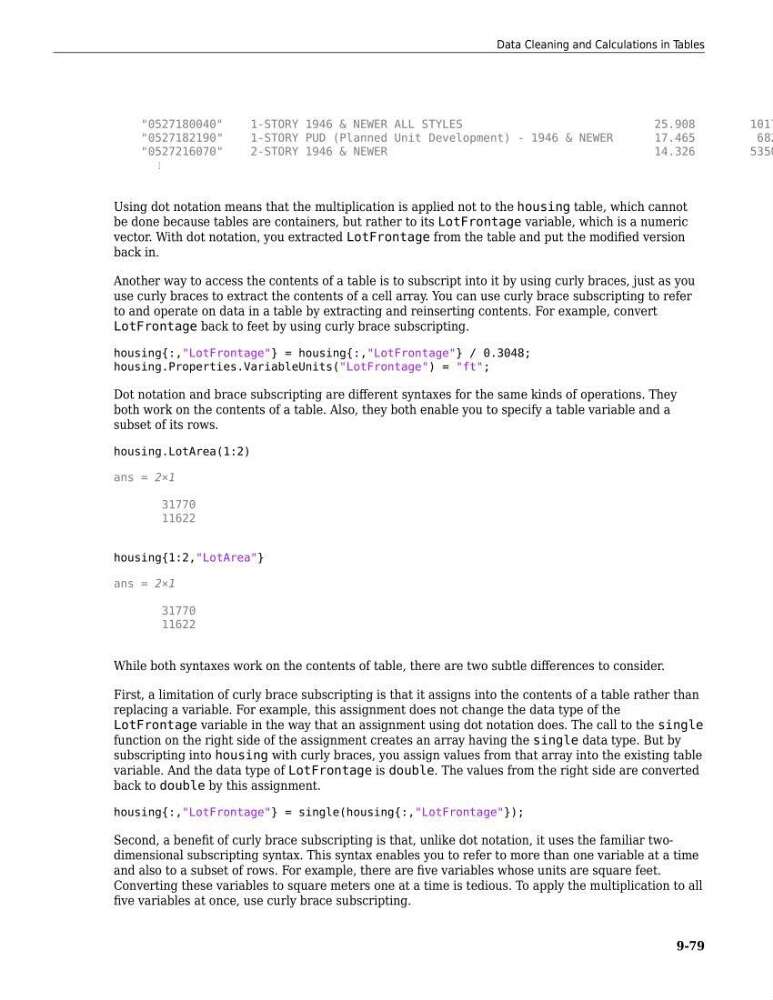
Using dot notation means that the multiplication is applied not to the housing table, which cannot
be done because tables are containers, but rather to its LotFrontage variable, which is a numeric
vector. With dot notation, you extracted LotFrontage from the table and put the modified version
back in.
Another way to access the contents of a table is to subscript into it by using curly braces, just as you
use curly braces to extract the contents of a cell array. You can use curly brace subscripting to refer
to and operate on data in a table by extracting and reinserting contents. For example, convert
LotFrontage back to feet by using curly brace subscripting.
housing{:,"LotFrontage"} = housing{:,"LotFrontage"} / 0.3048;
housing.Properties.VariableUnits("LotFrontage") = "ft";
Dot notation and brace subscripting are different syntaxes for the same kinds of operations. They
both work on the contents of a table. Also, they both enable you to specify a table variable and a
subset of its rows.
housing.LotArea(1:2)
ans = 2×1
31770
11622
housing{1:2,"LotArea"}
ans = 2×1
31770
11622
While both syntaxes work on the contents of table, there are two subtle differences to consider.
First, a limitation of curly brace subscripting is that it assigns into the contents of a table rather than
replacing a variable. For example, this assignment does not change the data type of the
LotFrontage variable in the way that an assignment using dot notation does. The call to the single
function on the right side of the assignment creates an array having the single data type. But by
subscripting into housing with curly braces, you assign values from that array into the existing table
variable. And the data type of LotFrontage is double. The values from the right side are converted
back to double by this assignment.
housing{:,"LotFrontage"} = single(housing{:,"LotFrontage"});
Second, a benefit of curly brace subscripting is that, unlike dot notation, it uses the familiar twodimensional subscripting syntax. This syntax enables you to refer to more than one variable at a time
and also to a subset of rows. For example, there are five variables whose units are square feet.
Converting these variables to square meters one at a time is tedious. To apply the multiplication to all
five variables at once, use curly brace subscripting.
Data Cleaning and Calculations in Tables
9-79
1-STORY 1946 & NEWER ALL STYLES
25.908
1017
"0527182190"
1-STORY PUD (Planned Unit Development) - 1946 & NEWER
17.465
682
"0527216070"
2-STORY 1946 & NEWER
14.326
5350
⋮
Using dot notation means that the multiplication is applied not to the housing table, which cannot
be done because tables are containers, but rather to its LotFrontage variable, which is a numeric
vector. With dot notation, you extracted LotFrontage from the table and put the modified version
back in.
Another way to access the contents of a table is to subscript into it by using curly braces, just as you
use curly braces to extract the contents of a cell array. You can use curly brace subscripting to refer
to and operate on data in a table by extracting and reinserting contents. For example, convert
LotFrontage back to feet by using curly brace subscripting.
housing{:,"LotFrontage"} = housing{:,"LotFrontage"} / 0.3048;
housing.Properties.VariableUnits("LotFrontage") = "ft";
Dot notation and brace subscripting are different syntaxes for the same kinds of operations. They
both work on the contents of a table. Also, they both enable you to specify a table variable and a
subset of its rows.
housing.LotArea(1:2)
ans = 2×1
31770
11622
housing{1:2,"LotArea"}
ans = 2×1
31770
11622
While both syntaxes work on the contents of table, there are two subtle differences to consider.
First, a limitation of curly brace subscripting is that it assigns into the contents of a table rather than
replacing a variable. For example, this assignment does not change the data type of the
LotFrontage variable in the way that an assignment using dot notation does. The call to the single
function on the right side of the assignment creates an array having the single data type. But by
subscripting into housing with curly braces, you assign values from that array into the existing table
variable. And the data type of LotFrontage is double. The values from the right side are converted
back to double by this assignment.
housing{:,"LotFrontage"} = single(housing{:,"LotFrontage"});
Second, a benefit of curly brace subscripting is that, unlike dot notation, it uses the familiar twodimensional subscripting syntax. This syntax enables you to refer to more than one variable at a time
and also to a subset of rows. For example, there are five variables whose units are square feet.
Converting these variables to square meters one at a time is tedious. To apply the multiplication to all
five variables at once, use curly brace subscripting.
Data Cleaning and Calculations in Tables
9-79