

fields, they have many of the same disadvantages as structure arrays and scalar structures. If you
have rectangular data that is homogeneous in each variable, consider using a table. Then you can use
numeric or named indexing, and you can use table properties to store metadata.
Access Data Using Numeric or Named Indexing
You can index into a table using parentheses, curly braces, or dot indexing. Parentheses allow you to
select a subset of the data in a table and preserve the table container. Curly braces and dot indexing
allow you to extract data from a table. Within each table indexing method, you can specify the rows
or variables to access by name or by numeric index.
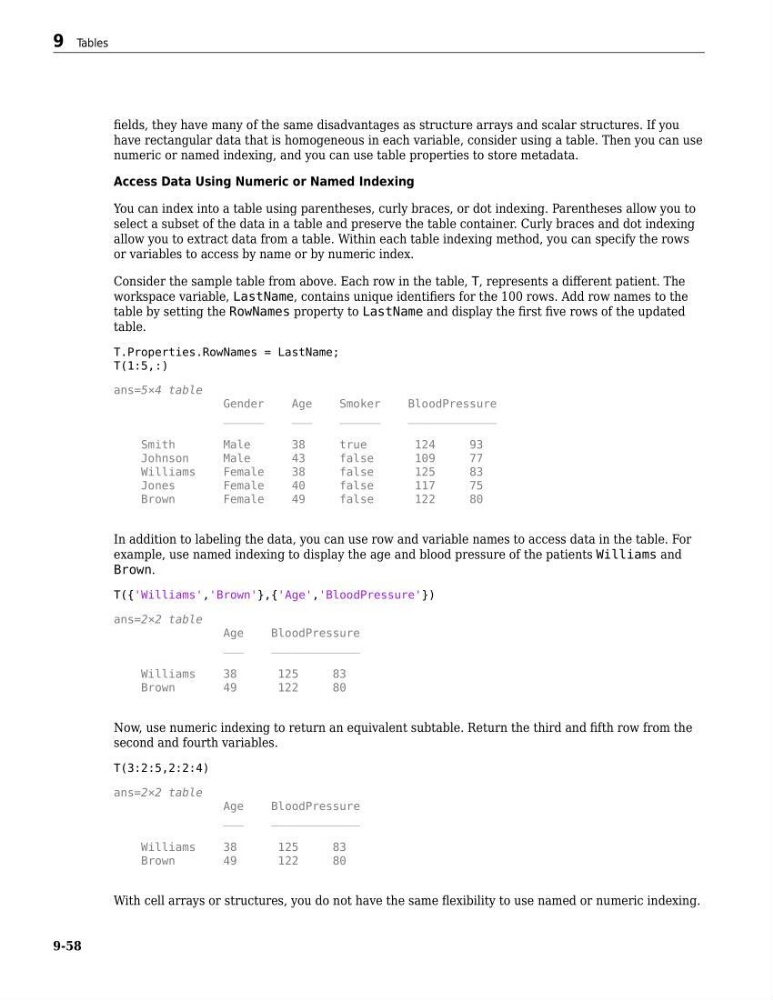
Consider the sample table from above. Each row in the table, T, represents a different patient. The
workspace variable, LastName, contains unique identifiers for the 100 rows. Add row names to the
table by setting the RowNames property to LastName and display the first five rows of the updated
table.
T.Properties.RowNames = LastName;
T(1:5,:)
ans=5×4 table
Gender
Age
Smoker
BloodPressure
______
___
______
_____________
Smith
Male
38
true
124
93
Johnson
Male
43
false
109
77
Williams
Female
38
false
125
83
Jones
Female
40
false
117
75
Brown
Female
49
false
122
80
In addition to labeling the data, you can use row and variable names to access data in the table. For
example, use named indexing to display the age and blood pressure of the patients Williams and
Brown.
T({'Williams','Brown'},{'Age','BloodPressure'})
ans=2×2 table
Age
BloodPressure
___
_____________
Williams
38
125
83
Brown
49
122
80
Now, use numeric indexing to return an equivalent subtable. Return the third and fifth row from the
second and fourth variables.
T(3:2:5,2:2:4)
ans=2×2 table
Age
BloodPressure
___
_____________
Williams
38
125
83
Brown
49
122
80
With cell arrays or structures, you do not have the same flexibility to use named or numeric indexing.
9 Tables
9-58
have rectangular data that is homogeneous in each variable, consider using a table. Then you can use
numeric or named indexing, and you can use table properties to store metadata.
Access Data Using Numeric or Named Indexing
You can index into a table using parentheses, curly braces, or dot indexing. Parentheses allow you to
select a subset of the data in a table and preserve the table container. Curly braces and dot indexing
allow you to extract data from a table. Within each table indexing method, you can specify the rows
or variables to access by name or by numeric index.
Consider the sample table from above. Each row in the table, T, represents a different patient. The
workspace variable, LastName, contains unique identifiers for the 100 rows. Add row names to the
table by setting the RowNames property to LastName and display the first five rows of the updated
table.
T.Properties.RowNames = LastName;
T(1:5,:)
ans=5×4 table
Gender
Age
Smoker
BloodPressure
______
___
______
_____________
Smith
Male
38
true
124
93
Johnson
Male
43
false
109
77
Williams
Female
38
false
125
83
Jones
Female
40
false
117
75
Brown
Female
49
false
122
80
In addition to labeling the data, you can use row and variable names to access data in the table. For
example, use named indexing to display the age and blood pressure of the patients Williams and
Brown.
T({'Williams','Brown'},{'Age','BloodPressure'})
ans=2×2 table
Age
BloodPressure
___
_____________
Williams
38
125
83
Brown
49
122
80
Now, use numeric indexing to return an equivalent subtable. Return the third and fifth row from the
second and fourth variables.
T(3:2:5,2:2:4)
ans=2×2 table
Age
BloodPressure
___
_____________
Williams
38
125
83
Brown
49
122
80
With cell arrays or structures, you do not have the same flexibility to use named or numeric indexing.
9 Tables
9-58