

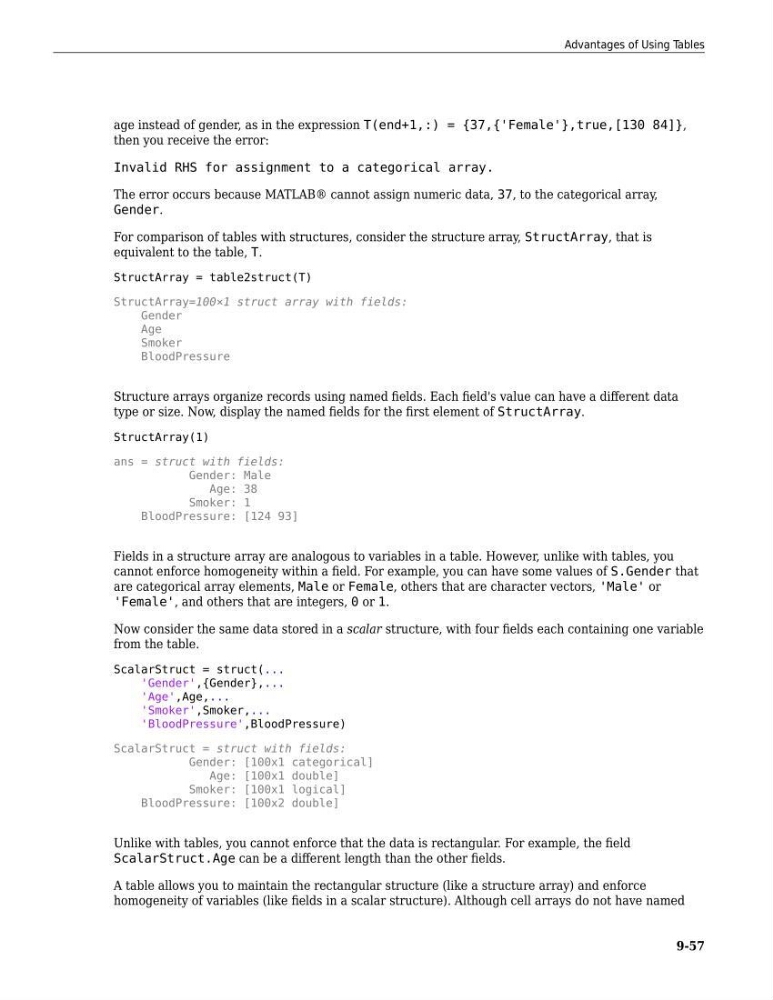
age instead of gender, as in the expression T(end+1,:) = {37,{'Female'},true,[130 84]},
then you receive the error:
Invalid RHS for assignment to a categorical array.
The error occurs because MATLAB® cannot assign numeric data, 37, to the categorical array,
Gender.
For comparison of tables with structures, consider the structure array, StructArray, that is
equivalent to the table, T.
StructArray = table2struct(T)
StructArray=100×1 struct array with fields:
Gender
Age
Smoker
BloodPressure
Structure arrays organize records using named fields. Each field's value can have a different data
type or size. Now, display the named fields for the first element of StructArray.
StructArray(1)
ans = struct with fields:
Gender: Male
Age: 38
Smoker: 1
BloodPressure: [124 93]
Fields in a structure array are analogous to variables in a table. However, unlike with tables, you
cannot enforce homogeneity within a field. For example, you can have some values of S.Gender that
are categorical array elements, Male or Female, others that are character vectors, 'Male' or
'Female', and others that are integers, 0 or 1.
Now consider the same data stored in a scalar structure, with four fields each containing one variable
from the table.
ScalarStruct = struct(...
'Gender',{Gender},...
'Age',Age,...
'Smoker',Smoker,...
'BloodPressure',BloodPressure)
ScalarStruct = struct with fields:
Gender: [100x1 categorical]
Age: [100x1 double]
Smoker: [100x1 logical]
BloodPressure: [100x2 double]
Unlike with tables, you cannot enforce that the data is rectangular. For example, the field
ScalarStruct.Age can be a different length than the other fields.
A table allows you to maintain the rectangular structure (like a structure array) and enforce
homogeneity of variables (like fields in a scalar structure). Although cell arrays do not have named
Advantages of Using Tables
9-57
then you receive the error:
Invalid RHS for assignment to a categorical array.
The error occurs because MATLAB® cannot assign numeric data, 37, to the categorical array,
Gender.
For comparison of tables with structures, consider the structure array, StructArray, that is
equivalent to the table, T.
StructArray = table2struct(T)
StructArray=100×1 struct array with fields:
Gender
Age
Smoker
BloodPressure
Structure arrays organize records using named fields. Each field's value can have a different data
type or size. Now, display the named fields for the first element of StructArray.
StructArray(1)
ans = struct with fields:
Gender: Male
Age: 38
Smoker: 1
BloodPressure: [124 93]
Fields in a structure array are analogous to variables in a table. However, unlike with tables, you
cannot enforce homogeneity within a field. For example, you can have some values of S.Gender that
are categorical array elements, Male or Female, others that are character vectors, 'Male' or
'Female', and others that are integers, 0 or 1.
Now consider the same data stored in a scalar structure, with four fields each containing one variable
from the table.
ScalarStruct = struct(...
'Gender',{Gender},...
'Age',Age,...
'Smoker',Smoker,...
'BloodPressure',BloodPressure)
ScalarStruct = struct with fields:
Gender: [100x1 categorical]
Age: [100x1 double]
Smoker: [100x1 logical]
BloodPressure: [100x2 double]
Unlike with tables, you cannot enforce that the data is rectangular. For example, the field
ScalarStruct.Age can be a different length than the other fields.
A table allows you to maintain the rectangular structure (like a structure array) and enforce
homogeneity of variables (like fields in a scalar structure). Although cell arrays do not have named
Advantages of Using Tables
9-57