

• With a cell array, you must use strcmp to find desired named data, and then you can index into
the array.
• With a scalar structure or structure array, it is not possible to refer to a field by number.
Furthermore, with a scalar structure, you cannot easily select a subset of variables or a subset of
observations. With a structure array, you can select a subset of observations, but you cannot select
a subset of variables.
• With a table, you can access data by named index or by numeric index. Furthermore, you can
easily select a subset of variables and a subset of rows.
For more information on table indexing, see “Access Data in Tables” on page 9-32.
Use Table Properties to Store Metadata
In addition to storing data, tables have properties to store metadata, such as variable names, row
names, descriptions, and variable units. You can access a property using T.Properties.PropName,
where T is the name of the table and PropName is one of the table properties.
For example, add a table description, variable descriptions, and variable units for Age.
T.Properties.Description = 'Simulated Patient Data';
T.Properties.VariableDescriptions = ...
{'Male or Female' ...
'' ...
'true or false' ...
'Systolic/Diastolic'};
T.Properties.VariableUnits{'Age'} = 'Yrs';
Individual empty character vectors within the cell array for VariableDescriptions indicate that
the corresponding variable does not have a description. For more information, see the Properties
section of table.
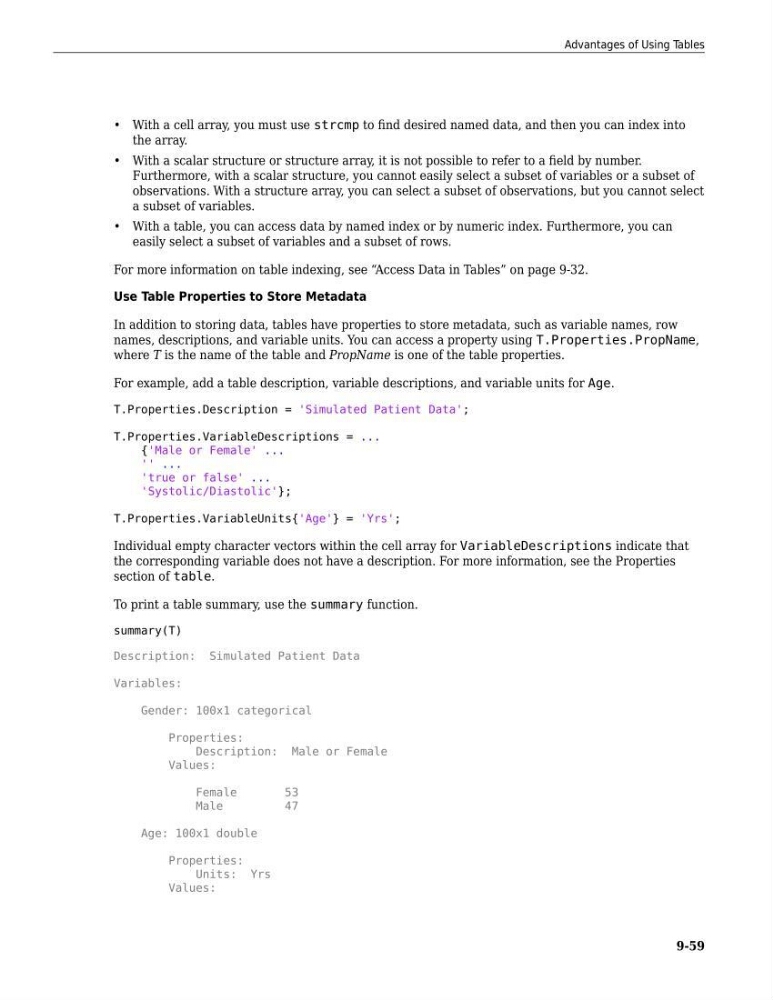
To print a table summary, use the summary function.
summary(T)
Description: Simulated Patient Data
Variables:
Gender: 100x1 categorical
Properties:
Description: Male or Female
Values:
Female
53
Male
47
Age: 100x1 double
Properties:
Units: Yrs
Values:
Advantages of Using Tables
9-59
the array.
• With a scalar structure or structure array, it is not possible to refer to a field by number.
Furthermore, with a scalar structure, you cannot easily select a subset of variables or a subset of
observations. With a structure array, you can select a subset of observations, but you cannot select
a subset of variables.
• With a table, you can access data by named index or by numeric index. Furthermore, you can
easily select a subset of variables and a subset of rows.
For more information on table indexing, see “Access Data in Tables” on page 9-32.
Use Table Properties to Store Metadata
In addition to storing data, tables have properties to store metadata, such as variable names, row
names, descriptions, and variable units. You can access a property using T.Properties.PropName,
where T is the name of the table and PropName is one of the table properties.
For example, add a table description, variable descriptions, and variable units for Age.
T.Properties.Description = 'Simulated Patient Data';
T.Properties.VariableDescriptions = ...
{'Male or Female' ...
'' ...
'true or false' ...
'Systolic/Diastolic'};
T.Properties.VariableUnits{'Age'} = 'Yrs';
Individual empty character vectors within the cell array for VariableDescriptions indicate that
the corresponding variable does not have a description. For more information, see the Properties
section of table.
To print a table summary, use the summary function.
summary(T)
Description: Simulated Patient Data
Variables:
Gender: 100x1 categorical
Properties:
Description: Male or Female
Values:
Female
53
Male
47
Age: 100x1 double
Properties:
Units: Yrs
Values:
Advantages of Using Tables
9-59