

• A number that indicates the position of the variable in the table.
• A variable name that isn't a valid MATLAB identifier.
• A function whose output is the name of a variable in the table, or a variable you add to the table.
The output of the function must be a character vector or a string scalar.
For example, create a table from the patients MAT-file. Then use dot notation to access the
contents of table variables.
load patients
T = table(Age,Gender,Height,Weight,Smoker,...
'RowNames',LastName);
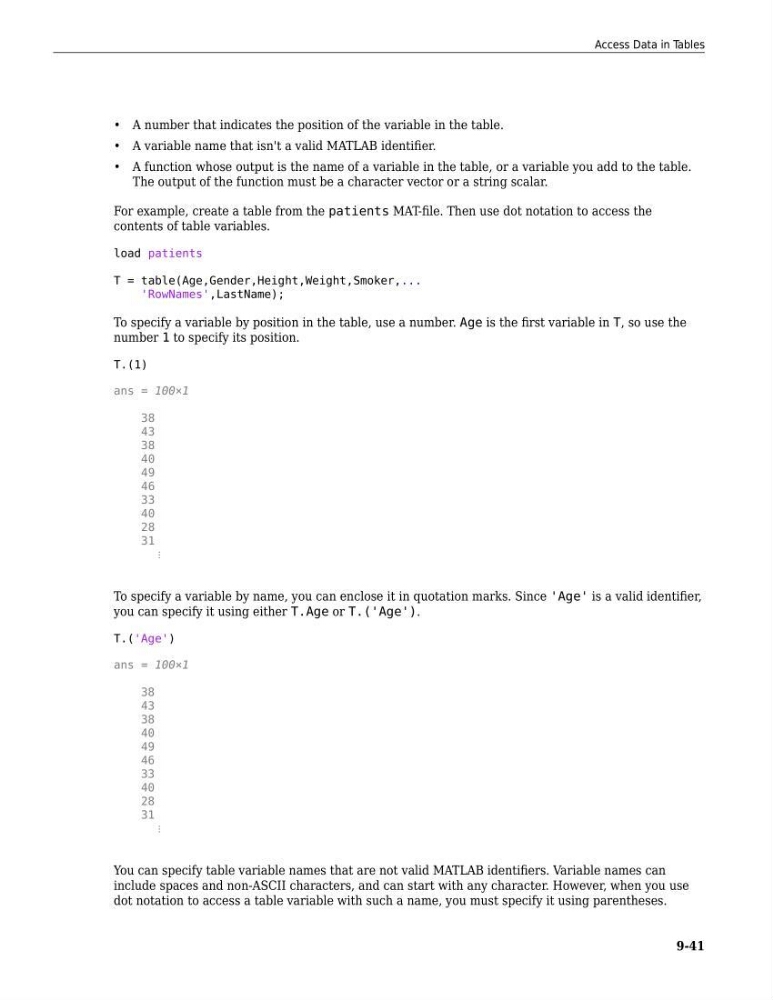
To specify a variable by position in the table, use a number. Age is the first variable in T, so use the
number 1 to specify its position.
T.(1)
ans = 100×1
38
43
38
40
49
46
33
40
28
31
⋮
To specify a variable by name, you can enclose it in quotation marks. Since 'Age' is a valid identifier,
you can specify it using either T.Age or T.('Age').
T.('Age')
ans = 100×1
38
43
38
40
49
46
33
40
28
31
⋮
You can specify table variable names that are not valid MATLAB identifiers. Variable names can
include spaces and non-ASCII characters, and can start with any character. However, when you use
dot notation to access a table variable with such a name, you must specify it using parentheses.
Access Data in Tables
9-41
• A variable name that isn't a valid MATLAB identifier.
• A function whose output is the name of a variable in the table, or a variable you add to the table.
The output of the function must be a character vector or a string scalar.
For example, create a table from the patients MAT-file. Then use dot notation to access the
contents of table variables.
load patients
T = table(Age,Gender,Height,Weight,Smoker,...
'RowNames',LastName);
To specify a variable by position in the table, use a number. Age is the first variable in T, so use the
number 1 to specify its position.
T.(1)
ans = 100×1
38
43
38
40
49
46
33
40
28
31
⋮
To specify a variable by name, you can enclose it in quotation marks. Since 'Age' is a valid identifier,
you can specify it using either T.Age or T.('Age').
T.('Age')
ans = 100×1
38
43
38
40
49
46
33
40
28
31
⋮
You can specify table variable names that are not valid MATLAB identifiers. Variable names can
include spaces and non-ASCII characters, and can start with any character. However, when you use
dot notation to access a table variable with such a name, you must specify it using parentheses.
Access Data in Tables
9-41