

Taylor
31
{'Female'}
66
132
false
Jackson
25
{'Male' }
71
174
false
White
39
{'Male' }
72
202
true
Harris
36
{'Female'}
65
129
false
Thompson
32
{'Male' }
69
191
true
Garcia
27
{'Female'}
69
131
true
Martinez
37
{'Male' }
70
179
false
Rodriguez
39
{'Female'}
64
117
false
Walker
28
{'Female'}
65
123
true
Hall
25
{'Male' }
70
189
false
Allen
39
{'Female'}
63
143
false
Young
25
{'Female'}
63
114
false
⋮
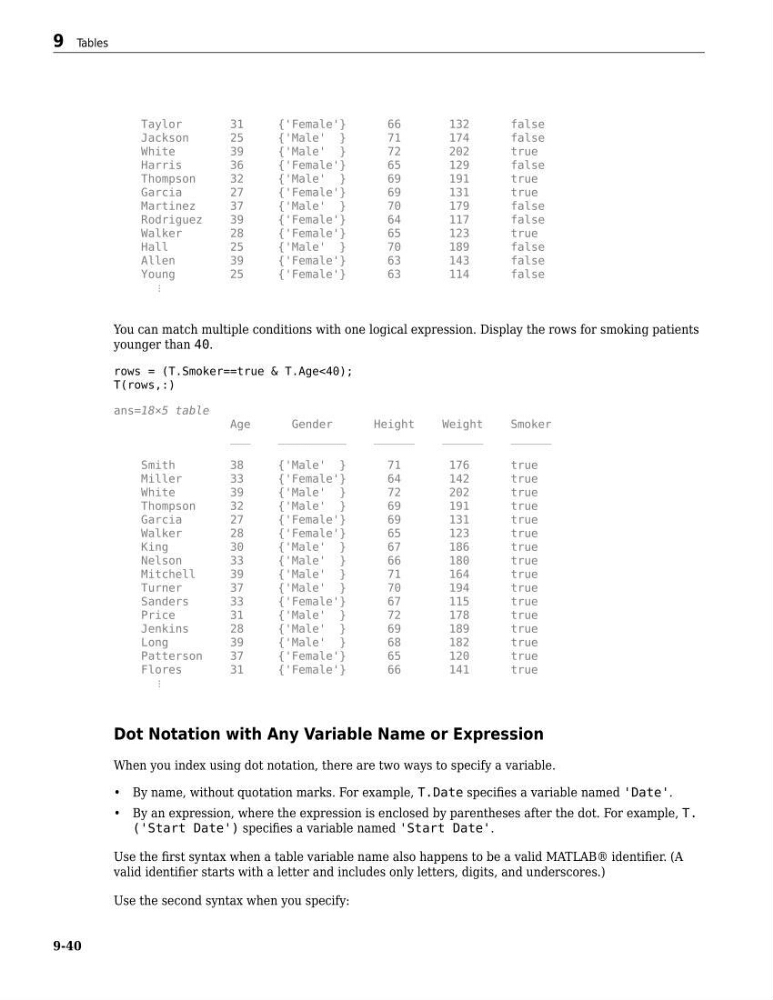
You can match multiple conditions with one logical expression. Display the rows for smoking patients
younger than 40.
rows = (T.Smoker==true & T.Age<40);
T(rows,:)
ans=18×5 table
Age
Gender
Height
Weight
Smoker
___
__________
______
______
______
Smith
38
{'Male' }
71
176
true
Miller
33
{'Female'}
64
142
true
White
39
{'Male' }
72
202
true
Thompson
32
{'Male' }
69
191
true
Garcia
27
{'Female'}
69
131
true
Walker
28
{'Female'}
65
123
true
King
30
{'Male' }
67
186
true
Nelson
33
{'Male' }
66
180
true
Mitchell
39
{'Male' }
71
164
true
Turner
37
{'Male' }
70
194
true
Sanders
33
{'Female'}
67
115
true
Price
31
{'Male' }
72
178
true
Jenkins
28
{'Male' }
69
189
true
Long
39
{'Male' }
68
182
true
Patterson
37
{'Female'}
65
120
true
Flores
31
{'Female'}
66
141
true
⋮
Dot Notation with Any Variable Name or Expression
When you index using dot notation, there are two ways to specify a variable.
• By name, without quotation marks. For example, T.Date specifies a variable named 'Date'.
• By an expression, where the expression is enclosed by parentheses after the dot. For example, T.
('Start Date') specifies a variable named 'Start Date'.
Use the first syntax when a table variable name also happens to be a valid MATLAB® identifier. (A
valid identifier starts with a letter and includes only letters, digits, and underscores.)
Use the second syntax when you specify:
9 Tables
9-40
31
{'Female'}
66
132
false
Jackson
25
{'Male' }
71
174
false
White
39
{'Male' }
72
202
true
Harris
36
{'Female'}
65
129
false
Thompson
32
{'Male' }
69
191
true
Garcia
27
{'Female'}
69
131
true
Martinez
37
{'Male' }
70
179
false
Rodriguez
39
{'Female'}
64
117
false
Walker
28
{'Female'}
65
123
true
Hall
25
{'Male' }
70
189
false
Allen
39
{'Female'}
63
143
false
Young
25
{'Female'}
63
114
false
⋮
You can match multiple conditions with one logical expression. Display the rows for smoking patients
younger than 40.
rows = (T.Smoker==true & T.Age<40);
T(rows,:)
ans=18×5 table
Age
Gender
Height
Weight
Smoker
___
__________
______
______
______
Smith
38
{'Male' }
71
176
true
Miller
33
{'Female'}
64
142
true
White
39
{'Male' }
72
202
true
Thompson
32
{'Male' }
69
191
true
Garcia
27
{'Female'}
69
131
true
Walker
28
{'Female'}
65
123
true
King
30
{'Male' }
67
186
true
Nelson
33
{'Male' }
66
180
true
Mitchell
39
{'Male' }
71
164
true
Turner
37
{'Male' }
70
194
true
Sanders
33
{'Female'}
67
115
true
Price
31
{'Male' }
72
178
true
Jenkins
28
{'Male' }
69
189
true
Long
39
{'Male' }
68
182
true
Patterson
37
{'Female'}
65
120
true
Flores
31
{'Female'}
66
141
true
⋮
Dot Notation with Any Variable Name or Expression
When you index using dot notation, there are two ways to specify a variable.
• By name, without quotation marks. For example, T.Date specifies a variable named 'Date'.
• By an expression, where the expression is enclosed by parentheses after the dot. For example, T.
('Start Date') specifies a variable named 'Start Date'.
Use the first syntax when a table variable name also happens to be a valid MATLAB® identifier. (A
valid identifier starts with a letter and includes only letters, digits, and underscores.)
Use the second syntax when you specify:
9 Tables
9-40