

"Wu"
"923.71"
T.Balance = str2double(T.Balance)
T=3×2 table
Customer
Balance
_________
_______
"Diaz"
13790
"Johnson"
2456.1
"Wu"
923.71
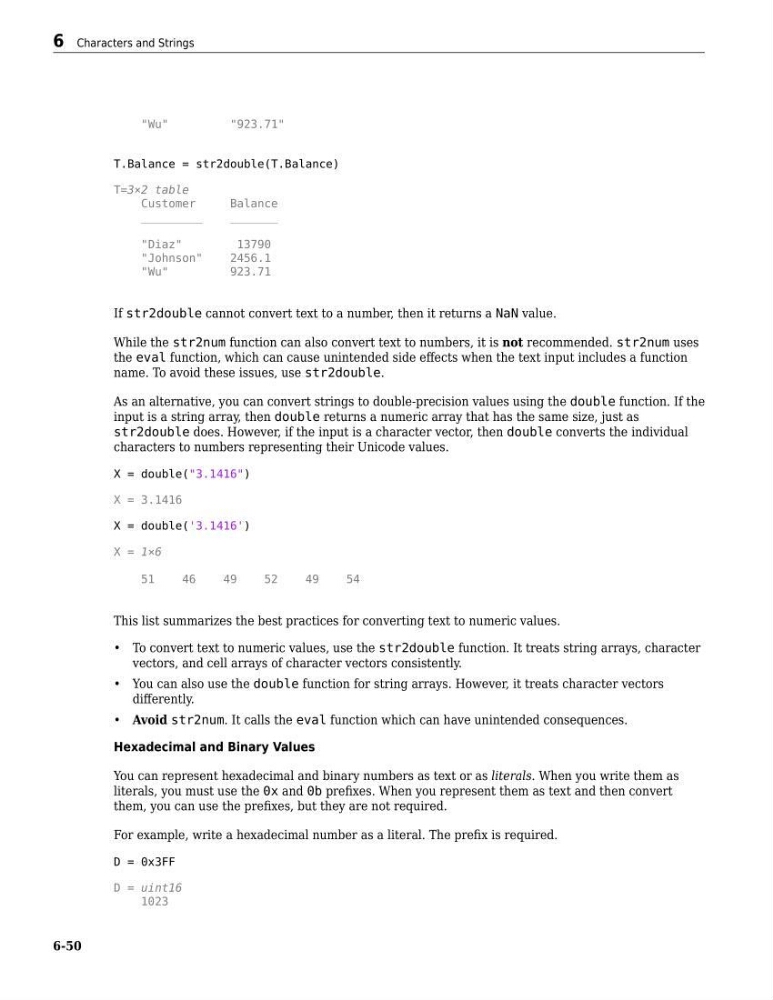
If str2double cannot convert text to a number, then it returns a NaN value.
While the str2num function can also convert text to numbers, it is not recommended. str2num uses
the eval function, which can cause unintended side effects when the text input includes a function
name. To avoid these issues, use str2double.
As an alternative, you can convert strings to double-precision values using the double function. If the
input is a string array, then double returns a numeric array that has the same size, just as
str2double does. However, if the input is a character vector, then double converts the individual
characters to numbers representing their Unicode values.
X = double("3.1416")
X = 3.1416
X = double('3.1416')
X = 1×6
51
46
49
52
49
54
This list summarizes the best practices for converting text to numeric values.
• To convert text to numeric values, use the str2double function. It treats string arrays, character
vectors, and cell arrays of character vectors consistently.
• You can also use the double function for string arrays. However, it treats character vectors
differently.
• Avoid str2num. It calls the eval function which can have unintended consequences.
Hexadecimal and Binary Values
You can represent hexadecimal and binary numbers as text or as literals. When you write them as
literals, you must use the 0x and 0b prefixes. When you represent them as text and then convert
them, you can use the prefixes, but they are not required.
For example, write a hexadecimal number as a literal. The prefix is required.
D = 0x3FF
D = uint16
1023
6 Characters and Strings
6-50
"923.71"
T.Balance = str2double(T.Balance)
T=3×2 table
Customer
Balance
_________
_______
"Diaz"
13790
"Johnson"
2456.1
"Wu"
923.71
If str2double cannot convert text to a number, then it returns a NaN value.
While the str2num function can also convert text to numbers, it is not recommended. str2num uses
the eval function, which can cause unintended side effects when the text input includes a function
name. To avoid these issues, use str2double.
As an alternative, you can convert strings to double-precision values using the double function. If the
input is a string array, then double returns a numeric array that has the same size, just as
str2double does. However, if the input is a character vector, then double converts the individual
characters to numbers representing their Unicode values.
X = double("3.1416")
X = 3.1416
X = double('3.1416')
X = 1×6
51
46
49
52
49
54
This list summarizes the best practices for converting text to numeric values.
• To convert text to numeric values, use the str2double function. It treats string arrays, character
vectors, and cell arrays of character vectors consistently.
• You can also use the double function for string arrays. However, it treats character vectors
differently.
• Avoid str2num. It calls the eval function which can have unintended consequences.
Hexadecimal and Binary Values
You can represent hexadecimal and binary numbers as text or as literals. When you write them as
literals, you must use the 0x and 0b prefixes. When you represent them as text and then convert
them, you can use the prefixes, but they are not required.
For example, write a hexadecimal number as a literal. The prefix is required.
D = 0x3FF
D = uint16
1023
6 Characters and Strings
6-50