

Convert Text to Numeric Values
This example shows how to convert text to the numeric values that it represents. Typically, you need
to perform such conversions when you have text that represents numbers to be plotted or used in
calculations. For example, the text might come from a text file or spreadsheet. If you did not already
convert it to numeric values when importing it into MATLAB®, you can use the functions shown in
this example.
You can convert string arrays, character vectors, and cell arrays of character vectors to numeric
values. Text can represent hexadecimal or binary values, though when you convert them to numbers
they are stored as decimal values. You can also convert text representing dates and time to
datetime or duration values, which can be treated like numeric values.
Double-Precision Values
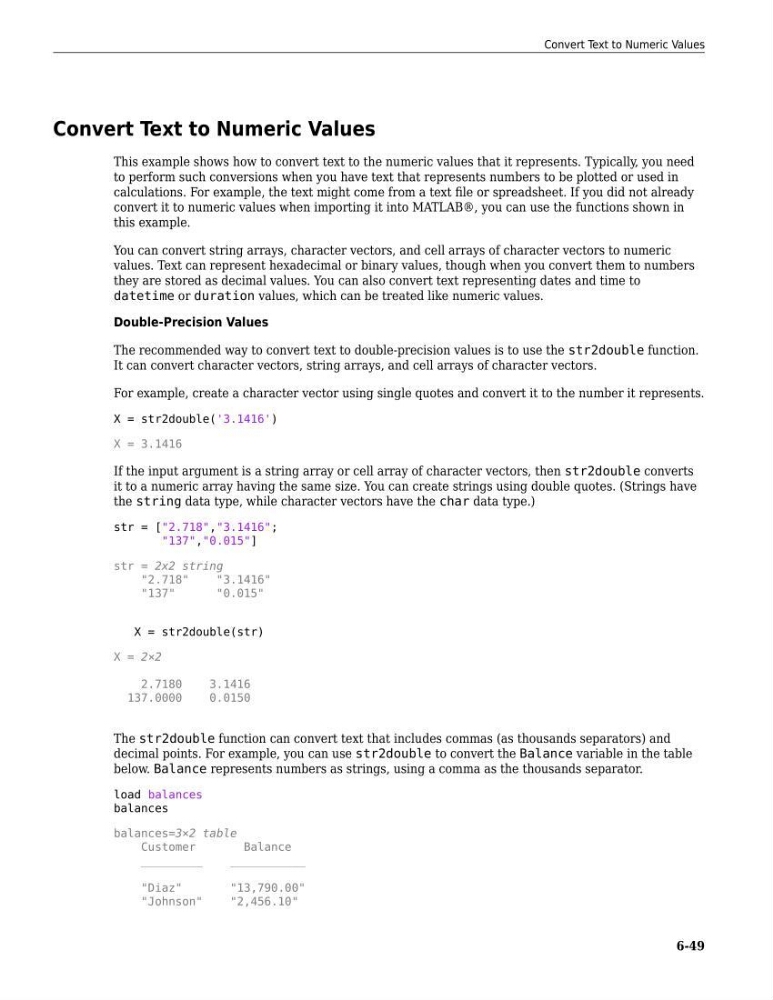
The recommended way to convert text to double-precision values is to use the str2double function.
It can convert character vectors, string arrays, and cell arrays of character vectors.
For example, create a character vector using single quotes and convert it to the number it represents.
X = str2double('3.1416')
X = 3.1416
If the input argument is a string array or cell array of character vectors, then str2double converts
it to a numeric array having the same size. You can create strings using double quotes. (Strings have
the string data type, while character vectors have the char data type.)
str = ["2.718","3.1416";
"137","0.015"]
str = 2x2 string
"2.718"
"3.1416"
"137"
"0.015"
X = str2double(str)
X = 2×2
2.7180
3.1416
137.0000
0.0150
The str2double function can convert text that includes commas (as thousands separators) and
decimal points. For example, you can use str2double to convert the Balance variable in the table
below. Balance represents numbers as strings, using a comma as the thousands separator.
load balances
balances
balances=3×2 table
Customer
Balance
_________
___________
"Diaz"
"13,790.00"
"Johnson"
"2,456.10"
Convert Text to Numeric Values
6-49
This example shows how to convert text to the numeric values that it represents. Typically, you need
to perform such conversions when you have text that represents numbers to be plotted or used in
calculations. For example, the text might come from a text file or spreadsheet. If you did not already
convert it to numeric values when importing it into MATLAB®, you can use the functions shown in
this example.
You can convert string arrays, character vectors, and cell arrays of character vectors to numeric
values. Text can represent hexadecimal or binary values, though when you convert them to numbers
they are stored as decimal values. You can also convert text representing dates and time to
datetime or duration values, which can be treated like numeric values.
Double-Precision Values
The recommended way to convert text to double-precision values is to use the str2double function.
It can convert character vectors, string arrays, and cell arrays of character vectors.
For example, create a character vector using single quotes and convert it to the number it represents.
X = str2double('3.1416')
X = 3.1416
If the input argument is a string array or cell array of character vectors, then str2double converts
it to a numeric array having the same size. You can create strings using double quotes. (Strings have
the string data type, while character vectors have the char data type.)
str = ["2.718","3.1416";
"137","0.015"]
str = 2x2 string
"2.718"
"3.1416"
"137"
"0.015"
X = str2double(str)
X = 2×2
2.7180
3.1416
137.0000
0.0150
The str2double function can convert text that includes commas (as thousands separators) and
decimal points. For example, you can use str2double to convert the Balance variable in the table
below. Balance represents numbers as strings, using a comma as the thousands separator.
load balances
balances
balances=3×2 table
Customer
Balance
_________
___________
"Diaz"
"13,790.00"
"Johnson"
"2,456.10"
Convert Text to Numeric Values
6-49