

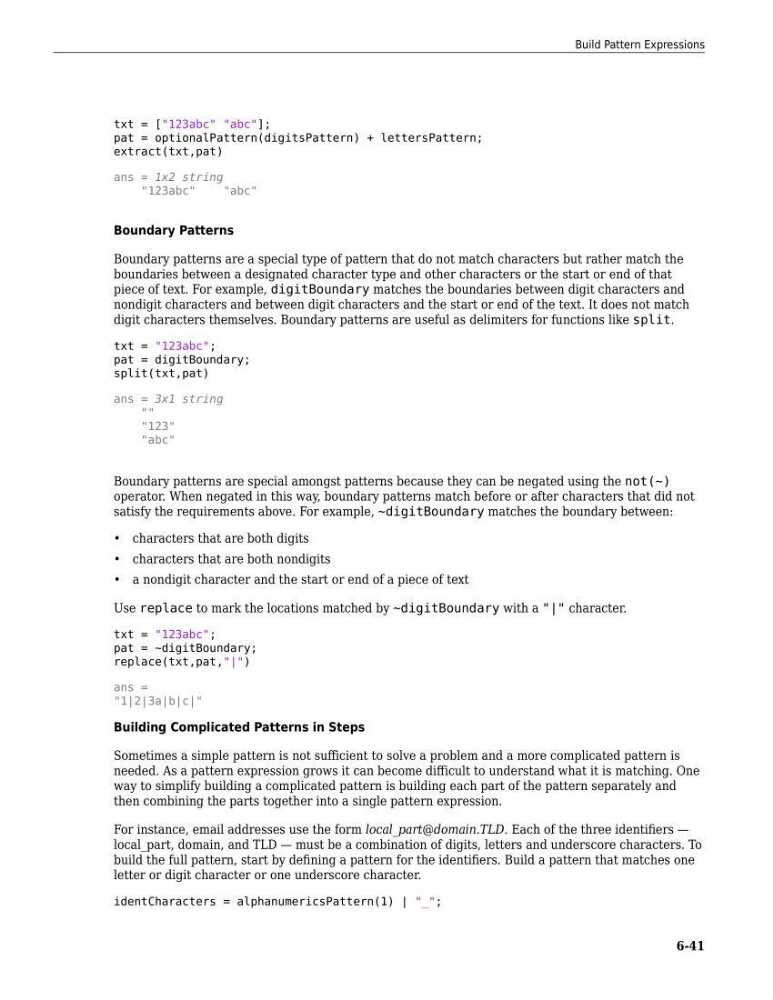
txt = ["123abc" "abc"];
pat = optionalPattern(digitsPattern) + lettersPattern;
extract(txt,pat)
ans = 1x2 string
"123abc"
"abc"
Boundary Patterns
Boundary patterns are a special type of pattern that do not match characters but rather match the
boundaries between a designated character type and other characters or the start or end of that
piece of text. For example, digitBoundary matches the boundaries between digit characters and
nondigit characters and between digit characters and the start or end of the text. It does not match
digit characters themselves. Boundary patterns are useful as delimiters for functions like split.
txt = "123abc";
pat = digitBoundary;
split(txt,pat)
ans = 3x1 string
""
"123"
"abc"
Boundary patterns are special amongst patterns because they can be negated using the not(~)
operator. When negated in this way, boundary patterns match before or after characters that did not
satisfy the requirements above. For example, ~digitBoundary matches the boundary between:
• characters that are both digits
• characters that are both nondigits
• a nondigit character and the start or end of a piece of text
Use replace to mark the locations matched by ~digitBoundary with a "|" character.
txt = "123abc";
pat = ~digitBoundary;
replace(txt,pat,"|")
ans =
"1|2|3a|b|c|"
Building Complicated Patterns in Steps
Sometimes a simple pattern is not sufficient to solve a problem and a more complicated pattern is
needed. As a pattern expression grows it can become difficult to understand what it is matching. One
way to simplify building a complicated pattern is building each part of the pattern separately and
then combining the parts together into a single pattern expression.
For instance, email addresses use the form local_part@domain.TLD. Each of the three identifiers —
local_part, domain, and TLD — must be a combination of digits, letters and underscore characters. To
build the full pattern, start by defining a pattern for the identifiers. Build a pattern that matches one
letter or digit character or one underscore character.
identCharacters = alphanumericsPattern(1) | "_";
Build Pattern Expressions
6-41
pat = optionalPattern(digitsPattern) + lettersPattern;
extract(txt,pat)
ans = 1x2 string
"123abc"
"abc"
Boundary Patterns
Boundary patterns are a special type of pattern that do not match characters but rather match the
boundaries between a designated character type and other characters or the start or end of that
piece of text. For example, digitBoundary matches the boundaries between digit characters and
nondigit characters and between digit characters and the start or end of the text. It does not match
digit characters themselves. Boundary patterns are useful as delimiters for functions like split.
txt = "123abc";
pat = digitBoundary;
split(txt,pat)
ans = 3x1 string
""
"123"
"abc"
Boundary patterns are special amongst patterns because they can be negated using the not(~)
operator. When negated in this way, boundary patterns match before or after characters that did not
satisfy the requirements above. For example, ~digitBoundary matches the boundary between:
• characters that are both digits
• characters that are both nondigits
• a nondigit character and the start or end of a piece of text
Use replace to mark the locations matched by ~digitBoundary with a "|" character.
txt = "123abc";
pat = ~digitBoundary;
replace(txt,pat,"|")
ans =
"1|2|3a|b|c|"
Building Complicated Patterns in Steps
Sometimes a simple pattern is not sufficient to solve a problem and a more complicated pattern is
needed. As a pattern expression grows it can become difficult to understand what it is matching. One
way to simplify building a complicated pattern is building each part of the pattern separately and
then combining the parts together into a single pattern expression.
For instance, email addresses use the form local_part@domain.TLD. Each of the three identifiers —
local_part, domain, and TLD — must be a combination of digits, letters and underscore characters. To
build the full pattern, start by defining a pattern for the identifiers. Build a pattern that matches one
letter or digit character or one underscore character.
identCharacters = alphanumericsPattern(1) | "_";
Build Pattern Expressions
6-41