

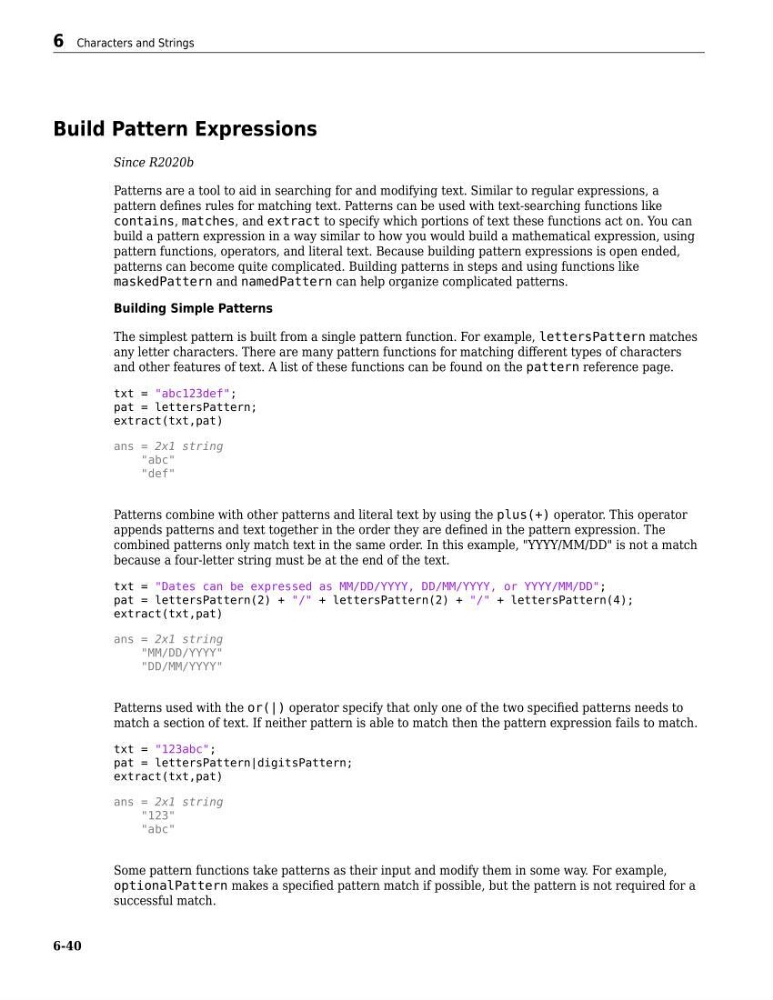
Build Pattern Expressions
Since R2020b
Patterns are a tool to aid in searching for and modifying text. Similar to regular expressions, a
pattern defines rules for matching text. Patterns can be used with text-searching functions like
contains, matches, and extract to specify which portions of text these functions act on. You can
build a pattern expression in a way similar to how you would build a mathematical expression, using
pattern functions, operators, and literal text. Because building pattern expressions is open ended,
patterns can become quite complicated. Building patterns in steps and using functions like
maskedPattern and namedPattern can help organize complicated patterns.
Building Simple Patterns
The simplest pattern is built from a single pattern function. For example, lettersPattern matches
any letter characters. There are many pattern functions for matching different types of characters
and other features of text. A list of these functions can be found on the pattern reference page.
txt = "abc123def";
pat = lettersPattern;
extract(txt,pat)
ans = 2x1 string
"abc"
"def"
Patterns combine with other patterns and literal text by using the plus(+) operator. This operator
appends patterns and text together in the order they are defined in the pattern expression. The
combined patterns only match text in the same order. In this example, "YYYY/MM/DD" is not a match
because a four-letter string must be at the end of the text.
txt = "Dates can be expressed as MM/DD/YYYY, DD/MM/YYYY, or YYYY/MM/DD";
pat = lettersPattern(2) + "/" + lettersPattern(2) + "/" + lettersPattern(4);
extract(txt,pat)
ans = 2x1 string
"MM/DD/YYYY"
"DD/MM/YYYY"
Patterns used with the or(|) operator specify that only one of the two specified patterns needs to
match a section of text. If neither pattern is able to match then the pattern expression fails to match.
txt = "123abc";
pat = lettersPattern|digitsPattern;
extract(txt,pat)
ans = 2x1 string
"123"
"abc"
Some pattern functions take patterns as their input and modify them in some way. For example,
optionalPattern makes a specified pattern match if possible, but the pattern is not required for a
successful match.
6 Characters and Strings
6-40
Since R2020b
Patterns are a tool to aid in searching for and modifying text. Similar to regular expressions, a
pattern defines rules for matching text. Patterns can be used with text-searching functions like
contains, matches, and extract to specify which portions of text these functions act on. You can
build a pattern expression in a way similar to how you would build a mathematical expression, using
pattern functions, operators, and literal text. Because building pattern expressions is open ended,
patterns can become quite complicated. Building patterns in steps and using functions like
maskedPattern and namedPattern can help organize complicated patterns.
Building Simple Patterns
The simplest pattern is built from a single pattern function. For example, lettersPattern matches
any letter characters. There are many pattern functions for matching different types of characters
and other features of text. A list of these functions can be found on the pattern reference page.
txt = "abc123def";
pat = lettersPattern;
extract(txt,pat)
ans = 2x1 string
"abc"
"def"
Patterns combine with other patterns and literal text by using the plus(+) operator. This operator
appends patterns and text together in the order they are defined in the pattern expression. The
combined patterns only match text in the same order. In this example, "YYYY/MM/DD" is not a match
because a four-letter string must be at the end of the text.
txt = "Dates can be expressed as MM/DD/YYYY, DD/MM/YYYY, or YYYY/MM/DD";
pat = lettersPattern(2) + "/" + lettersPattern(2) + "/" + lettersPattern(4);
extract(txt,pat)
ans = 2x1 string
"MM/DD/YYYY"
"DD/MM/YYYY"
Patterns used with the or(|) operator specify that only one of the two specified patterns needs to
match a section of text. If neither pattern is able to match then the pattern expression fails to match.
txt = "123abc";
pat = lettersPattern|digitsPattern;
extract(txt,pat)
ans = 2x1 string
"123"
"abc"
Some pattern functions take patterns as their input and modify them in some way. For example,
optionalPattern makes a specified pattern match if possible, but the pattern is not required for a
successful match.
6 Characters and Strings
6-40