

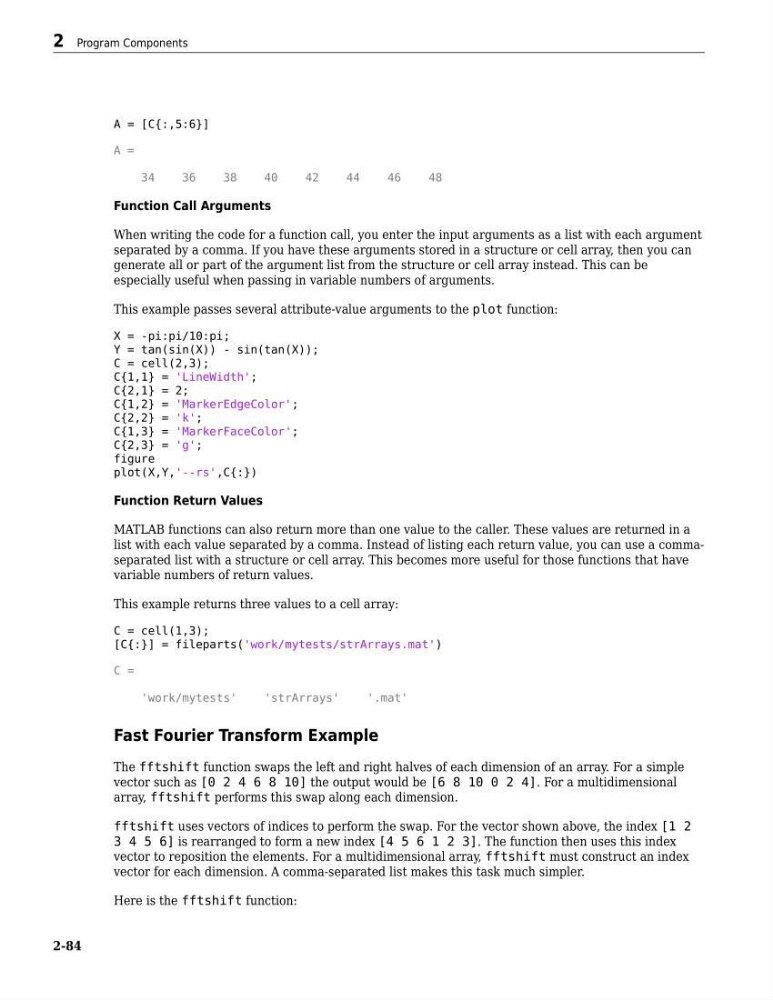
A = [C{:,5:6}]
A =
34
36
38
40
42
44
46
48
Function Call Arguments
When writing the code for a function call, you enter the input arguments as a list with each argument
separated by a comma. If you have these arguments stored in a structure or cell array, then you can
generate all or part of the argument list from the structure or cell array instead. This can be
especially useful when passing in variable numbers of arguments.
This example passes several attribute-value arguments to the plot function:
X = -pi:pi/10:pi;
Y = tan(sin(X)) - sin(tan(X));
C = cell(2,3);
C{1,1} = 'LineWidth';
C{2,1} = 2;
C{1,2} = 'MarkerEdgeColor';
C{2,2} = 'k';
C{1,3} = 'MarkerFaceColor';
C{2,3} = 'g';
figure
plot(X,Y,'--rs',C{:})
Function Return Values
MATLAB functions can also return more than one value to the caller. These values are returned in a
list with each value separated by a comma. Instead of listing each return value, you can use a commaseparated list with a structure or cell array. This becomes more useful for those functions that have
variable numbers of return values.
This example returns three values to a cell array:
C = cell(1,3);
[C{:}] = fileparts('work/mytests/strArrays.mat')
C =
'work/mytests'
'strArrays'
'.mat'
Fast Fourier Transform Example
The fftshift function swaps the left and right halves of each dimension of an array. For a simple
vector such as [0 2 4 6 8 10] the output would be [6 8 10 0 2 4]. For a multidimensional
array, fftshift performs this swap along each dimension.
fftshift uses vectors of indices to perform the swap. For the vector shown above, the index [1 2
3 4 5 6] is rearranged to form a new index [4 5 6 1 2 3]. The function then uses this index
vector to reposition the elements. For a multidimensional array, fftshift must construct an index
vector for each dimension. A comma-separated list makes this task much simpler.
Here is the fftshift function:
2 Program Components
2-84
A =
34
36
38
40
42
44
46
48
Function Call Arguments
When writing the code for a function call, you enter the input arguments as a list with each argument
separated by a comma. If you have these arguments stored in a structure or cell array, then you can
generate all or part of the argument list from the structure or cell array instead. This can be
especially useful when passing in variable numbers of arguments.
This example passes several attribute-value arguments to the plot function:
X = -pi:pi/10:pi;
Y = tan(sin(X)) - sin(tan(X));
C = cell(2,3);
C{1,1} = 'LineWidth';
C{2,1} = 2;
C{1,2} = 'MarkerEdgeColor';
C{2,2} = 'k';
C{1,3} = 'MarkerFaceColor';
C{2,3} = 'g';
figure
plot(X,Y,'--rs',C{:})
Function Return Values
MATLAB functions can also return more than one value to the caller. These values are returned in a
list with each value separated by a comma. Instead of listing each return value, you can use a commaseparated list with a structure or cell array. This becomes more useful for those functions that have
variable numbers of return values.
This example returns three values to a cell array:
C = cell(1,3);
[C{:}] = fileparts('work/mytests/strArrays.mat')
C =
'work/mytests'
'strArrays'
'.mat'
Fast Fourier Transform Example
The fftshift function swaps the left and right halves of each dimension of an array. For a simple
vector such as [0 2 4 6 8 10] the output would be [6 8 10 0 2 4]. For a multidimensional
array, fftshift performs this swap along each dimension.
fftshift uses vectors of indices to perform the swap. For the vector shown above, the index [1 2
3 4 5 6] is rearranged to form a new index [4 5 6 1 2 3]. The function then uses this index
vector to reposition the elements. For a multidimensional array, fftshift must construct an index
vector for each dimension. A comma-separated list makes this task much simpler.
Here is the fftshift function:
2 Program Components
2-84