

94
Chapter 4 Finding Your Location with the Global Positioning System
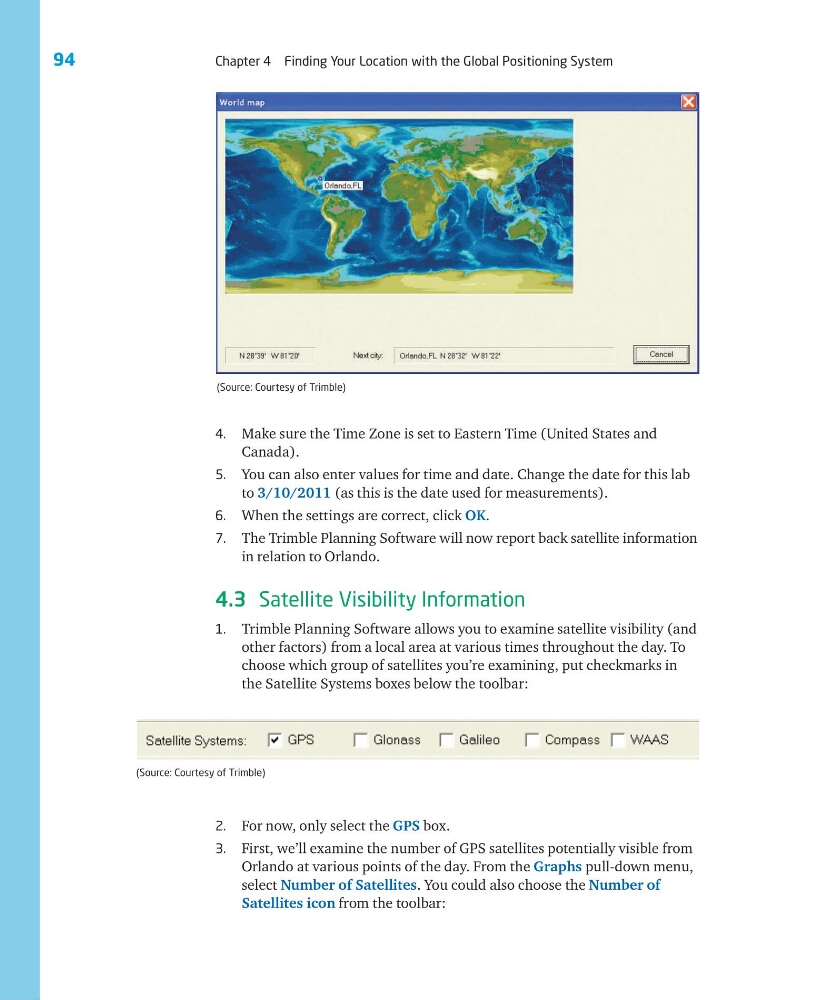
4. Make sure the Time Zone is set to Eastern Time (United States and
Canada).
5. You can also enter values for time and date. Change the date for this lab
to 3/10/2011 (as this is the date used for measurements).
6. When the settings are correct, click OK.
7. The Trimble Planning Software will now report back satellite information
in relation to Orlando.
4.3 Satellite Visibility Information
1. Trimble Planning Software allows you to examine satellite visibility (and
other factors) from a local area at various times throughout the day. To
choose which group of satellites you’re examining, put checkmarks in
the Satellite Systems boxes below the toolbar:
(Source: Courtesy of Trimble)
2. For now, only select the GPS box.
3. First, we’ll examine the number of GPS satellites potentially visible from
Orlando at various points of the day. From the Graphs pull-down menu,
select Number of Satellites. You could also choose the Number of
Satellites icon from the toolbar:
(Source: Courtesy of Trimble)
Chapter 4 Finding Your Location with the Global Positioning System
4. Make sure the Time Zone is set to Eastern Time (United States and
Canada).
5. You can also enter values for time and date. Change the date for this lab
to 3/10/2011 (as this is the date used for measurements).
6. When the settings are correct, click OK.
7. The Trimble Planning Software will now report back satellite information
in relation to Orlando.
4.3 Satellite Visibility Information
1. Trimble Planning Software allows you to examine satellite visibility (and
other factors) from a local area at various times throughout the day. To
choose which group of satellites you’re examining, put checkmarks in
the Satellite Systems boxes below the toolbar:
(Source: Courtesy of Trimble)
2. For now, only select the GPS box.
3. First, we’ll examine the number of GPS satellites potentially visible from
Orlando at various points of the day. From the Graphs pull-down menu,
select Number of Satellites. You could also choose the Number of
Satellites icon from the toolbar:
(Source: Courtesy of Trimble)