

Développement XNA pour la XBox et le PC
166
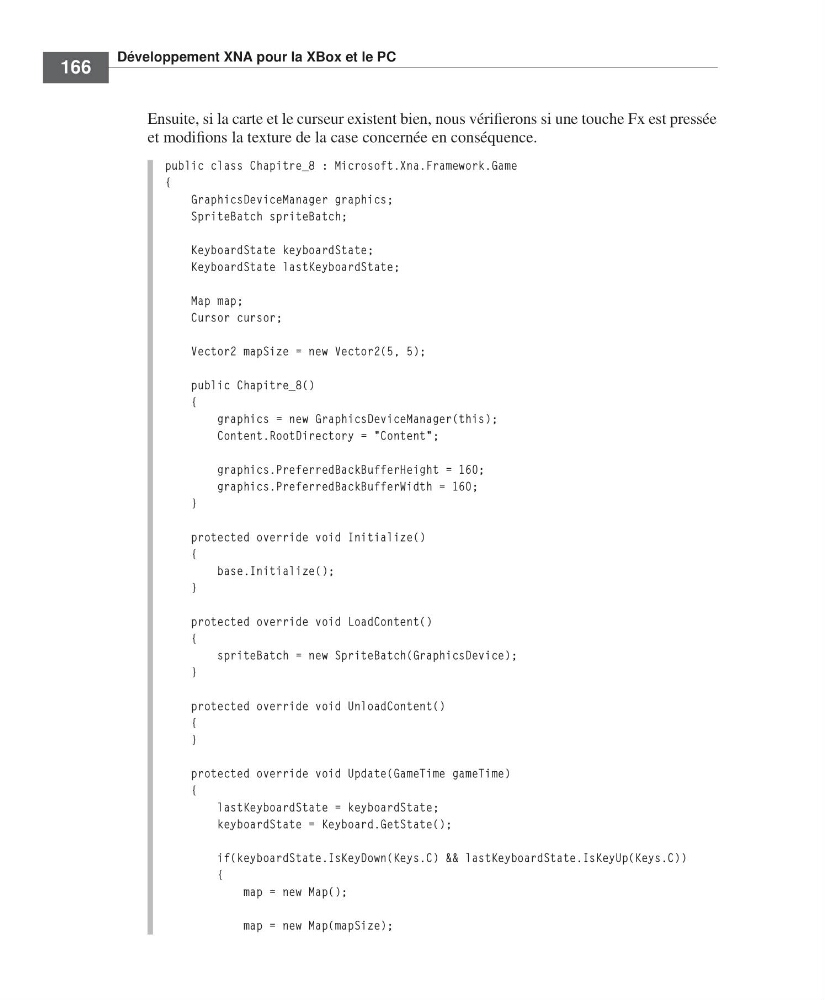
Ensuite, si la carte et le curseur existent bien, nous vérifierons si une touche Fx est pressée
et modifions la texture de la case concernée en conséquence.
public class Chapitre_8 : Microsoft.Xna.Framework.Game
{
GraphicsDeviceManager graphics;
SpriteBatch spriteBatch;
KeyboardState keyboardState;
KeyboardState lastKeyboardState;
Map map;
Cursor cursor;
Vector2 mapSize = new Vector2(5, 5);
public Chapitre_8()
{
graphics = new GraphicsDeviceManager(this);
Content.RootDirectory = "Content";
graphics.PreferredBackBufferHeight = 160;
graphics.PreferredBackBufferWidth = 160;
}
protected override void Initialize()
{
base.Initialize();
}
protected override void LoadContent()
{
spriteBatch = new SpriteBatch(GraphicsDevice);
}
protected override void UnloadContent()
{
}
protected override void Update(GameTime gameTime)
{
lastKeyboardState = keyboardState;
keyboardState = Keyboard.GetState();
if(keyboardState.IsKeyDown(Keys.C) && lastKeyboardState.IsKeyUp(Keys.C))
{
map = new Map();
map = new Map(mapSize);
=Labat FM.book Page 166 Vendredi, 19. juin 2009 4:01 16
166
Ensuite, si la carte et le curseur existent bien, nous vérifierons si une touche Fx est pressée
et modifions la texture de la case concernée en conséquence.
public class Chapitre_8 : Microsoft.Xna.Framework.Game
{
GraphicsDeviceManager graphics;
SpriteBatch spriteBatch;
KeyboardState keyboardState;
KeyboardState lastKeyboardState;
Map map;
Cursor cursor;
Vector2 mapSize = new Vector2(5, 5);
public Chapitre_8()
{
graphics = new GraphicsDeviceManager(this);
Content.RootDirectory = "Content";
graphics.PreferredBackBufferHeight = 160;
graphics.PreferredBackBufferWidth = 160;
}
protected override void Initialize()
{
base.Initialize();
}
protected override void LoadContent()
{
spriteBatch = new SpriteBatch(GraphicsDevice);
}
protected override void UnloadContent()
{
}
protected override void Update(GameTime gameTime)
{
lastKeyboardState = keyboardState;
keyboardState = Keyboard.GetState();
if(keyboardState.IsKeyDown(Keys.C) && lastKeyboardState.IsKeyUp(Keys.C))
{
map = new Map();
map = new Map(mapSize);
=Labat FM.book Page 166 Vendredi, 19. juin 2009 4:01 16