

225
Application of Sensemaking
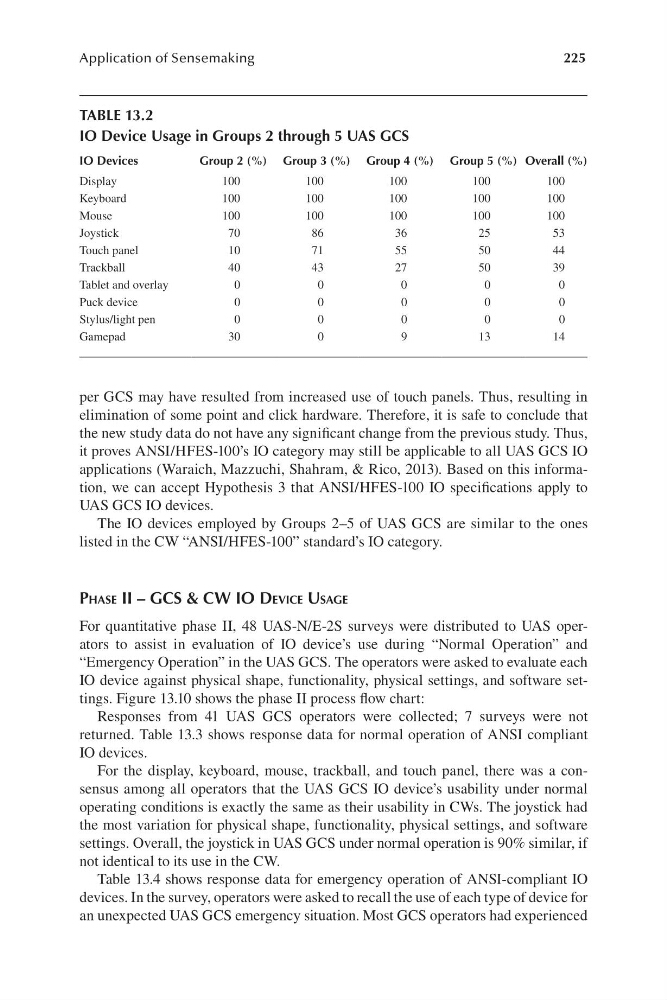
per GCS may have resulted from increased use of touch panels. Thus, resulting in
elimination of some point and click hardware. Therefore, it is safe to conclude that
the new study data do not have any significant change from the previous study. Thus,
it proves ANSI/ H FES-100’s IO category may still be applicable to all UAS GCS IO
applications ( Waraich, Mazzuchi, Shahram, & Rico, 2013). Based on this information, we can accept Hypothesis 3 that ANSI/ HFES-100 IO specifications apply to
UAS GCS IO devices.
The IO devices employed by Groups 2 –5 of UAS GCS are similar to the ones
listed in the CW “ ANSI/ HFES-100” standard’s IO category.
PhaSe ii – gcS & cW io Device uSage
For quantitative phase II, 48 UAS-N/ E -2S surveys were distributed to UAS operators to assist in evaluation of IO device’s use during “ Normal Operation” and
“ Emergency Operation” in the UAS GCS. The operators were asked to evaluate each
IO device against physical shape, functionality, physical settings, and software settings. Figure 13.10 shows the phase II process flow chart:
Responses from 41 UAS GCS operators were collected; 7 surveys were not
returned. Table 13.3 shows response data for normal operation of ANSI compliant
IO devices.
For the display, keyboard, mouse, trackball, and touch panel, there was a consensus among all operators that the UAS GCS IO device’s usability under normal
operating conditions is exactly the same as their usability in CWs. The joystick had
the most variation for physical shape, functionality, physical settings, and software
settings. Overall, the joystick in UAS GCS under normal operation is 90% similar, if
not identical to its use in the CW.
Table 13.4 shows response data for emergency operation of ANSI-compliant IO
devices. In the survey, operators were asked to recall the use of each type of device for
an unexpected UAS GCS emergency situation. Most GCS operators had experienced
TABLE 13.2
IO Device Usage in Groups 2 through 5 UAS GCS
IO Devices
Group 2 (%) Group 3 (%) Group 4 (%) Group 5 (%) Overall (%)
Display
Keyboard
Mouse
100
100
100
100
100
100
100
100
100
100
100
100
100
100
100
Joystick
Touch panel
Trackball
70
10
40
86
71
43
36
55
27
25
50
50
53
44
39
Tablet and overlay
Puck device
0
0
0
0
0
0
0
0
0
0
Stylus/light pen
Gamepad
0
30
0
0
0
9
0
13
0
14
Application of Sensemaking
per GCS may have resulted from increased use of touch panels. Thus, resulting in
elimination of some point and click hardware. Therefore, it is safe to conclude that
the new study data do not have any significant change from the previous study. Thus,
it proves ANSI/ H FES-100’s IO category may still be applicable to all UAS GCS IO
applications ( Waraich, Mazzuchi, Shahram, & Rico, 2013). Based on this information, we can accept Hypothesis 3 that ANSI/ HFES-100 IO specifications apply to
UAS GCS IO devices.
The IO devices employed by Groups 2 –5 of UAS GCS are similar to the ones
listed in the CW “ ANSI/ HFES-100” standard’s IO category.
PhaSe ii – gcS & cW io Device uSage
For quantitative phase II, 48 UAS-N/ E -2S surveys were distributed to UAS operators to assist in evaluation of IO device’s use during “ Normal Operation” and
“ Emergency Operation” in the UAS GCS. The operators were asked to evaluate each
IO device against physical shape, functionality, physical settings, and software settings. Figure 13.10 shows the phase II process flow chart:
Responses from 41 UAS GCS operators were collected; 7 surveys were not
returned. Table 13.3 shows response data for normal operation of ANSI compliant
IO devices.
For the display, keyboard, mouse, trackball, and touch panel, there was a consensus among all operators that the UAS GCS IO device’s usability under normal
operating conditions is exactly the same as their usability in CWs. The joystick had
the most variation for physical shape, functionality, physical settings, and software
settings. Overall, the joystick in UAS GCS under normal operation is 90% similar, if
not identical to its use in the CW.
Table 13.4 shows response data for emergency operation of ANSI-compliant IO
devices. In the survey, operators were asked to recall the use of each type of device for
an unexpected UAS GCS emergency situation. Most GCS operators had experienced
TABLE 13.2
IO Device Usage in Groups 2 through 5 UAS GCS
IO Devices
Group 2 (%) Group 3 (%) Group 4 (%) Group 5 (%) Overall (%)
Display
Keyboard
Mouse
100
100
100
100
100
100
100
100
100
100
100
100
100
100
100
Joystick
Touch panel
Trackball
70
10
40
86
71
43
36
55
27
25
50
50
53
44
39
Tablet and overlay
Puck device
0
0
0
0
0
0
0
0
0
0
Stylus/light pen
Gamepad
0
30
0
0
0
9
0
13
0
14