

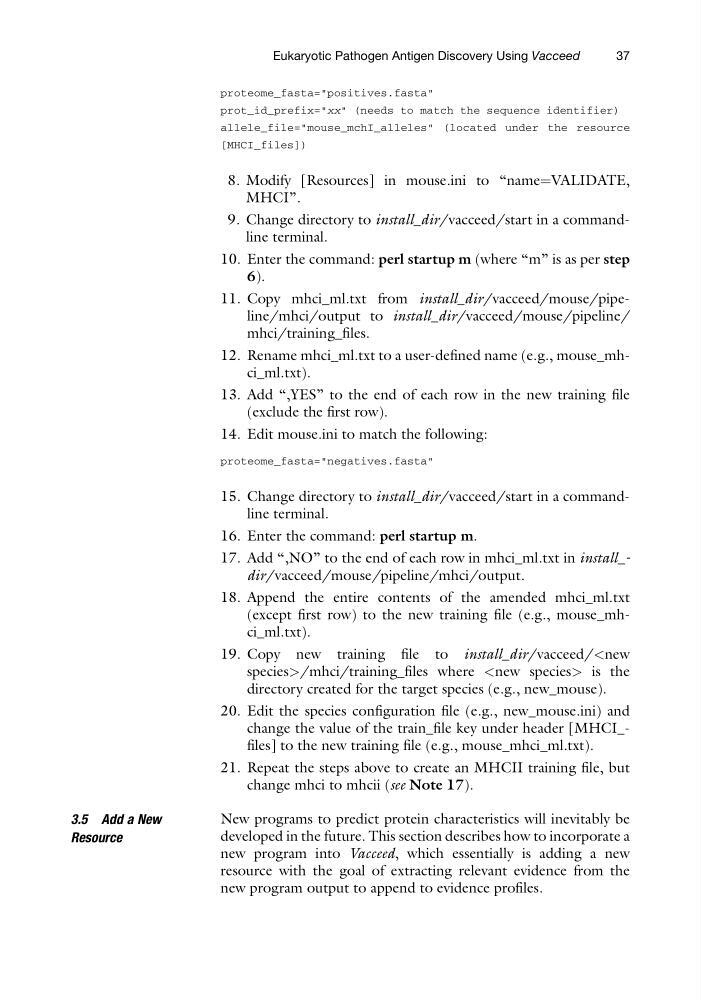
proteome_fasta="positives.fasta"
prot_id_prefix="xx" (needs to match the sequence identifier)
allele_file="mouse_mchI_alleles" (located under the resource
[MHCI_files])
8. Modify [Resources] in mouse.ini to “name¼VALIDATE,
MHCI”.
9. Change directory to install_dir/vacceed/start in a commandline terminal.
10. Enter the command: perl startup m (where “m” is as per step
6).
11. Copy mhci_ml.txt from install_dir/vacceed/mouse/pipeline/mhci/output to install_dir/vacceed/mouse/pipeline/
mhci/training_files.
12. Rename mhci_ml.txt to a user-defined name (e.g., mouse_mhci_ml.txt).
13. Add “,YES” to the end of each row in the new training file
(exclude the first row).
14. Edit mouse.ini to match the following:
proteome_fasta="negatives.fasta"
15. Change directory to install_dir/vacceed/start in a commandline terminal.
16. Enter the command: perl startup m.
17. Add “,NO” to the end of each row in mhci_ml.txt in install_dir/vacceed/mouse/pipeline/mhci/output.
18. Append the entire contents of the amended mhci_ml.txt
(except first row) to the new training file (e.g., mouse_mhci_ml.txt).
19. Copy new training file to install_dir/vacceed/ is the
directory created for the target species (e.g., new_mouse).
20. Edit the species configuration file (e.g., new_mouse.ini) and
change the value of the train_file key under header [MHCI_files] to the new training file (e.g., mouse_mhci_ml.txt).
21. Repeat the steps above to create an MHCII training file, but
change mhci to mhcii (see Note 17).
3.5 Add a New
Resource
New programs to predict protein characteristics will inevitably be
developed in the future. This section describes how to incorporate a
new program into Vacceed, which essentially is adding a new
resource with the goal of extracting relevant evidence from the
new program output to append to evidence profiles.
Eukaryotic Pathogen Antigen Discovery Using Vacceed
37
prot_id_prefix="xx" (needs to match the sequence identifier)
allele_file="mouse_mchI_alleles" (located under the resource
[MHCI_files])
8. Modify [Resources] in mouse.ini to “name¼VALIDATE,
MHCI”.
9. Change directory to install_dir/vacceed/start in a commandline terminal.
10. Enter the command: perl startup m (where “m” is as per step
6).
11. Copy mhci_ml.txt from install_dir/vacceed/mouse/pipeline/mhci/output to install_dir/vacceed/mouse/pipeline/
mhci/training_files.
12. Rename mhci_ml.txt to a user-defined name (e.g., mouse_mhci_ml.txt).
13. Add “,YES” to the end of each row in the new training file
(exclude the first row).
14. Edit mouse.ini to match the following:
proteome_fasta="negatives.fasta"
15. Change directory to install_dir/vacceed/start in a commandline terminal.
16. Enter the command: perl startup m.
17. Add “,NO” to the end of each row in mhci_ml.txt in install_dir/vacceed/mouse/pipeline/mhci/output.
18. Append the entire contents of the amended mhci_ml.txt
(except first row) to the new training file (e.g., mouse_mhci_ml.txt).
19. Copy new training file to install_dir/vacceed/
directory created for the target species (e.g., new_mouse).
20. Edit the species configuration file (e.g., new_mouse.ini) and
change the value of the train_file key under header [MHCI_files] to the new training file (e.g., mouse_mhci_ml.txt).
21. Repeat the steps above to create an MHCII training file, but
change mhci to mhcii (see Note 17).
3.5 Add a New
Resource
New programs to predict protein characteristics will inevitably be
developed in the future. This section describes how to incorporate a
new program into Vacceed, which essentially is adding a new
resource with the goal of extracting relevant evidence from the
new program output to append to evidence profiles.
Eukaryotic Pathogen Antigen Discovery Using Vacceed
37