

6.4 Complex Methodology for Reverse Engineering …
571
Active layer number
X-coordinate of the video image
anchoring
Y-coordinate of the video image anchoring
LAYER
Layer 0 frame width
Layer 0 frame height
Layer 0 rotation angle
Layer 1 frame width
Layer 1 frame height
Layer 1 rotation angle
Layer N frame width
Layer N frame height
Layer N rotation angle
ENDLAYER
Layer no.
X-coordinate
Y-coordinate
Frame name
Layer no.
X-coordinate
Y-coordinate
Frame name
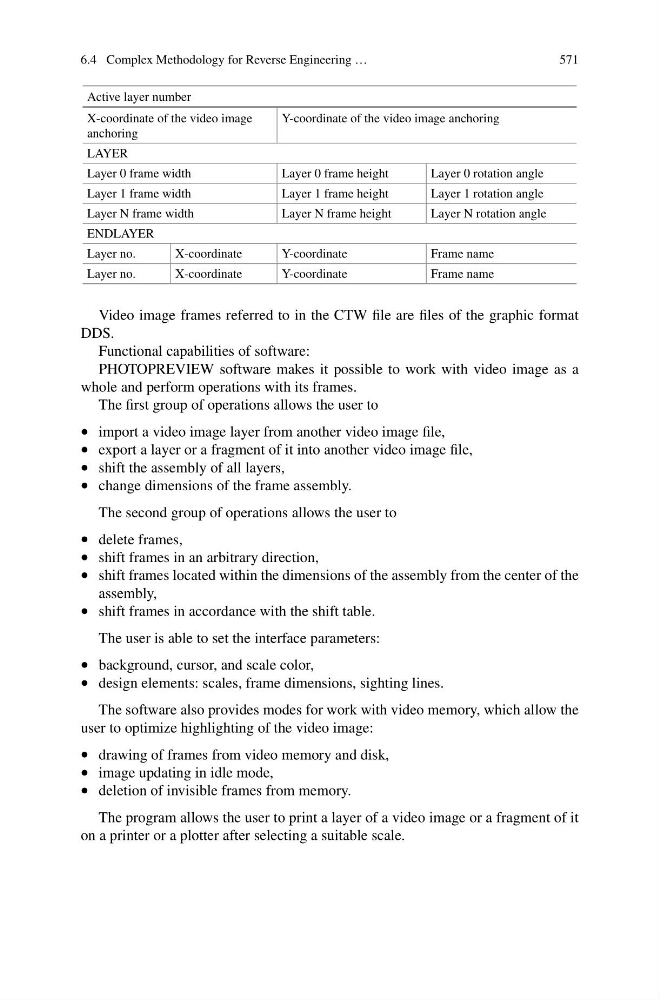
Video image frames referred to in the CTW file are files of the graphic format
DDS.
Functional capabilities of software:
PHOTOPREVIEW software makes it possible to work with video image as a
whole and perform operations with its frames.
The first group of operations allows the user to
• import a video image layer from another video image file,
• export a layer or a fragment of it into another video image file,
• shift the assembly of all layers,
• change dimensions of the frame assembly.
The second group of operations allows the user to
• delete frames,
• shift frames in an arbitrary direction,
• shift frames located within the dimensions of the assembly from the center of the
assembly,
• shift frames in accordance with the shift table.
The user is able to set the interface parameters:
• background, cursor, and scale color,
• design elements: scales, frame dimensions, sighting lines.
The software also provides modes for work with video memory, which allow the
user to optimize highlighting of the video image:
• drawing of frames from video memory and disk,
• image updating in idle mode,
• deletion of invisible frames from memory.
The program allows the user to print a layer of a video image or a fragment of it
on a printer or a plotter after selecting a suitable scale.
571
Active layer number
X-coordinate of the video image
anchoring
Y-coordinate of the video image anchoring
LAYER
Layer 0 frame width
Layer 0 frame height
Layer 0 rotation angle
Layer 1 frame width
Layer 1 frame height
Layer 1 rotation angle
Layer N frame width
Layer N frame height
Layer N rotation angle
ENDLAYER
Layer no.
X-coordinate
Y-coordinate
Frame name
Layer no.
X-coordinate
Y-coordinate
Frame name
Video image frames referred to in the CTW file are files of the graphic format
DDS.
Functional capabilities of software:
PHOTOPREVIEW software makes it possible to work with video image as a
whole and perform operations with its frames.
The first group of operations allows the user to
• import a video image layer from another video image file,
• export a layer or a fragment of it into another video image file,
• shift the assembly of all layers,
• change dimensions of the frame assembly.
The second group of operations allows the user to
• delete frames,
• shift frames in an arbitrary direction,
• shift frames located within the dimensions of the assembly from the center of the
assembly,
• shift frames in accordance with the shift table.
The user is able to set the interface parameters:
• background, cursor, and scale color,
• design elements: scales, frame dimensions, sighting lines.
The software also provides modes for work with video memory, which allow the
user to optimize highlighting of the video image:
• drawing of frames from video memory and disk,
• image updating in idle mode,
• deletion of invisible frames from memory.
The program allows the user to print a layer of a video image or a fragment of it
on a printer or a plotter after selecting a suitable scale.