

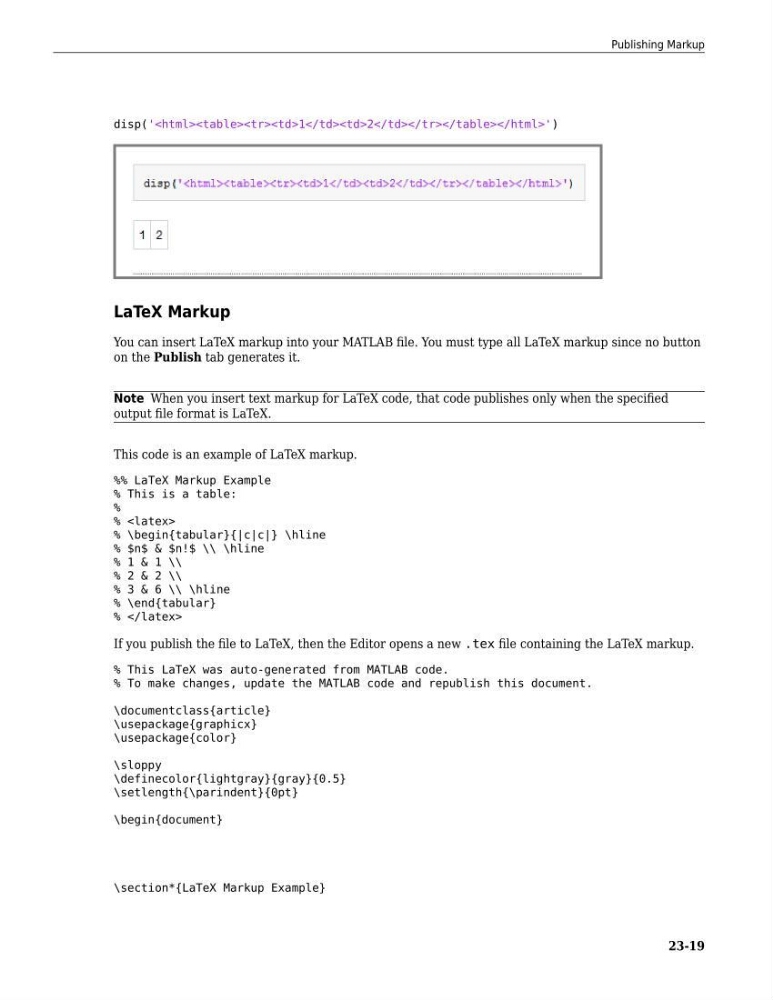
disp('
')
LaTeX Markup
You can insert LaTeX markup into your MATLAB file. You must type all LaTeX markup since no button
on the Publish tab generates it.
Note When you insert text markup for LaTeX code, that code publishes only when the specified
output file format is LaTeX.
This code is an example of LaTeX markup.
%% LaTeX Markup Example
% This is a table:
%
%
% \begin{tabular}{|c|c|} \hline
% $n$ & $n!$ \\ \hline
% 1 & 1 \\
% 2 & 2 \\
% 3 & 6 \\ \hline
% \end{tabular}
%
If you publish the file to LaTeX, then the Editor opens a new .tex file containing the LaTeX markup.
% This LaTeX was auto-generated from MATLAB code.
% To make changes, update the MATLAB code and republish this document.
\documentclass{article}
\usepackage{graphicx}
\usepackage{color}
\sloppy
\definecolor{lightgray}{gray}{0.5}
\setlength{\parindent}{0pt}
\begin{document}
\section*{LaTeX Markup Example}
Publishing Markup
23-19
| 1 | 2 |
LaTeX Markup
You can insert LaTeX markup into your MATLAB file. You must type all LaTeX markup since no button
on the Publish tab generates it.
Note When you insert text markup for LaTeX code, that code publishes only when the specified
output file format is LaTeX.
This code is an example of LaTeX markup.
%% LaTeX Markup Example
% This is a table:
%
%
% \begin{tabular}{|c|c|} \hline
% $n$ & $n!$ \\ \hline
% 1 & 1 \\
% 2 & 2 \\
% 3 & 6 \\ \hline
% \end{tabular}
%
If you publish the file to LaTeX, then the Editor opens a new .tex file containing the LaTeX markup.
% This LaTeX was auto-generated from MATLAB code.
% To make changes, update the MATLAB code and republish this document.
\documentclass{article}
\usepackage{graphicx}
\usepackage{color}
\sloppy
\definecolor{lightgray}{gray}{0.5}
\setlength{\parindent}{0pt}
\begin{document}
\section*{LaTeX Markup Example}
Publishing Markup
23-19