

Text Formatting
You can mark selected text in the MATLAB comments so that they display in italic, bold, or
monospaced text when you publish the file. Simply surround the text with _, *, or | for italic, bold, or
monospaced text, respectively.
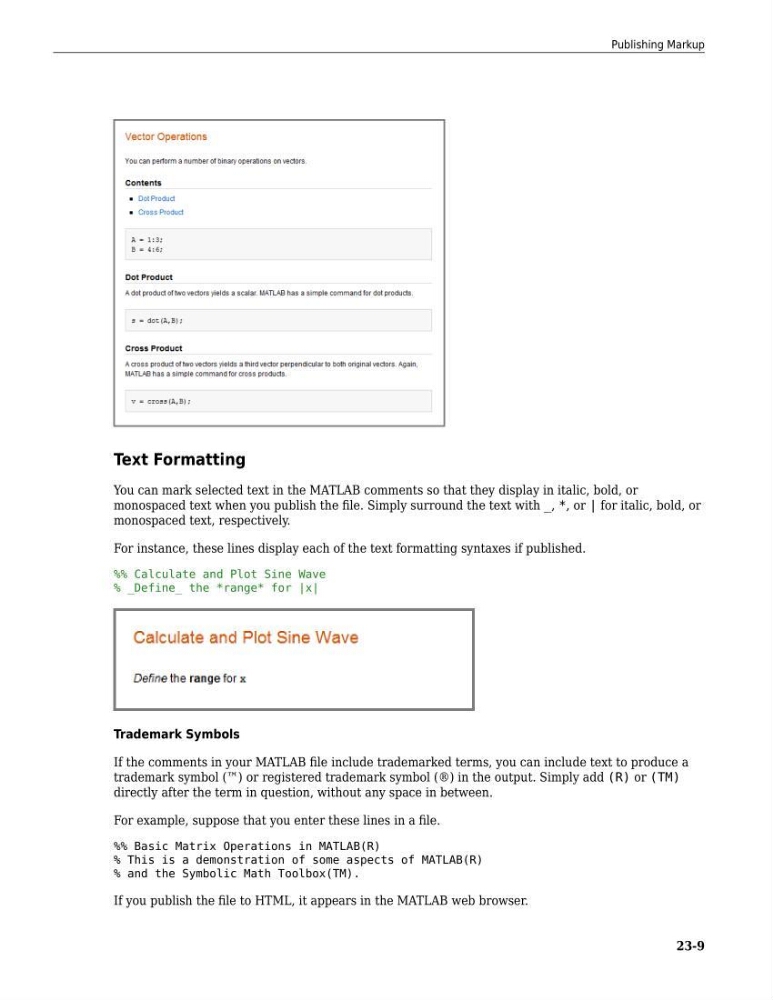
For instance, these lines display each of the text formatting syntaxes if published.
%% Calculate and Plot Sine Wave
% _Define_ the *range* for |x|
Trademark Symbols
If the comments in your MATLAB file include trademarked terms, you can include text to produce a
trademark symbol (™) or registered trademark symbol (®) in the output. Simply add (R) or (TM)
directly after the term in question, without any space in between.
For example, suppose that you enter these lines in a file.
%% Basic Matrix Operations in MATLAB(R)
% This is a demonstration of some aspects of MATLAB(R)
% and the Symbolic Math Toolbox(TM).
If you publish the file to HTML, it appears in the MATLAB web browser.
Publishing Markup
23-9
You can mark selected text in the MATLAB comments so that they display in italic, bold, or
monospaced text when you publish the file. Simply surround the text with _, *, or | for italic, bold, or
monospaced text, respectively.
For instance, these lines display each of the text formatting syntaxes if published.
%% Calculate and Plot Sine Wave
% _Define_ the *range* for |x|
Trademark Symbols
If the comments in your MATLAB file include trademarked terms, you can include text to produce a
trademark symbol (™) or registered trademark symbol (®) in the output. Simply add (R) or (TM)
directly after the term in question, without any space in between.
For example, suppose that you enter these lines in a file.
%% Basic Matrix Operations in MATLAB(R)
% This is a demonstration of some aspects of MATLAB(R)
% and the Symbolic Math Toolbox(TM).
If you publish the file to HTML, it appears in the MATLAB web browser.
Publishing Markup
23-9