

• Command Window — To view the value of a variable in the Command Window, type the variable
name. For the example, to see the value of a variable n, type n and press Enter. The Command
Window displays the variable name and its value. To view all the variables in the current
workspace, call the who function.
View Variable Value Outside Current Workspace
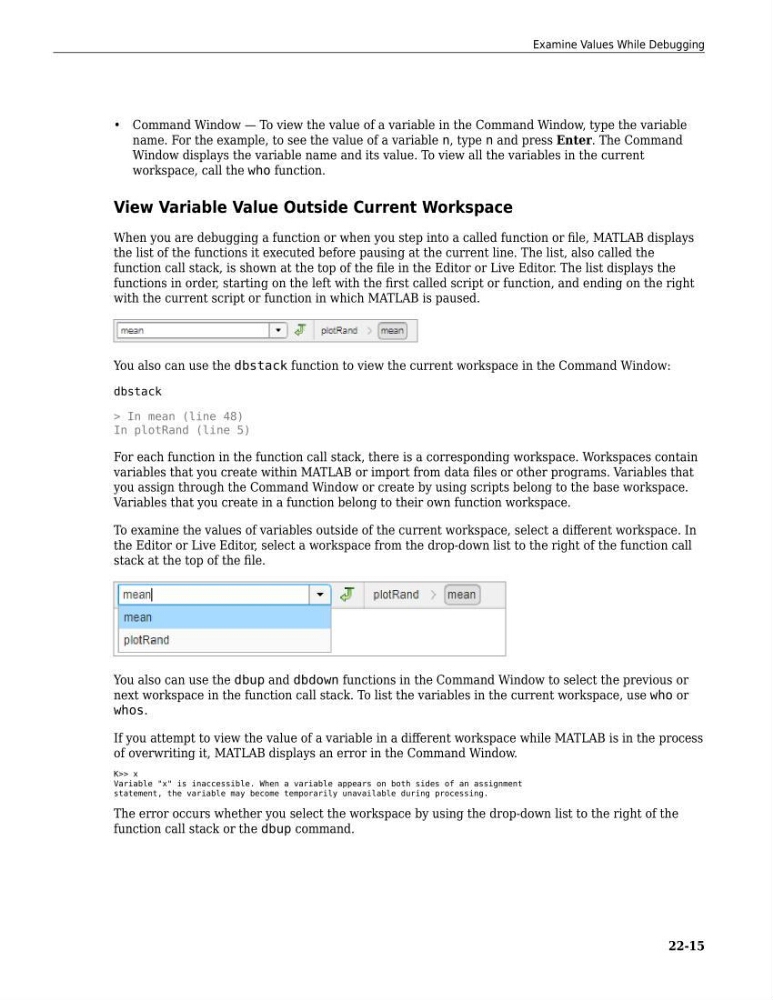
When you are debugging a function or when you step into a called function or file, MATLAB displays
the list of the functions it executed before pausing at the current line. The list, also called the
function call stack, is shown at the top of the file in the Editor or Live Editor. The list displays the
functions in order, starting on the left with the first called script or function, and ending on the right
with the current script or function in which MATLAB is paused.
You also can use the dbstack function to view the current workspace in the Command Window:
dbstack
> In mean (line 48)
In plotRand (line 5)
For each function in the function call stack, there is a corresponding workspace. Workspaces contain
variables that you create within MATLAB or import from data files or other programs. Variables that
you assign through the Command Window or create by using scripts belong to the base workspace.
Variables that you create in a function belong to their own function workspace.
To examine the values of variables outside of the current workspace, select a different workspace. In
the Editor or Live Editor, select a workspace from the drop-down list to the right of the function call
stack at the top of the file.
You also can use the dbup and dbdown functions in the Command Window to select the previous or
next workspace in the function call stack. To list the variables in the current workspace, use who or
whos.
If you attempt to view the value of a variable in a different workspace while MATLAB is in the process
of overwriting it, MATLAB displays an error in the Command Window.
K>> x
Variable "x" is inaccessible. When a variable appears on both sides of an assignment
statement, the variable may become temporarily unavailable during processing.
The error occurs whether you select the workspace by using the drop-down list to the right of the
function call stack or the dbup command.
Examine Values While Debugging
22-15
name. For the example, to see the value of a variable n, type n and press Enter. The Command
Window displays the variable name and its value. To view all the variables in the current
workspace, call the who function.
View Variable Value Outside Current Workspace
When you are debugging a function or when you step into a called function or file, MATLAB displays
the list of the functions it executed before pausing at the current line. The list, also called the
function call stack, is shown at the top of the file in the Editor or Live Editor. The list displays the
functions in order, starting on the left with the first called script or function, and ending on the right
with the current script or function in which MATLAB is paused.
You also can use the dbstack function to view the current workspace in the Command Window:
dbstack
> In mean (line 48)
In plotRand (line 5)
For each function in the function call stack, there is a corresponding workspace. Workspaces contain
variables that you create within MATLAB or import from data files or other programs. Variables that
you assign through the Command Window or create by using scripts belong to the base workspace.
Variables that you create in a function belong to their own function workspace.
To examine the values of variables outside of the current workspace, select a different workspace. In
the Editor or Live Editor, select a workspace from the drop-down list to the right of the function call
stack at the top of the file.
You also can use the dbup and dbdown functions in the Command Window to select the previous or
next workspace in the function call stack. To list the variables in the current workspace, use who or
whos.
If you attempt to view the value of a variable in a different workspace while MATLAB is in the process
of overwriting it, MATLAB displays an error in the Command Window.
K>> x
Variable "x" is inaccessible. When a variable appears on both sides of an assignment
statement, the variable may become temporarily unavailable during processing.
The error occurs whether you select the workspace by using the drop-down list to the right of the
function call stack or the dbup command.
Examine Values While Debugging
22-15