

@
Name: At symbol
Uses: Class folder indicator
Description: An @ sign indicates the name of a class folder.
Examples
Refer to a class folder:
\@myClass\get.m
More Information
• “Class and Path Folders”
+
Name: Plus
Uses: Package directory indicator
Description: A + sign indicates the name of a package folder.
Examples
Package folders always begin with the + character:
+mypack
+mypack/pkfcn.m % a package function
+mypack/@myClass % class folder in a package
More Information
• “Packages Create Namespaces”
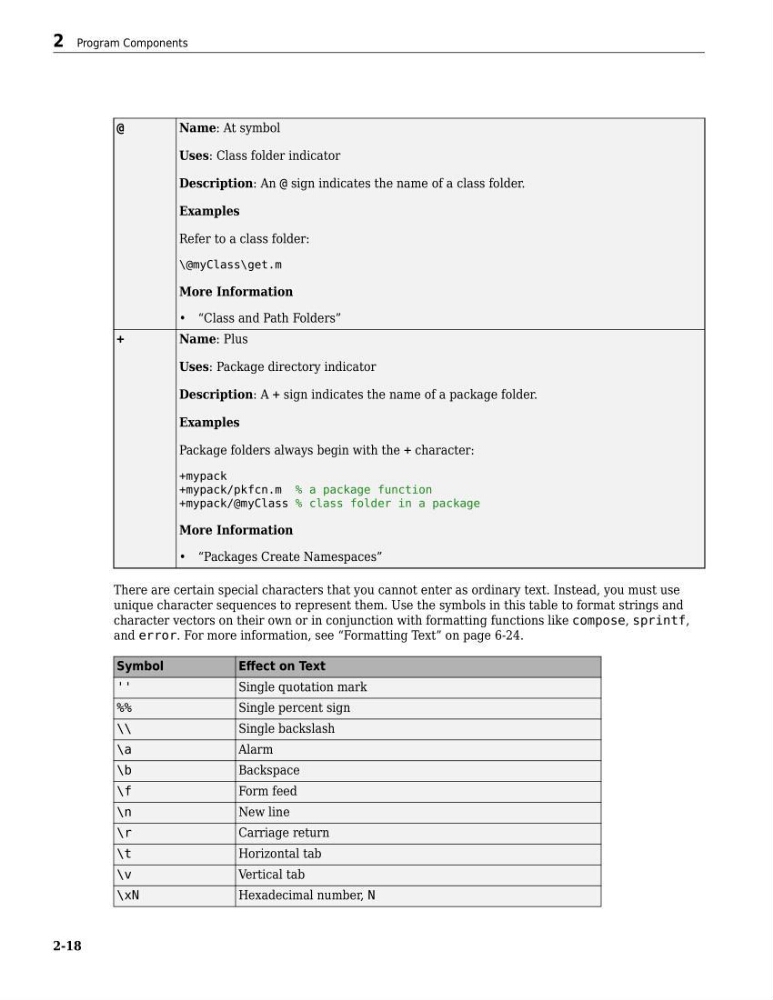
There are certain special characters that you cannot enter as ordinary text. Instead, you must use
unique character sequences to represent them. Use the symbols in this table to format strings and
character vectors on their own or in conjunction with formatting functions like compose, sprintf,
and error. For more information, see “Formatting Text” on page 6-24.
Symbol
Effect on Text
''
Single quotation mark
%%
Single percent sign
\\
Single backslash
\a
Alarm
\b
Backspace
\f
Form feed
\n
New line
\r
Carriage return
\t
Horizontal tab
\v
Vertical tab
\xN
Hexadecimal number, N
2 Program Components
2-18
Name: At symbol
Uses: Class folder indicator
Description: An @ sign indicates the name of a class folder.
Examples
Refer to a class folder:
\@myClass\get.m
More Information
• “Class and Path Folders”
+
Name: Plus
Uses: Package directory indicator
Description: A + sign indicates the name of a package folder.
Examples
Package folders always begin with the + character:
+mypack
+mypack/pkfcn.m % a package function
+mypack/@myClass % class folder in a package
More Information
• “Packages Create Namespaces”
There are certain special characters that you cannot enter as ordinary text. Instead, you must use
unique character sequences to represent them. Use the symbols in this table to format strings and
character vectors on their own or in conjunction with formatting functions like compose, sprintf,
and error. For more information, see “Formatting Text” on page 6-24.
Symbol
Effect on Text
''
Single quotation mark
%%
Single percent sign
\\
Single backslash
\a
Alarm
\b
Backspace
\f
Form feed
\n
New line
\r
Carriage return
\t
Horizontal tab
\v
Vertical tab
\xN
Hexadecimal number, N
2 Program Components
2-18