

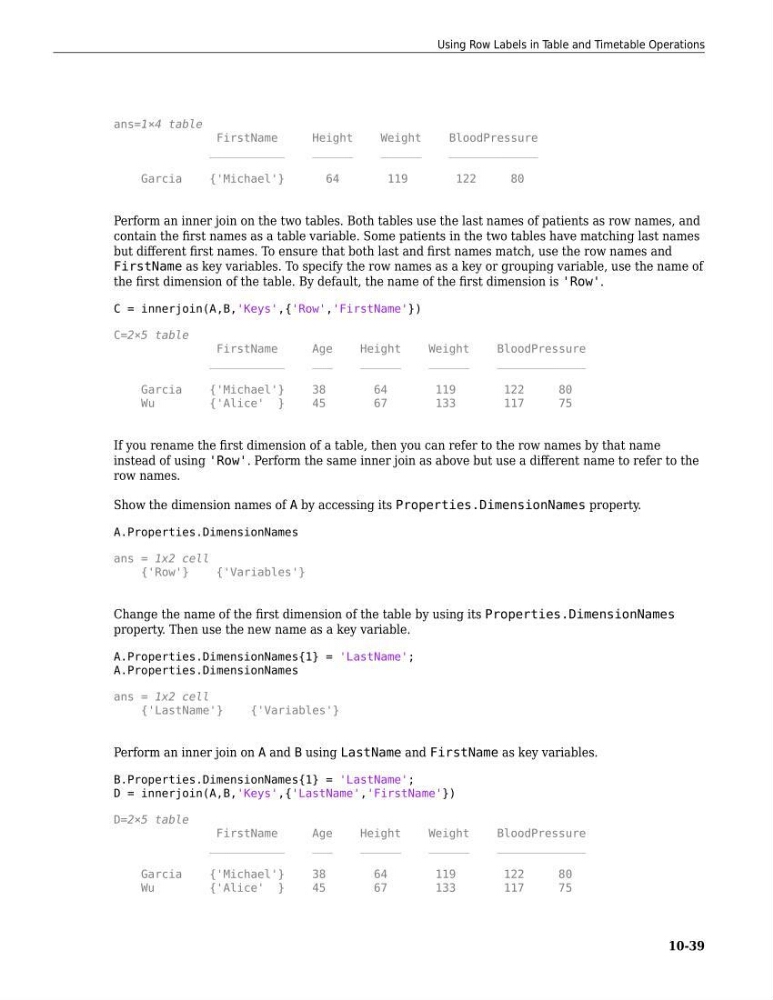
ans=1×4 table
FirstName
Height
Weight
BloodPressure
___________
______
______
_____________
Garcia
{'Michael'}
64
119
122
80
Perform an inner join on the two tables. Both tables use the last names of patients as row names, and
contain the first names as a table variable. Some patients in the two tables have matching last names
but different first names. To ensure that both last and first names match, use the row names and
FirstName as key variables. To specify the row names as a key or grouping variable, use the name of
the first dimension of the table. By default, the name of the first dimension is 'Row'.
C = innerjoin(A,B,'Keys',{'Row','FirstName'})
C=2×5 table
FirstName
Age
Height
Weight
BloodPressure
___________
___
______
______
_____________
Garcia
{'Michael'}
38
64
119
122
80
Wu
{'Alice' }
45
67
133
117
75
If you rename the first dimension of a table, then you can refer to the row names by that name
instead of using 'Row'. Perform the same inner join as above but use a different name to refer to the
row names.
Show the dimension names of A by accessing its Properties.DimensionNames property.
A.Properties.DimensionNames
ans = 1x2 cell
{'Row'}
{'Variables'}
Change the name of the first dimension of the table by using its Properties.DimensionNames
property. Then use the new name as a key variable.
A.Properties.DimensionNames{1} = 'LastName';
A.Properties.DimensionNames
ans = 1x2 cell
{'LastName'}
{'Variables'}
Perform an inner join on A and B using LastName and FirstName as key variables.
B.Properties.DimensionNames{1} = 'LastName';
D = innerjoin(A,B,'Keys',{'LastName','FirstName'})
D=2×5 table
FirstName
Age
Height
Weight
BloodPressure
___________
___
______
______
_____________
Garcia
{'Michael'}
38
64
119
122
80
Wu
{'Alice' }
45
67
133
117
75
Using Row Labels in Table and Timetable Operations
10-39
FirstName
Height
Weight
BloodPressure
___________
______
______
_____________
Garcia
{'Michael'}
64
119
122
80
Perform an inner join on the two tables. Both tables use the last names of patients as row names, and
contain the first names as a table variable. Some patients in the two tables have matching last names
but different first names. To ensure that both last and first names match, use the row names and
FirstName as key variables. To specify the row names as a key or grouping variable, use the name of
the first dimension of the table. By default, the name of the first dimension is 'Row'.
C = innerjoin(A,B,'Keys',{'Row','FirstName'})
C=2×5 table
FirstName
Age
Height
Weight
BloodPressure
___________
___
______
______
_____________
Garcia
{'Michael'}
38
64
119
122
80
Wu
{'Alice' }
45
67
133
117
75
If you rename the first dimension of a table, then you can refer to the row names by that name
instead of using 'Row'. Perform the same inner join as above but use a different name to refer to the
row names.
Show the dimension names of A by accessing its Properties.DimensionNames property.
A.Properties.DimensionNames
ans = 1x2 cell
{'Row'}
{'Variables'}
Change the name of the first dimension of the table by using its Properties.DimensionNames
property. Then use the new name as a key variable.
A.Properties.DimensionNames{1} = 'LastName';
A.Properties.DimensionNames
ans = 1x2 cell
{'LastName'}
{'Variables'}
Perform an inner join on A and B using LastName and FirstName as key variables.
B.Properties.DimensionNames{1} = 'LastName';
D = innerjoin(A,B,'Keys',{'LastName','FirstName'})
D=2×5 table
FirstName
Age
Height
Weight
BloodPressure
___________
___
______
______
_____________
Garcia
{'Michael'}
38
64
119
122
80
Wu
{'Alice' }
45
67
133
117
75
Using Row Labels in Table and Timetable Operations
10-39