

08-May-2017
56
40
0
None
09-May-2017
59
42
0.15
Thunder
10-May-2017
60
45
0
None
If you specify a method when you call retime, it uses the same method to fill gaps in every variable.
To apply different methods to different variables, you can call retime multiple times, each time
indexing into the timetable to access a different subset of variables.
However, you also can apply different methods by specifying the VariableContinuity property of
the timetable. You can specify whether each variable contains continuous or discrete data. Then the
retime function applies a different method to each timetable variable, depending on the
corresponding VariableContinuity value.
If you specify VariableContinuity, then the retime function fills in the output timetable variables
using the following methods:
• 'unset' — Fill in values using the missing data indicator for that type (such as NaN for numeric
variables).
• 'continuous' — Fill in values using linear interpolation.
• 'step' — Fill in values using previous value.
• 'event' — Fill in values using the missing data indicator for that type.
Specify that the temperature data in Station1 is continuous, that PrecipTotal is step data, and
that WXEvent is event data.
Station1.Properties.VariableContinuity = {'continuous','continuous','step','event'};
Station1.Properties
ans =
TimetableProperties with properties:
Description: ''
UserData: []
DimensionNames: {'Date' 'Variables'}
VariableNames: {'Tmax' 'Tmin' 'PrecipTotal' 'WXEvent'}
VariableDescriptions: {}
VariableUnits: {}
VariableContinuity: [continuous
continuous
step
event]
RowTimes: [5x1 datetime]
StartTime: 04-May-2017
SampleRate: NaN
TimeStep: NaN
CustomProperties: No custom properties are set.
Use addprop and rmprop to modify CustomProperties.
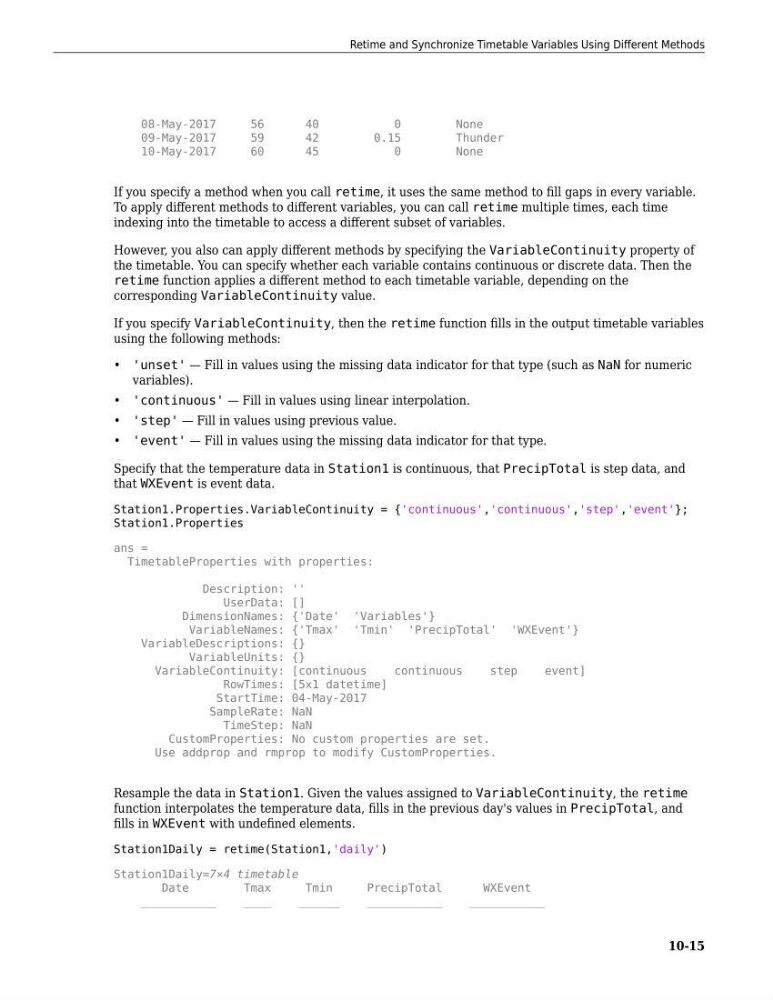
Resample the data in Station1. Given the values assigned to VariableContinuity, the retime
function interpolates the temperature data, fills in the previous day's values in PrecipTotal, and
fills in WXEvent with undefined elements.
Station1Daily = retime(Station1,'daily')
Station1Daily=7×4 timetable
Date
Tmax
Tmin
PrecipTotal
WXEvent
___________
____
______
___________
___________
Retime and Synchronize Timetable Variables Using Different Methods
10-15
56
40
0
None
09-May-2017
59
42
0.15
Thunder
10-May-2017
60
45
0
None
If you specify a method when you call retime, it uses the same method to fill gaps in every variable.
To apply different methods to different variables, you can call retime multiple times, each time
indexing into the timetable to access a different subset of variables.
However, you also can apply different methods by specifying the VariableContinuity property of
the timetable. You can specify whether each variable contains continuous or discrete data. Then the
retime function applies a different method to each timetable variable, depending on the
corresponding VariableContinuity value.
If you specify VariableContinuity, then the retime function fills in the output timetable variables
using the following methods:
• 'unset' — Fill in values using the missing data indicator for that type (such as NaN for numeric
variables).
• 'continuous' — Fill in values using linear interpolation.
• 'step' — Fill in values using previous value.
• 'event' — Fill in values using the missing data indicator for that type.
Specify that the temperature data in Station1 is continuous, that PrecipTotal is step data, and
that WXEvent is event data.
Station1.Properties.VariableContinuity = {'continuous','continuous','step','event'};
Station1.Properties
ans =
TimetableProperties with properties:
Description: ''
UserData: []
DimensionNames: {'Date' 'Variables'}
VariableNames: {'Tmax' 'Tmin' 'PrecipTotal' 'WXEvent'}
VariableDescriptions: {}
VariableUnits: {}
VariableContinuity: [continuous
continuous
step
event]
RowTimes: [5x1 datetime]
StartTime: 04-May-2017
SampleRate: NaN
TimeStep: NaN
CustomProperties: No custom properties are set.
Use addprop and rmprop to modify CustomProperties.
Resample the data in Station1. Given the values assigned to VariableContinuity, the retime
function interpolates the temperature data, fills in the previous day's values in PrecipTotal, and
fills in WXEvent with undefined elements.
Station1Daily = retime(Station1,'daily')
Station1Daily=7×4 timetable
Date
Tmax
Tmin
PrecipTotal
WXEvent
___________
____
______
___________
___________
Retime and Synchronize Timetable Variables Using Different Methods
10-15