

Grouping Variables To Split Data
You can use grouping variables to split data variables into groups. Typically, selecting grouping
variables is the first step in the Split-Apply-Combine workflow. You can split data into groups, apply a
function to each group, and combine the results. You also can denote missing values in grouping
variables, so that corresponding values in data variables are ignored.
Grouping Variables
Grouping variables are variables used to group, or categorize, observations—that is, data values in
other variables. A grouping variable can be any of these data types:
• Numeric, logical, categorical, datetime, or duration vector
• Cell array of character vectors
• Table, with table variables of any data type in this list
Data variables are the variables that contain observations. A grouping variable must have a value
corresponding to each value in the data variables. Data values belong to the same group when the
corresponding values in the grouping variable are the same.
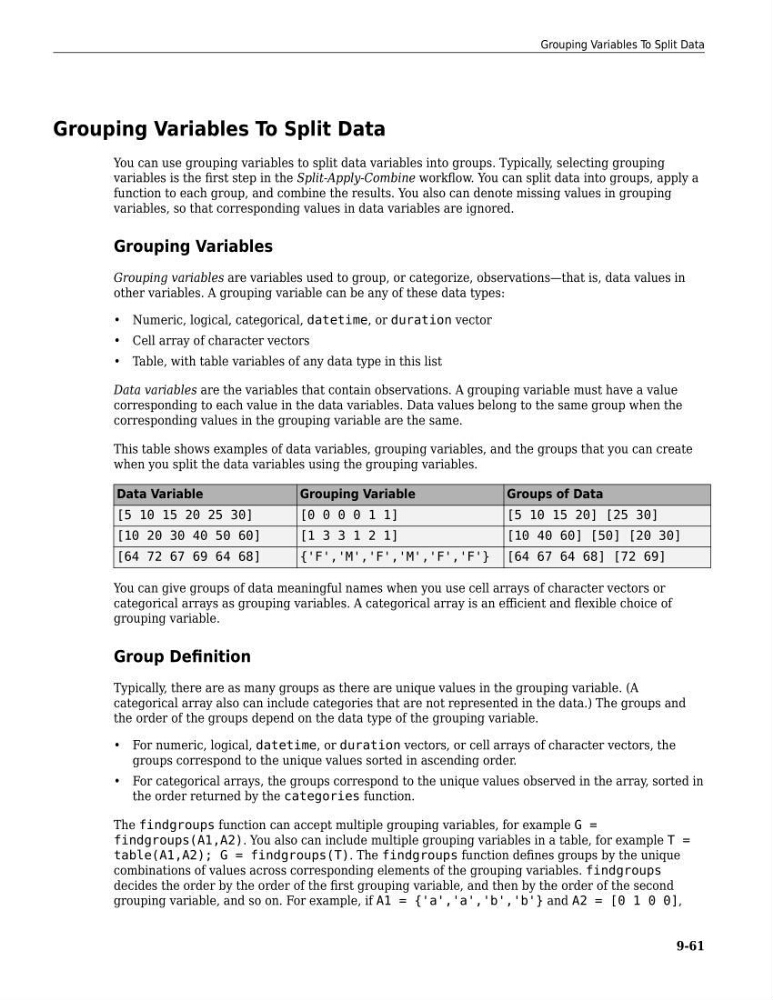
This table shows examples of data variables, grouping variables, and the groups that you can create
when you split the data variables using the grouping variables.
Data Variable
Grouping Variable
Groups of Data
[5 10 15 20 25 30]
[0 0 0 0 1 1]
[5 10 15 20] [25 30]
[10 20 30 40 50 60]
[1 3 3 1 2 1]
[10 40 60] [50] [20 30]
[64 72 67 69 64 68]
{'F','M','F','M','F','F'} [64 67 64 68] [72 69]
You can give groups of data meaningful names when you use cell arrays of character vectors or
categorical arrays as grouping variables. A categorical array is an efficient and flexible choice of
grouping variable.
Group Definition
Typically, there are as many groups as there are unique values in the grouping variable. (A
categorical array also can include categories that are not represented in the data.) The groups and
the order of the groups depend on the data type of the grouping variable.
• For numeric, logical, datetime, or duration vectors, or cell arrays of character vectors, the
groups correspond to the unique values sorted in ascending order.
• For categorical arrays, the groups correspond to the unique values observed in the array, sorted in
the order returned by the categories function.
The findgroups function can accept multiple grouping variables, for example G =
findgroups(A1,A2). You also can include multiple grouping variables in a table, for example T =
table(A1,A2); G = findgroups(T). The findgroups function defines groups by the unique
combinations of values across corresponding elements of the grouping variables. findgroups
decides the order by the order of the first grouping variable, and then by the order of the second
grouping variable, and so on. For example, if A1 = {'a','a','b','b'} and A2 = [0 1 0 0],
Grouping Variables To Split Data
9-61
You can use grouping variables to split data variables into groups. Typically, selecting grouping
variables is the first step in the Split-Apply-Combine workflow. You can split data into groups, apply a
function to each group, and combine the results. You also can denote missing values in grouping
variables, so that corresponding values in data variables are ignored.
Grouping Variables
Grouping variables are variables used to group, or categorize, observations—that is, data values in
other variables. A grouping variable can be any of these data types:
• Numeric, logical, categorical, datetime, or duration vector
• Cell array of character vectors
• Table, with table variables of any data type in this list
Data variables are the variables that contain observations. A grouping variable must have a value
corresponding to each value in the data variables. Data values belong to the same group when the
corresponding values in the grouping variable are the same.
This table shows examples of data variables, grouping variables, and the groups that you can create
when you split the data variables using the grouping variables.
Data Variable
Grouping Variable
Groups of Data
[5 10 15 20 25 30]
[0 0 0 0 1 1]
[5 10 15 20] [25 30]
[10 20 30 40 50 60]
[1 3 3 1 2 1]
[10 40 60] [50] [20 30]
[64 72 67 69 64 68]
{'F','M','F','M','F','F'} [64 67 64 68] [72 69]
You can give groups of data meaningful names when you use cell arrays of character vectors or
categorical arrays as grouping variables. A categorical array is an efficient and flexible choice of
grouping variable.
Group Definition
Typically, there are as many groups as there are unique values in the grouping variable. (A
categorical array also can include categories that are not represented in the data.) The groups and
the order of the groups depend on the data type of the grouping variable.
• For numeric, logical, datetime, or duration vectors, or cell arrays of character vectors, the
groups correspond to the unique values sorted in ascending order.
• For categorical arrays, the groups correspond to the unique values observed in the array, sorted in
the order returned by the categories function.
The findgroups function can accept multiple grouping variables, for example G =
findgroups(A1,A2). You also can include multiple grouping variables in a table, for example T =
table(A1,A2); G = findgroups(T). The findgroups function defines groups by the unique
combinations of values across corresponding elements of the grouping variables. findgroups
decides the order by the order of the first grouping variable, and then by the order of the second
grouping variable, and so on. For example, if A1 = {'a','a','b','b'} and A2 = [0 1 0 0],
Grouping Variables To Split Data
9-61