

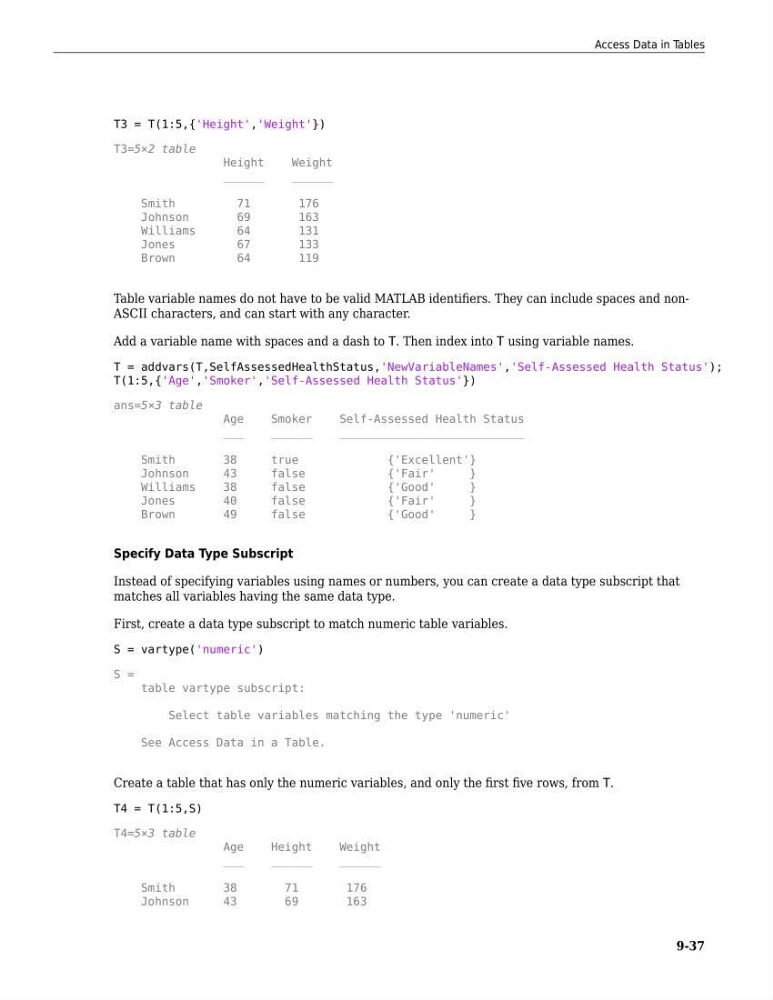
T3 = T(1:5,{'Height','Weight'})
T3=5×2 table
Height
Weight
______
______
Smith
71
176
Johnson
69
163
Williams
64
131
Jones
67
133
Brown
64
119
Table variable names do not have to be valid MATLAB identifiers. They can include spaces and nonASCII characters, and can start with any character.
Add a variable name with spaces and a dash to T. Then index into T using variable names.
T = addvars(T,SelfAssessedHealthStatus,'NewVariableNames','Self-Assessed Health Status');
T(1:5,{'Age','Smoker','Self-Assessed Health Status'})
ans=5×3 table
Age
Smoker
Self-Assessed Health Status
___
______
___________________________
Smith
38
true
{'Excellent'}
Johnson
43
false
{'Fair'
}
Williams
38
false
{'Good'
}
Jones
40
false
{'Fair'
}
Brown
49
false
{'Good'
}
Specify Data Type Subscript
Instead of specifying variables using names or numbers, you can create a data type subscript that
matches all variables having the same data type.
First, create a data type subscript to match numeric table variables.
S = vartype('numeric')
S =
table vartype subscript:
Select table variables matching the type 'numeric'
See Access Data in a Table.
Create a table that has only the numeric variables, and only the first five rows, from T.
T4 = T(1:5,S)
T4=5×3 table
Age
Height
Weight
___
______
______
Smith
38
71
176
Johnson
43
69
163
Access Data in Tables
9-37
T3=5×2 table
Height
Weight
______
______
Smith
71
176
Johnson
69
163
Williams
64
131
Jones
67
133
Brown
64
119
Table variable names do not have to be valid MATLAB identifiers. They can include spaces and nonASCII characters, and can start with any character.
Add a variable name with spaces and a dash to T. Then index into T using variable names.
T = addvars(T,SelfAssessedHealthStatus,'NewVariableNames','Self-Assessed Health Status');
T(1:5,{'Age','Smoker','Self-Assessed Health Status'})
ans=5×3 table
Age
Smoker
Self-Assessed Health Status
___
______
___________________________
Smith
38
true
{'Excellent'}
Johnson
43
false
{'Fair'
}
Williams
38
false
{'Good'
}
Jones
40
false
{'Fair'
}
Brown
49
false
{'Good'
}
Specify Data Type Subscript
Instead of specifying variables using names or numbers, you can create a data type subscript that
matches all variables having the same data type.
First, create a data type subscript to match numeric table variables.
S = vartype('numeric')
S =
table vartype subscript:
Select table variables matching the type 'numeric'
See Access Data in a Table.
Create a table that has only the numeric variables, and only the first five rows, from T.
T4 = T(1:5,S)
T4=5×3 table
Age
Height
Weight
___
______
______
Smith
38
71
176
Johnson
43
69
163
Access Data in Tables
9-37