

T = mergevars(T,{'Systolic','Diastolic'},'NewVariableName','BP');
head(T,5)
ans=5×6 table
LastName
Smoker
Height
Weight
BMI
BP
____________
______
______
______
______
__________
{'Smith'
}
true
71
176
24.547
124
93
{'Johnson' }
false
69
163
24.071
109
77
{'Williams'}
false
64
131
22.486
125
83
{'Jones'
}
false
67
133
20.831
117
75
{'Brown'
}
false
64
119
20.426
122
80
Reorient Rows To Become Variables
You can reorient the rows of a table or timetable, so that they become the variables in the output
table, using the rows2vars function. However, if the table has multicolumn variables, then you must
split them before you can call rows2vars.
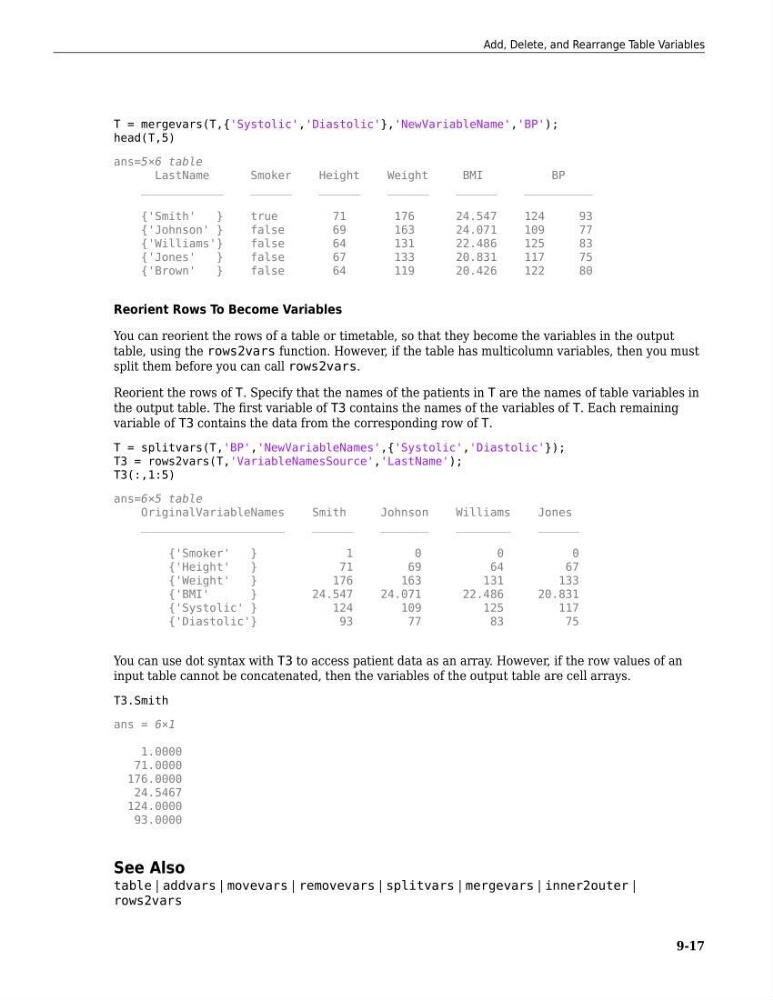
Reorient the rows of T. Specify that the names of the patients in T are the names of table variables in
the output table. The first variable of T3 contains the names of the variables of T. Each remaining
variable of T3 contains the data from the corresponding row of T.
T = splitvars(T,'BP','NewVariableNames',{'Systolic','Diastolic'});
T3 = rows2vars(T,'VariableNamesSource','LastName');
T3(:,1:5)
ans=6×5 table
OriginalVariableNames
Smith
Johnson
Williams
Jones
_____________________
______
_______
________
______
{'Smoker'
}
1
0
0
0
{'Height'
}
71
69
64
67
{'Weight'
}
176
163
131
133
{'BMI'
}
24.547
24.071
22.486
20.831
{'Systolic' }
124
109
125
117
{'Diastolic'}
93
77
83
75
You can use dot syntax with T3 to access patient data as an array. However, if the row values of an
input table cannot be concatenated, then the variables of the output table are cell arrays.
T3.Smith
ans = 6×1
1.0000
71.0000
176.0000
24.5467
124.0000
93.0000
See Also
table | addvars | movevars | removevars | splitvars | mergevars | inner2outer |
rows2vars
Add, Delete, and Rearrange Table Variables
9-17
head(T,5)
ans=5×6 table
LastName
Smoker
Height
Weight
BMI
BP
____________
______
______
______
______
__________
{'Smith'
}
true
71
176
24.547
124
93
{'Johnson' }
false
69
163
24.071
109
77
{'Williams'}
false
64
131
22.486
125
83
{'Jones'
}
false
67
133
20.831
117
75
{'Brown'
}
false
64
119
20.426
122
80
Reorient Rows To Become Variables
You can reorient the rows of a table or timetable, so that they become the variables in the output
table, using the rows2vars function. However, if the table has multicolumn variables, then you must
split them before you can call rows2vars.
Reorient the rows of T. Specify that the names of the patients in T are the names of table variables in
the output table. The first variable of T3 contains the names of the variables of T. Each remaining
variable of T3 contains the data from the corresponding row of T.
T = splitvars(T,'BP','NewVariableNames',{'Systolic','Diastolic'});
T3 = rows2vars(T,'VariableNamesSource','LastName');
T3(:,1:5)
ans=6×5 table
OriginalVariableNames
Smith
Johnson
Williams
Jones
_____________________
______
_______
________
______
{'Smoker'
}
1
0
0
0
{'Height'
}
71
69
64
67
{'Weight'
}
176
163
131
133
{'BMI'
}
24.547
24.071
22.486
20.831
{'Systolic' }
124
109
125
117
{'Diastolic'}
93
77
83
75
You can use dot syntax with T3 to access patient data as an array. However, if the row values of an
input table cannot be concatenated, then the variables of the output table are cell arrays.
T3.Smith
ans = 6×1
1.0000
71.0000
176.0000
24.5467
124.0000
93.0000
See Also
table | addvars | movevars | removevars | splitvars | mergevars | inner2outer |
rows2vars
Add, Delete, and Rearrange Table Variables
9-17