

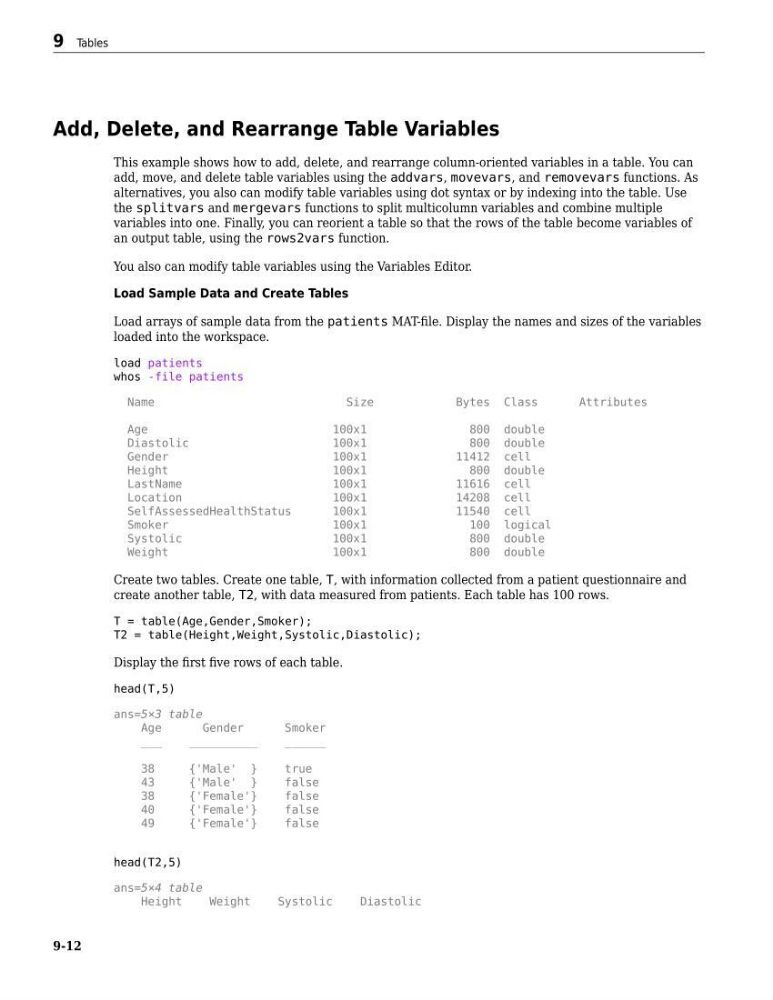
Add, Delete, and Rearrange Table Variables
This example shows how to add, delete, and rearrange column-oriented variables in a table. You can
add, move, and delete table variables using the addvars, movevars, and removevars functions. As
alternatives, you also can modify table variables using dot syntax or by indexing into the table. Use
the splitvars and mergevars functions to split multicolumn variables and combine multiple
variables into one. Finally, you can reorient a table so that the rows of the table become variables of
an output table, using the rows2vars function.
You also can modify table variables using the Variables Editor.
Load Sample Data and Create Tables
Load arrays of sample data from the patients MAT-file. Display the names and sizes of the variables
loaded into the workspace.
load patients
whos -file patients
Name
Size
Bytes Class
Attributes
Age
100x1
800 double
Diastolic
100x1
800 double
Gender
100x1
11412 cell
Height
100x1
800 double
LastName
100x1
11616 cell
Location
100x1
14208 cell
SelfAssessedHealthStatus
100x1
11540 cell
Smoker
100x1
100 logical
Systolic
100x1
800 double
Weight
100x1
800 double
Create two tables. Create one table, T, with information collected from a patient questionnaire and
create another table, T2, with data measured from patients. Each table has 100 rows.
T = table(Age,Gender,Smoker);
T2 = table(Height,Weight,Systolic,Diastolic);
Display the first five rows of each table.
head(T,5)
ans=5×3 table
Age
Gender
Smoker
___
__________
______
38
{'Male' }
true
43
{'Male' }
false
38
{'Female'}
false
40
{'Female'}
false
49
{'Female'}
false
head(T2,5)
ans=5×4 table
Height
Weight
Systolic
Diastolic
9 Tables
9-12
This example shows how to add, delete, and rearrange column-oriented variables in a table. You can
add, move, and delete table variables using the addvars, movevars, and removevars functions. As
alternatives, you also can modify table variables using dot syntax or by indexing into the table. Use
the splitvars and mergevars functions to split multicolumn variables and combine multiple
variables into one. Finally, you can reorient a table so that the rows of the table become variables of
an output table, using the rows2vars function.
You also can modify table variables using the Variables Editor.
Load Sample Data and Create Tables
Load arrays of sample data from the patients MAT-file. Display the names and sizes of the variables
loaded into the workspace.
load patients
whos -file patients
Name
Size
Bytes Class
Attributes
Age
100x1
800 double
Diastolic
100x1
800 double
Gender
100x1
11412 cell
Height
100x1
800 double
LastName
100x1
11616 cell
Location
100x1
14208 cell
SelfAssessedHealthStatus
100x1
11540 cell
Smoker
100x1
100 logical
Systolic
100x1
800 double
Weight
100x1
800 double
Create two tables. Create one table, T, with information collected from a patient questionnaire and
create another table, T2, with data measured from patients. Each table has 100 rows.
T = table(Age,Gender,Smoker);
T2 = table(Height,Weight,Systolic,Diastolic);
Display the first five rows of each table.
head(T,5)
ans=5×3 table
Age
Gender
Smoker
___
__________
______
38
{'Male' }
true
43
{'Male' }
false
38
{'Female'}
false
40
{'Female'}
false
49
{'Female'}
false
head(T2,5)
ans=5×4 table
Height
Weight
Systolic
Diastolic
9 Tables
9-12