

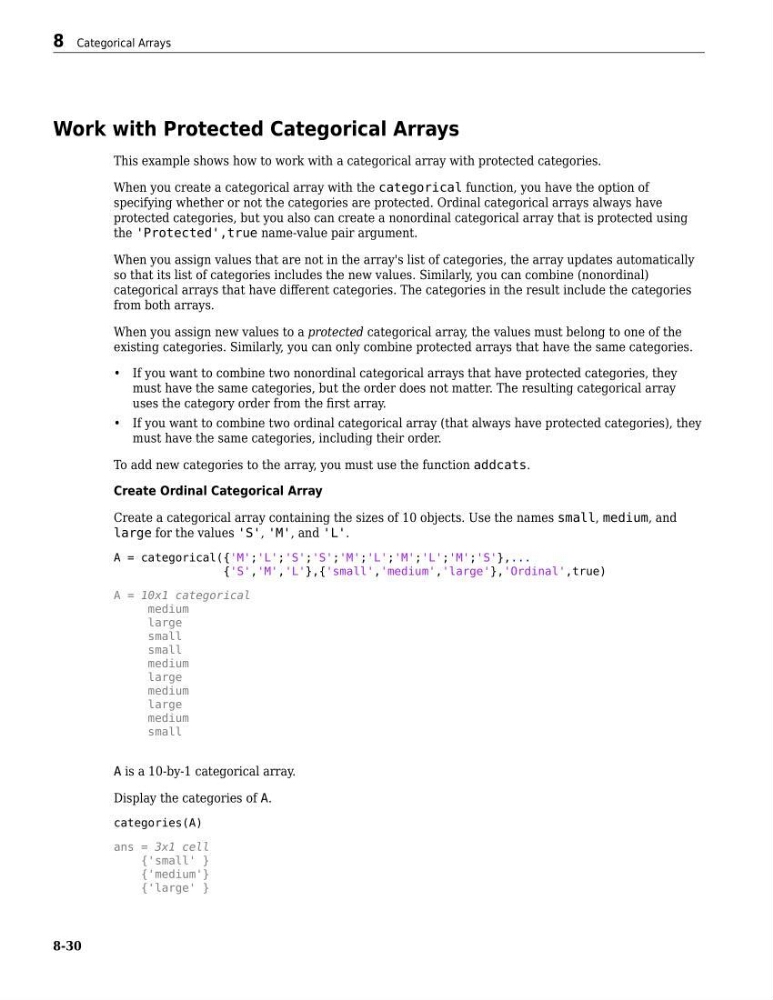
Work with Protected Categorical Arrays
This example shows how to work with a categorical array with protected categories.
When you create a categorical array with the categorical function, you have the option of
specifying whether or not the categories are protected. Ordinal categorical arrays always have
protected categories, but you also can create a nonordinal categorical array that is protected using
the 'Protected',true name-value pair argument.
When you assign values that are not in the array's list of categories, the array updates automatically
so that its list of categories includes the new values. Similarly, you can combine (nonordinal)
categorical arrays that have different categories. The categories in the result include the categories
from both arrays.
When you assign new values to a protected categorical array, the values must belong to one of the
existing categories. Similarly, you can only combine protected arrays that have the same categories.
• If you want to combine two nonordinal categorical arrays that have protected categories, they
must have the same categories, but the order does not matter. The resulting categorical array
uses the category order from the first array.
• If you want to combine two ordinal categorical array (that always have protected categories), they
must have the same categories, including their order.
To add new categories to the array, you must use the function addcats.
Create Ordinal Categorical Array
Create a categorical array containing the sizes of 10 objects. Use the names small, medium, and
large for the values 'S', 'M', and 'L'.
A = categorical({'M';'L';'S';'S';'M';'L';'M';'L';'M';'S'},...
{'S','M','L'},{'small','medium','large'},'Ordinal',true)
A = 10x1 categorical
medium
large
small
small
medium
large
medium
large
medium
small
A is a 10-by-1 categorical array.
Display the categories of A.
categories(A)
ans = 3x1 cell
{'small' }
{'medium'}
{'large' }
8 Categorical Arrays
8-30
This example shows how to work with a categorical array with protected categories.
When you create a categorical array with the categorical function, you have the option of
specifying whether or not the categories are protected. Ordinal categorical arrays always have
protected categories, but you also can create a nonordinal categorical array that is protected using
the 'Protected',true name-value pair argument.
When you assign values that are not in the array's list of categories, the array updates automatically
so that its list of categories includes the new values. Similarly, you can combine (nonordinal)
categorical arrays that have different categories. The categories in the result include the categories
from both arrays.
When you assign new values to a protected categorical array, the values must belong to one of the
existing categories. Similarly, you can only combine protected arrays that have the same categories.
• If you want to combine two nonordinal categorical arrays that have protected categories, they
must have the same categories, but the order does not matter. The resulting categorical array
uses the category order from the first array.
• If you want to combine two ordinal categorical array (that always have protected categories), they
must have the same categories, including their order.
To add new categories to the array, you must use the function addcats.
Create Ordinal Categorical Array
Create a categorical array containing the sizes of 10 objects. Use the names small, medium, and
large for the values 'S', 'M', and 'L'.
A = categorical({'M';'L';'S';'S';'M';'L';'M';'L';'M';'S'},...
{'S','M','L'},{'small','medium','large'},'Ordinal',true)
A = 10x1 categorical
medium
large
small
small
medium
large
medium
large
medium
small
A is a 10-by-1 categorical array.
Display the categories of A.
categories(A)
ans = 3x1 cell
{'small' }
{'medium'}
{'large' }
8 Categorical Arrays
8-30