

Convert Text in Table Variables to Categorical
This example shows how to convert a variable in a table from a cell array of character vectors to a
categorical array. The same workflow applies for table variables that are string arrays.
Load Sample Data and Create a Table
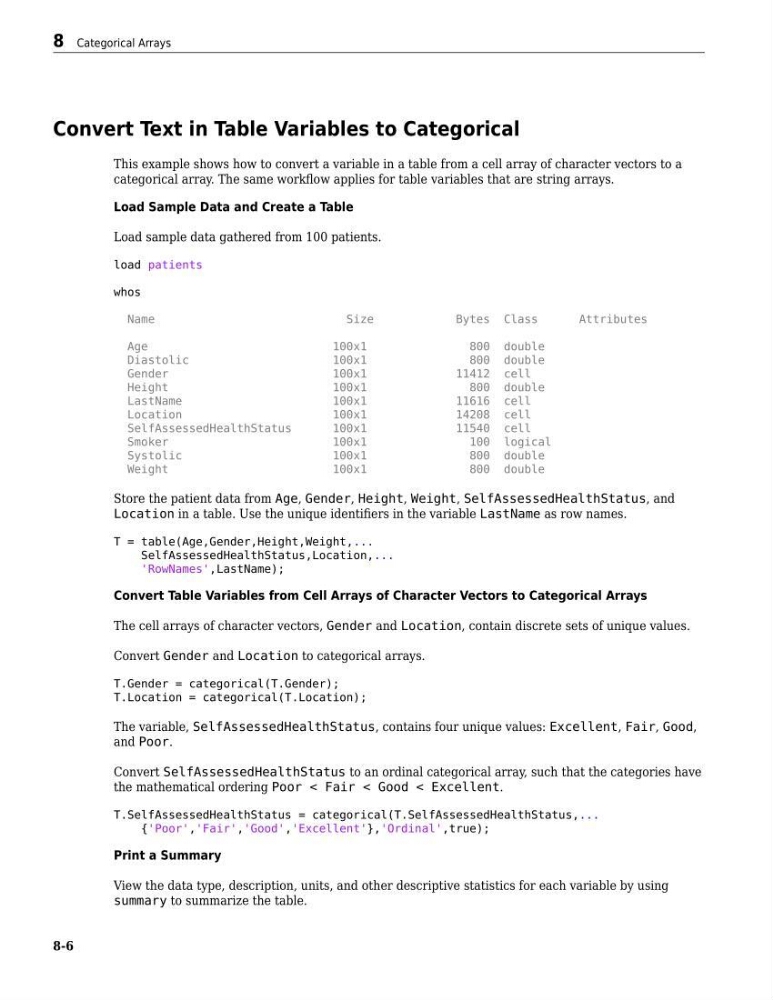
Load sample data gathered from 100 patients.
load patients
whos
Name
Size
Bytes Class
Attributes
Age
100x1
800 double
Diastolic
100x1
800 double
Gender
100x1
11412 cell
Height
100x1
800 double
LastName
100x1
11616 cell
Location
100x1
14208 cell
SelfAssessedHealthStatus
100x1
11540 cell
Smoker
100x1
100 logical
Systolic
100x1
800 double
Weight
100x1
800 double
Store the patient data from Age, Gender, Height, Weight, SelfAssessedHealthStatus, and
Location in a table. Use the unique identifiers in the variable LastName as row names.
T = table(Age,Gender,Height,Weight,...
SelfAssessedHealthStatus,Location,...
'RowNames',LastName);
Convert Table Variables from Cell Arrays of Character Vectors to Categorical Arrays
The cell arrays of character vectors, Gender and Location, contain discrete sets of unique values.
Convert Gender and Location to categorical arrays.
T.Gender = categorical(T.Gender);
T.Location = categorical(T.Location);
The variable, SelfAssessedHealthStatus, contains four unique values: Excellent, Fair, Good,
and Poor.
Convert SelfAssessedHealthStatus to an ordinal categorical array, such that the categories have
the mathematical ordering Poor < Fair < Good < Excellent.
T.SelfAssessedHealthStatus = categorical(T.SelfAssessedHealthStatus,...
{'Poor','Fair','Good','Excellent'},'Ordinal',true);
Print a Summary
View the data type, description, units, and other descriptive statistics for each variable by using
summary to summarize the table.
8 Categorical Arrays
8-6
This example shows how to convert a variable in a table from a cell array of character vectors to a
categorical array. The same workflow applies for table variables that are string arrays.
Load Sample Data and Create a Table
Load sample data gathered from 100 patients.
load patients
whos
Name
Size
Bytes Class
Attributes
Age
100x1
800 double
Diastolic
100x1
800 double
Gender
100x1
11412 cell
Height
100x1
800 double
LastName
100x1
11616 cell
Location
100x1
14208 cell
SelfAssessedHealthStatus
100x1
11540 cell
Smoker
100x1
100 logical
Systolic
100x1
800 double
Weight
100x1
800 double
Store the patient data from Age, Gender, Height, Weight, SelfAssessedHealthStatus, and
Location in a table. Use the unique identifiers in the variable LastName as row names.
T = table(Age,Gender,Height,Weight,...
SelfAssessedHealthStatus,Location,...
'RowNames',LastName);
Convert Table Variables from Cell Arrays of Character Vectors to Categorical Arrays
The cell arrays of character vectors, Gender and Location, contain discrete sets of unique values.
Convert Gender and Location to categorical arrays.
T.Gender = categorical(T.Gender);
T.Location = categorical(T.Location);
The variable, SelfAssessedHealthStatus, contains four unique values: Excellent, Fair, Good,
and Poor.
Convert SelfAssessedHealthStatus to an ordinal categorical array, such that the categories have
the mathematical ordering Poor < Fair < Good < Excellent.
T.SelfAssessedHealthStatus = categorical(T.SelfAssessedHealthStatus,...
{'Poor','Fair','Good','Excellent'},'Ordinal',true);
Print a Summary
View the data type, description, units, and other descriptive statistics for each variable by using
summary to summarize the table.
8 Categorical Arrays
8-6