

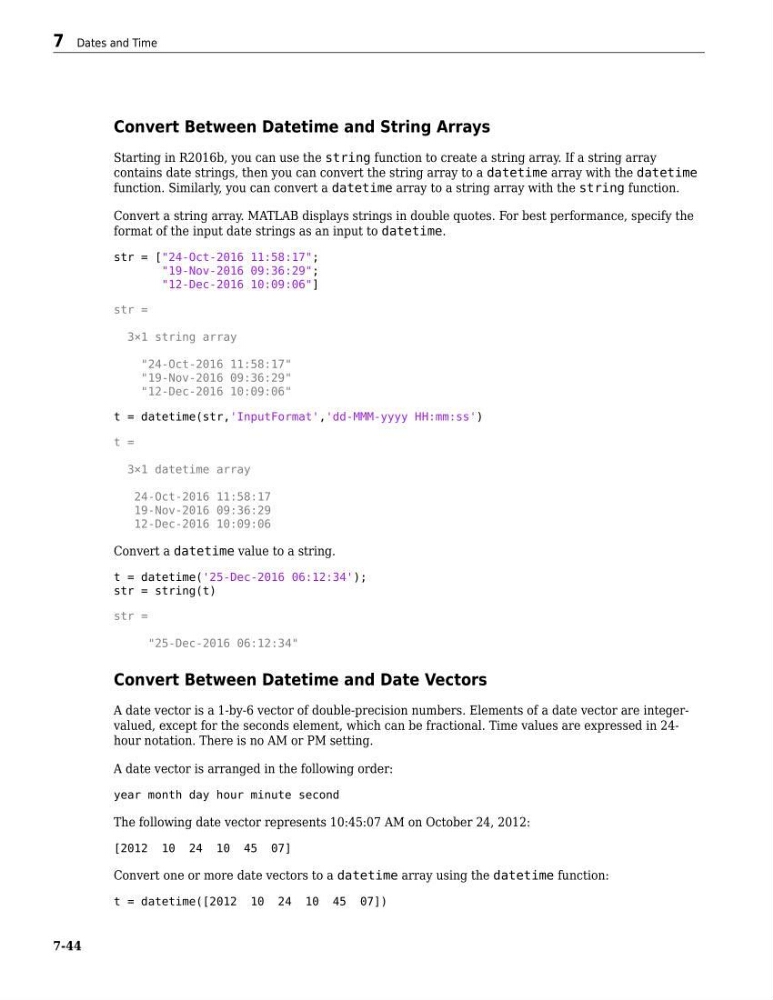
Convert Between Datetime and String Arrays
Starting in R2016b, you can use the string function to create a string array. If a string array
contains date strings, then you can convert the string array to a datetime array with the datetime
function. Similarly, you can convert a datetime array to a string array with the string function.
Convert a string array. MATLAB displays strings in double quotes. For best performance, specify the
format of the input date strings as an input to datetime.
str = ["24-Oct-2016 11:58:17";
"19-Nov-2016 09:36:29";
"12-Dec-2016 10:09:06"]
str =
3×1 string array
"24-Oct-2016 11:58:17"
"19-Nov-2016 09:36:29"
"12-Dec-2016 10:09:06"
t = datetime(str,'InputFormat','dd-MMM-yyyy HH:mm:ss')
t =
3×1 datetime array
24-Oct-2016 11:58:17
19-Nov-2016 09:36:29
12-Dec-2016 10:09:06
Convert a datetime value to a string.
t = datetime('25-Dec-2016 06:12:34');
str = string(t)
str =
"25-Dec-2016 06:12:34"
Convert Between Datetime and Date Vectors
A date vector is a 1-by-6 vector of double-precision numbers. Elements of a date vector are integervalued, except for the seconds element, which can be fractional. Time values are expressed in 24hour notation. There is no AM or PM setting.
A date vector is arranged in the following order:
year month day hour minute second
The following date vector represents 10:45:07 AM on October 24, 2012:
[2012 10 24 10 45 07]
Convert one or more date vectors to a datetime array using the datetime function:
t = datetime([2012 10 24 10 45 07])
7 Dates and Time
7-44
Starting in R2016b, you can use the string function to create a string array. If a string array
contains date strings, then you can convert the string array to a datetime array with the datetime
function. Similarly, you can convert a datetime array to a string array with the string function.
Convert a string array. MATLAB displays strings in double quotes. For best performance, specify the
format of the input date strings as an input to datetime.
str = ["24-Oct-2016 11:58:17";
"19-Nov-2016 09:36:29";
"12-Dec-2016 10:09:06"]
str =
3×1 string array
"24-Oct-2016 11:58:17"
"19-Nov-2016 09:36:29"
"12-Dec-2016 10:09:06"
t = datetime(str,'InputFormat','dd-MMM-yyyy HH:mm:ss')
t =
3×1 datetime array
24-Oct-2016 11:58:17
19-Nov-2016 09:36:29
12-Dec-2016 10:09:06
Convert a datetime value to a string.
t = datetime('25-Dec-2016 06:12:34');
str = string(t)
str =
"25-Dec-2016 06:12:34"
Convert Between Datetime and Date Vectors
A date vector is a 1-by-6 vector of double-precision numbers. Elements of a date vector are integervalued, except for the seconds element, which can be fractional. Time values are expressed in 24hour notation. There is no AM or PM setting.
A date vector is arranged in the following order:
year month day hour minute second
The following date vector represents 10:45:07 AM on October 24, 2012:
[2012 10 24 10 45 07]
Convert one or more date vectors to a datetime array using the datetime function:
t = datetime([2012 10 24 10 45 07])
7 Dates and Time
7-44