

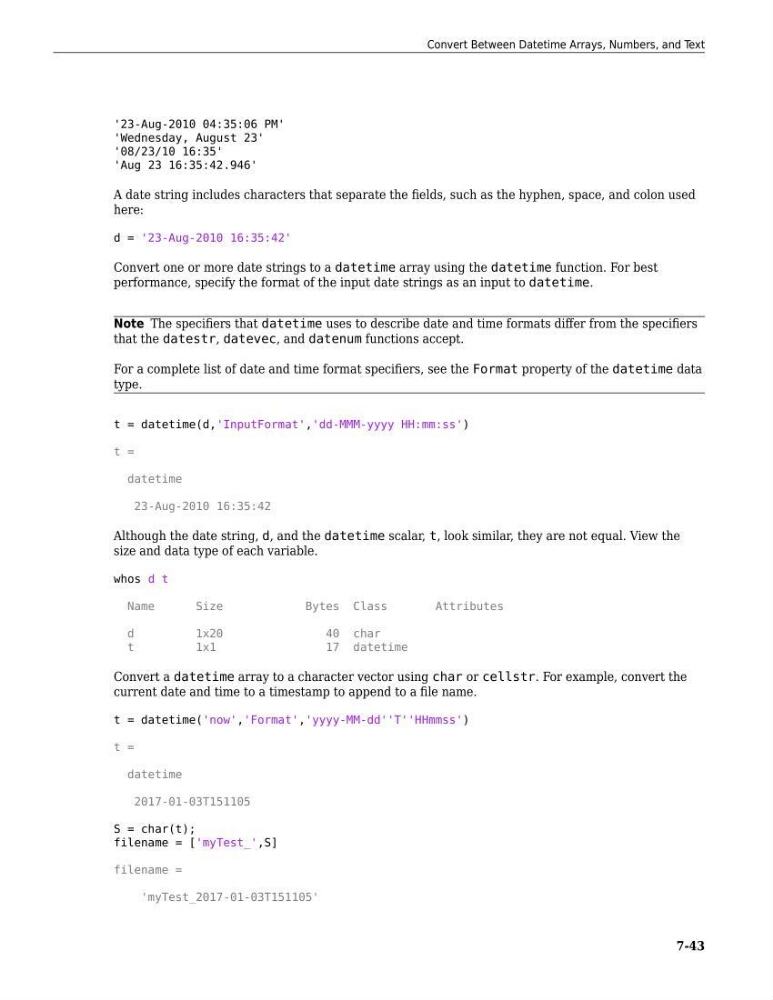
'23-Aug-2010 04:35:06 PM'
'Wednesday, August 23'
'08/23/10 16:35'
'Aug 23 16:35:42.946'
A date string includes characters that separate the fields, such as the hyphen, space, and colon used
here:
d = '23-Aug-2010 16:35:42'
Convert one or more date strings to a datetime array using the datetime function. For best
performance, specify the format of the input date strings as an input to datetime.
Note The specifiers that datetime uses to describe date and time formats differ from the specifiers
that the datestr, datevec, and datenum functions accept.
For a complete list of date and time format specifiers, see the Format property of the datetime data
type.
t = datetime(d,'InputFormat','dd-MMM-yyyy HH:mm:ss')
t =
datetime
23-Aug-2010 16:35:42
Although the date string, d, and the datetime scalar, t, look similar, they are not equal. View the
size and data type of each variable.
whos d t
Name
Size
Bytes Class
Attributes
d
1x20
40 char
t
1x1
17 datetime
Convert a datetime array to a character vector using char or cellstr. For example, convert the
current date and time to a timestamp to append to a file name.
t = datetime('now','Format','yyyy-MM-dd''T''HHmmss')
t =
datetime
2017-01-03T151105
S = char(t);
filename = ['myTest_',S]
filename =
'myTest_2017-01-03T151105'
Convert Between Datetime Arrays, Numbers, and Text
7-43
'Wednesday, August 23'
'08/23/10 16:35'
'Aug 23 16:35:42.946'
A date string includes characters that separate the fields, such as the hyphen, space, and colon used
here:
d = '23-Aug-2010 16:35:42'
Convert one or more date strings to a datetime array using the datetime function. For best
performance, specify the format of the input date strings as an input to datetime.
Note The specifiers that datetime uses to describe date and time formats differ from the specifiers
that the datestr, datevec, and datenum functions accept.
For a complete list of date and time format specifiers, see the Format property of the datetime data
type.
t = datetime(d,'InputFormat','dd-MMM-yyyy HH:mm:ss')
t =
datetime
23-Aug-2010 16:35:42
Although the date string, d, and the datetime scalar, t, look similar, they are not equal. View the
size and data type of each variable.
whos d t
Name
Size
Bytes Class
Attributes
d
1x20
40 char
t
1x1
17 datetime
Convert a datetime array to a character vector using char or cellstr. For example, convert the
current date and time to a timestamp to append to a file name.
t = datetime('now','Format','yyyy-MM-dd''T''HHmmss')
t =
datetime
2017-01-03T151105
S = char(t);
filename = ['myTest_',S]
filename =
'myTest_2017-01-03T151105'
Convert Between Datetime Arrays, Numbers, and Text
7-43