

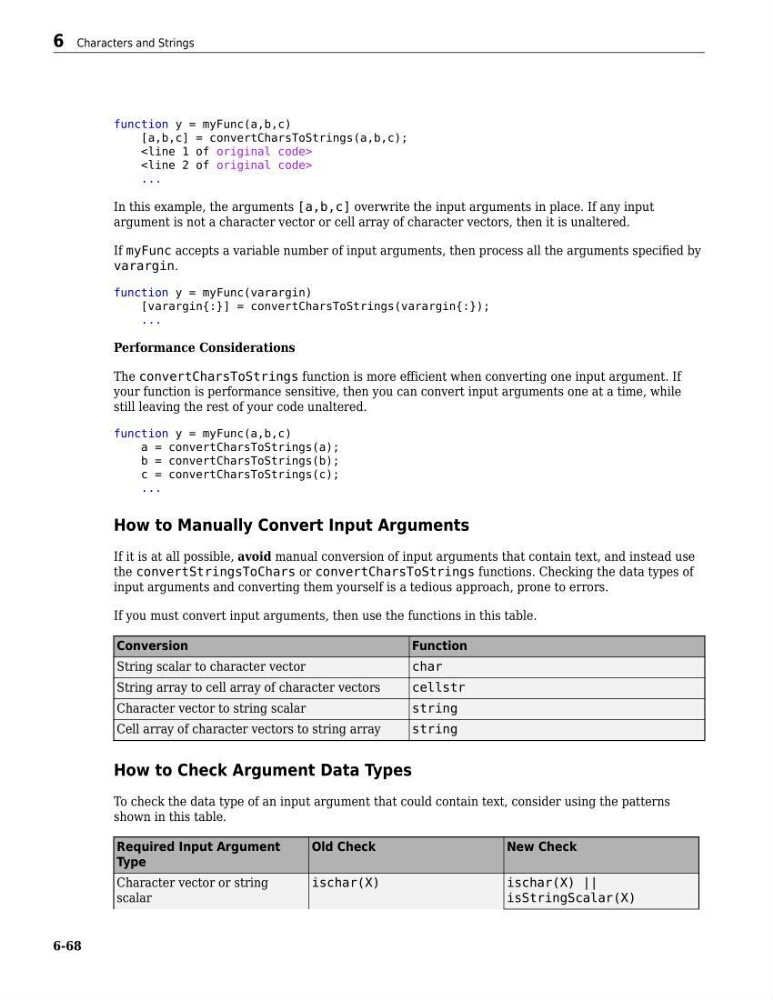
function y = myFunc(a,b,c)
[a,b,c] = convertCharsToStrings(a,b,c);
...
In this example, the arguments [a,b,c] overwrite the input arguments in place. If any input
argument is not a character vector or cell array of character vectors, then it is unaltered.
If myFunc accepts a variable number of input arguments, then process all the arguments specified by
varargin.
function y = myFunc(varargin)
[varargin{:}] = convertCharsToStrings(varargin{:});
...
Performance Considerations
The convertCharsToStrings function is more efficient when converting one input argument. If
your function is performance sensitive, then you can convert input arguments one at a time, while
still leaving the rest of your code unaltered.
function y = myFunc(a,b,c)
a = convertCharsToStrings(a);
b = convertCharsToStrings(b);
c = convertCharsToStrings(c);
...
How to Manually Convert Input Arguments
If it is at all possible, avoid manual conversion of input arguments that contain text, and instead use
the convertStringsToChars or convertCharsToStrings functions. Checking the data types of
input arguments and converting them yourself is a tedious approach, prone to errors.
If you must convert input arguments, then use the functions in this table.
Conversion
Function
String scalar to character vector
char
String array to cell array of character vectors
cellstr
Character vector to string scalar
string
Cell array of character vectors to string array
string
How to Check Argument Data Types
To check the data type of an input argument that could contain text, consider using the patterns
shown in this table.
Required Input Argument
Type
Old Check
New Check
Character vector or string
scalar
ischar(X)
ischar(X) ||
isStringScalar(X)
6 Characters and Strings
6-68
[a,b,c] = convertCharsToStrings(a,b,c);
...
In this example, the arguments [a,b,c] overwrite the input arguments in place. If any input
argument is not a character vector or cell array of character vectors, then it is unaltered.
If myFunc accepts a variable number of input arguments, then process all the arguments specified by
varargin.
function y = myFunc(varargin)
[varargin{:}] = convertCharsToStrings(varargin{:});
...
Performance Considerations
The convertCharsToStrings function is more efficient when converting one input argument. If
your function is performance sensitive, then you can convert input arguments one at a time, while
still leaving the rest of your code unaltered.
function y = myFunc(a,b,c)
a = convertCharsToStrings(a);
b = convertCharsToStrings(b);
c = convertCharsToStrings(c);
...
How to Manually Convert Input Arguments
If it is at all possible, avoid manual conversion of input arguments that contain text, and instead use
the convertStringsToChars or convertCharsToStrings functions. Checking the data types of
input arguments and converting them yourself is a tedious approach, prone to errors.
If you must convert input arguments, then use the functions in this table.
Conversion
Function
String scalar to character vector
char
String array to cell array of character vectors
cellstr
Character vector to string scalar
string
Cell array of character vectors to string array
string
How to Check Argument Data Types
To check the data type of an input argument that could contain text, consider using the patterns
shown in this table.
Required Input Argument
Type
Old Check
New Check
Character vector or string
scalar
ischar(X)
ischar(X) ||
isStringScalar(X)
6 Characters and Strings
6-68