

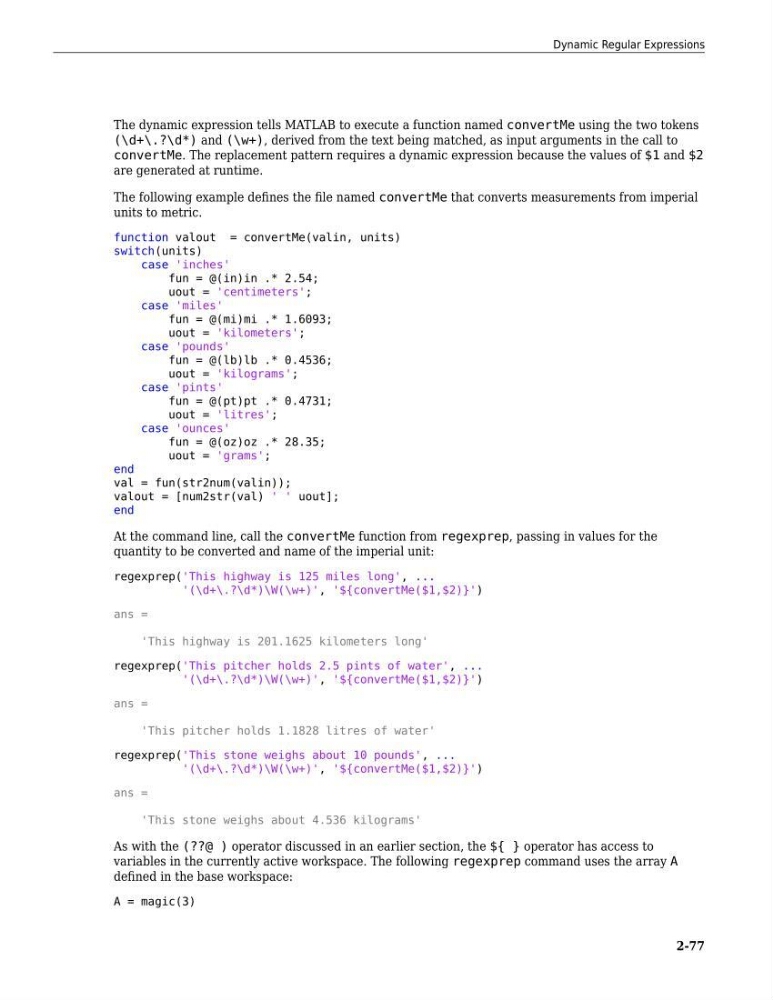
The dynamic expression tells MATLAB to execute a function named convertMe using the two tokens
(\d+\.?\d*) and (\w+), derived from the text being matched, as input arguments in the call to
convertMe. The replacement pattern requires a dynamic expression because the values of $1 and $2
are generated at runtime.
The following example defines the file named convertMe that converts measurements from imperial
units to metric.
function valout = convertMe(valin, units)
switch(units)
case 'inches'
fun = @(in)in .* 2.54;
uout = 'centimeters';
case 'miles'
fun = @(mi)mi .* 1.6093;
uout = 'kilometers';
case 'pounds'
fun = @(lb)lb .* 0.4536;
uout = 'kilograms';
case 'pints'
fun = @(pt)pt .* 0.4731;
uout = 'litres';
case 'ounces'
fun = @(oz)oz .* 28.35;
uout = 'grams';
end
val = fun(str2num(valin));
valout = [num2str(val) ' ' uout];
end
At the command line, call the convertMe function from regexprep, passing in values for the
quantity to be converted and name of the imperial unit:
regexprep('This highway is 125 miles long', ...
'(\d+\.?\d*)\W(\w+)', '${convertMe($1,$2)}')
ans =
'This highway is 201.1625 kilometers long'
regexprep('This pitcher holds 2.5 pints of water', ...
'(\d+\.?\d*)\W(\w+)', '${convertMe($1,$2)}')
ans =
'This pitcher holds 1.1828 litres of water'
regexprep('This stone weighs about 10 pounds', ...
'(\d+\.?\d*)\W(\w+)', '${convertMe($1,$2)}')
ans =
'This stone weighs about 4.536 kilograms'
As with the (??@ ) operator discussed in an earlier section, the ${ } operator has access to
variables in the currently active workspace. The following regexprep command uses the array A
defined in the base workspace:
A = magic(3)
Dynamic Regular Expressions
2-77
(\d+\.?\d*) and (\w+), derived from the text being matched, as input arguments in the call to
convertMe. The replacement pattern requires a dynamic expression because the values of $1 and $2
are generated at runtime.
The following example defines the file named convertMe that converts measurements from imperial
units to metric.
function valout = convertMe(valin, units)
switch(units)
case 'inches'
fun = @(in)in .* 2.54;
uout = 'centimeters';
case 'miles'
fun = @(mi)mi .* 1.6093;
uout = 'kilometers';
case 'pounds'
fun = @(lb)lb .* 0.4536;
uout = 'kilograms';
case 'pints'
fun = @(pt)pt .* 0.4731;
uout = 'litres';
case 'ounces'
fun = @(oz)oz .* 28.35;
uout = 'grams';
end
val = fun(str2num(valin));
valout = [num2str(val) ' ' uout];
end
At the command line, call the convertMe function from regexprep, passing in values for the
quantity to be converted and name of the imperial unit:
regexprep('This highway is 125 miles long', ...
'(\d+\.?\d*)\W(\w+)', '${convertMe($1,$2)}')
ans =
'This highway is 201.1625 kilometers long'
regexprep('This pitcher holds 2.5 pints of water', ...
'(\d+\.?\d*)\W(\w+)', '${convertMe($1,$2)}')
ans =
'This pitcher holds 1.1828 litres of water'
regexprep('This stone weighs about 10 pounds', ...
'(\d+\.?\d*)\W(\w+)', '${convertMe($1,$2)}')
ans =
'This stone weighs about 4.536 kilograms'
As with the (??@ ) operator discussed in an earlier section, the ${ } operator has access to
variables in the currently active workspace. The following regexprep command uses the array A
defined in the base workspace:
A = magic(3)
Dynamic Regular Expressions
2-77