

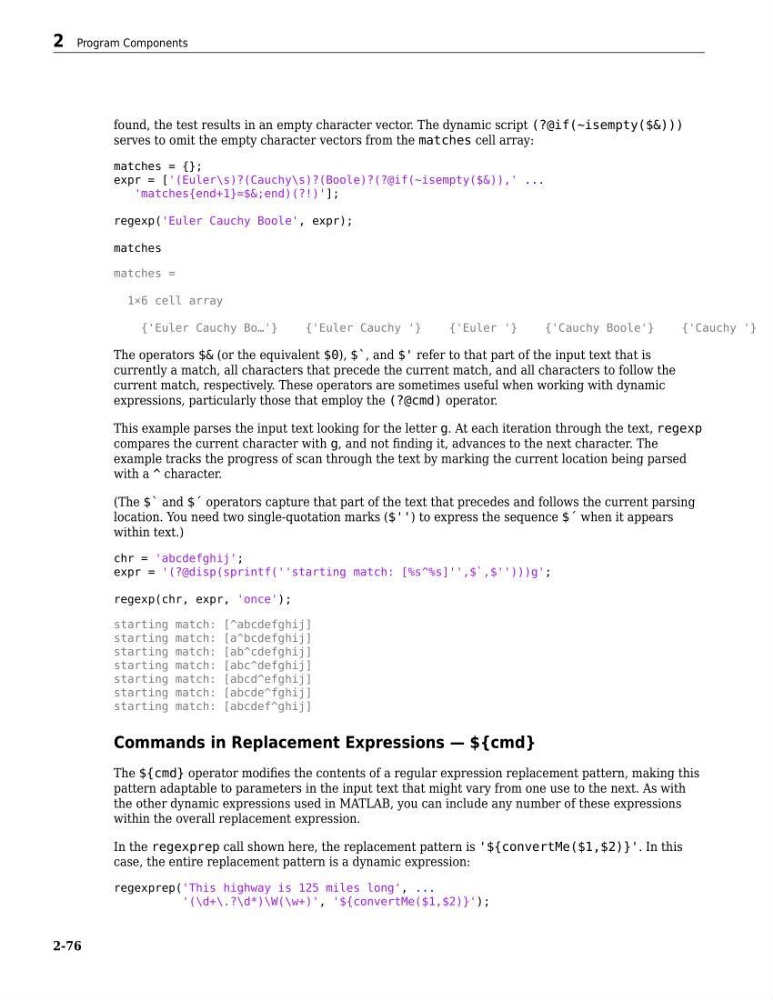
found, the test results in an empty character vector. The dynamic script (?@if(~isempty($&)))
serves to omit the empty character vectors from the matches cell array:
matches = {};
expr = ['(Euler\s)?(Cauchy\s)?(Boole)?(?@if(~isempty($&)),' ...
'matches{end+1}=$&;end)(?!)'];
regexp('Euler Cauchy Boole', expr);
matches
matches =
1×6 cell array
{'Euler Cauchy Bo…'}
{'Euler Cauchy '}
{'Euler '}
{'Cauchy Boole'}
{'Cauchy '}
The operators $& (or the equivalent $0), $`, and $' refer to that part of the input text that is
currently a match, all characters that precede the current match, and all characters to follow the
current match, respectively. These operators are sometimes useful when working with dynamic
expressions, particularly those that employ the (?@cmd) operator.
This example parses the input text looking for the letter g. At each iteration through the text, regexp
compares the current character with g, and not finding it, advances to the next character. The
example tracks the progress of scan through the text by marking the current location being parsed
with a ^ character.
(The $` and $´ operators capture that part of the text that precedes and follows the current parsing
location. You need two single-quotation marks ($'') to express the sequence $´ when it appears
within text.)
chr = 'abcdefghij';
expr = '(?@disp(sprintf(''starting match: [%s^%s]'',$`,$'')))g';
regexp(chr, expr, 'once');
starting match: [^abcdefghij]
starting match: [a^bcdefghij]
starting match: [ab^cdefghij]
starting match: [abc^defghij]
starting match: [abcd^efghij]
starting match: [abcde^fghij]
starting match: [abcdef^ghij]
Commands in Replacement Expressions — ${cmd}
The ${cmd} operator modifies the contents of a regular expression replacement pattern, making this
pattern adaptable to parameters in the input text that might vary from one use to the next. As with
the other dynamic expressions used in MATLAB, you can include any number of these expressions
within the overall replacement expression.
In the regexprep call shown here, the replacement pattern is '${convertMe($1,$2)}'. In this
case, the entire replacement pattern is a dynamic expression:
regexprep('This highway is 125 miles long', ...
'(\d+\.?\d*)\W(\w+)', '${convertMe($1,$2)}');
2 Program Components
2-76
serves to omit the empty character vectors from the matches cell array:
matches = {};
expr = ['(Euler\s)?(Cauchy\s)?(Boole)?(?@if(~isempty($&)),' ...
'matches{end+1}=$&;end)(?!)'];
regexp('Euler Cauchy Boole', expr);
matches
matches =
1×6 cell array
{'Euler Cauchy Bo…'}
{'Euler Cauchy '}
{'Euler '}
{'Cauchy Boole'}
{'Cauchy '}
The operators $& (or the equivalent $0), $`, and $' refer to that part of the input text that is
currently a match, all characters that precede the current match, and all characters to follow the
current match, respectively. These operators are sometimes useful when working with dynamic
expressions, particularly those that employ the (?@cmd) operator.
This example parses the input text looking for the letter g. At each iteration through the text, regexp
compares the current character with g, and not finding it, advances to the next character. The
example tracks the progress of scan through the text by marking the current location being parsed
with a ^ character.
(The $` and $´ operators capture that part of the text that precedes and follows the current parsing
location. You need two single-quotation marks ($'') to express the sequence $´ when it appears
within text.)
chr = 'abcdefghij';
expr = '(?@disp(sprintf(''starting match: [%s^%s]'',$`,$'')))g';
regexp(chr, expr, 'once');
starting match: [^abcdefghij]
starting match: [a^bcdefghij]
starting match: [ab^cdefghij]
starting match: [abc^defghij]
starting match: [abcd^efghij]
starting match: [abcde^fghij]
starting match: [abcdef^ghij]
Commands in Replacement Expressions — ${cmd}
The ${cmd} operator modifies the contents of a regular expression replacement pattern, making this
pattern adaptable to parameters in the input text that might vary from one use to the next. As with
the other dynamic expressions used in MATLAB, you can include any number of these expressions
within the overall replacement expression.
In the regexprep call shown here, the replacement pattern is '${convertMe($1,$2)}'. In this
case, the entire replacement pattern is a dynamic expression:
regexprep('This highway is 125 miles long', ...
'(\d+\.?\d*)\W(\w+)', '${convertMe($1,$2)}');
2 Program Components
2-76