

CHAPTER 12 ■ IOT PLATFORMS
266
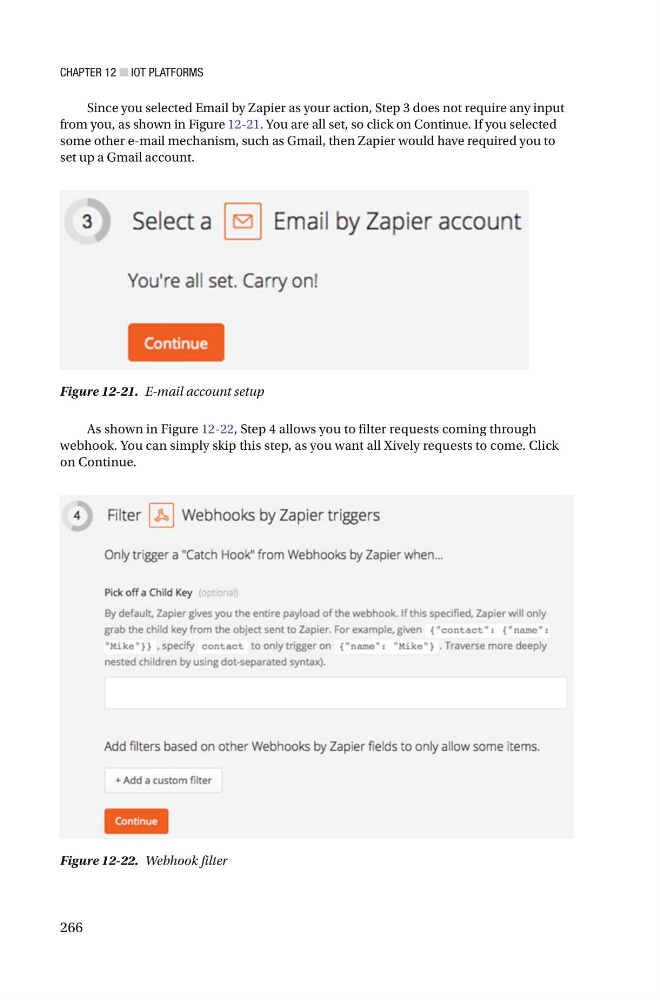
Since you selected Email by Zapier as your action, Step 3 does not require any input
from you, as shown in Figure 12-21 . You are all set, so click on Continue. If you selected
some other e-mail mechanism, such as Gmail, then Zapier would have required you to
set up a Gmail account .
Figure 12-21. E-mail account setup
Figure 12-22. Webhook filter
As shown in Figure 12-22 , Step 4 allows you to filter requests coming through
webhook. You can simply skip this step, as you want all Xively requests to come. Click
on Continue.
266
Since you selected Email by Zapier as your action, Step 3 does not require any input
from you, as shown in Figure 12-21 . You are all set, so click on Continue. If you selected
some other e-mail mechanism, such as Gmail, then Zapier would have required you to
set up a Gmail account .
Figure 12-21. E-mail account setup
Figure 12-22. Webhook filter
As shown in Figure 12-22 , Step 4 allows you to filter requests coming through
webhook. You can simply skip this step, as you want all Xively requests to come. Click
on Continue.