

43
5.5
Your Video Does Not Work?
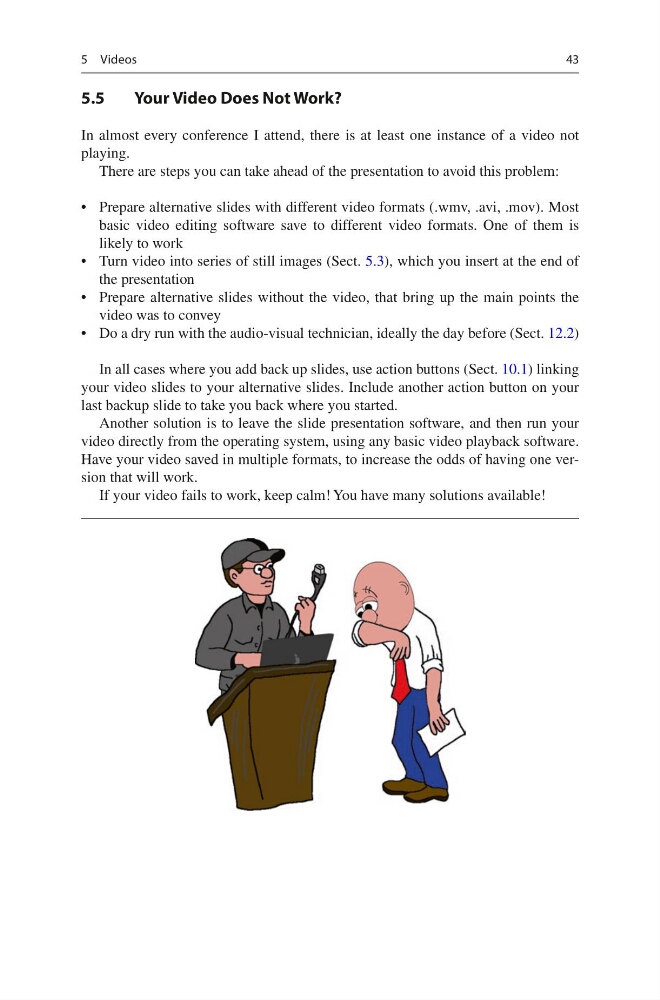
In almost every conference I attend, there is at least one instance of a video not
playing.
There are steps you can take ahead of the presentation to avoid this problem:
• Prepare alternative slides with different video formats (.wmv, .avi, .mov). Most
basic video editing software save to different video formats. One of them is
likely to work
• Turn video into series of still images (Sect. 5.3), which you insert at the end of
the presentation
• Prepare alternative slides without the video, that bring up the main points the
video was to convey
• Do a dry run with the audio-visual technician, ideally the day before (Sect. 12.2)
In all cases where you add back up slides, use action buttons (Sect. 10.1) linking
your video slides to your alternative slides. Include another action button on your
last backup slide to take you back where you started.
Another solution is to leave the slide presentation software, and then run your
video directly from the operating system, using any basic video playback software.
Have your video saved in multiple formats, to increase the odds of having one version that will work.
If your video fails to work, keep calm! You have many solutions available!
5 Videos
5.5
Your Video Does Not Work?
In almost every conference I attend, there is at least one instance of a video not
playing.
There are steps you can take ahead of the presentation to avoid this problem:
• Prepare alternative slides with different video formats (.wmv, .avi, .mov). Most
basic video editing software save to different video formats. One of them is
likely to work
• Turn video into series of still images (Sect. 5.3), which you insert at the end of
the presentation
• Prepare alternative slides without the video, that bring up the main points the
video was to convey
• Do a dry run with the audio-visual technician, ideally the day before (Sect. 12.2)
In all cases where you add back up slides, use action buttons (Sect. 10.1) linking
your video slides to your alternative slides. Include another action button on your
last backup slide to take you back where you started.
Another solution is to leave the slide presentation software, and then run your
video directly from the operating system, using any basic video playback software.
Have your video saved in multiple formats, to increase the odds of having one version that will work.
If your video fails to work, keep calm! You have many solutions available!
5 Videos