

108
12.3 Use Your Own Laptop?
In most instances, you are either mandated to use your own laptop or use the computer system provided by the audio-visual team onsite. But if you have the choice,
what should you do?
Advantages of using your own laptop:
• Your presentation format will not be altered in any way
• The videos will run well
• You can use specialized software installed only on your laptop
• You can use your own remote tool if you have one
• You can touch up your presentation until the very last minute
On the other hand:
• You might face connection issues with the audio-visual system (especially if you
use a Mac!) – time will be lost
• More time is lost switching to and from your system (under pressure from
the crowd)
• You cannot use the remote tool provided by the conference
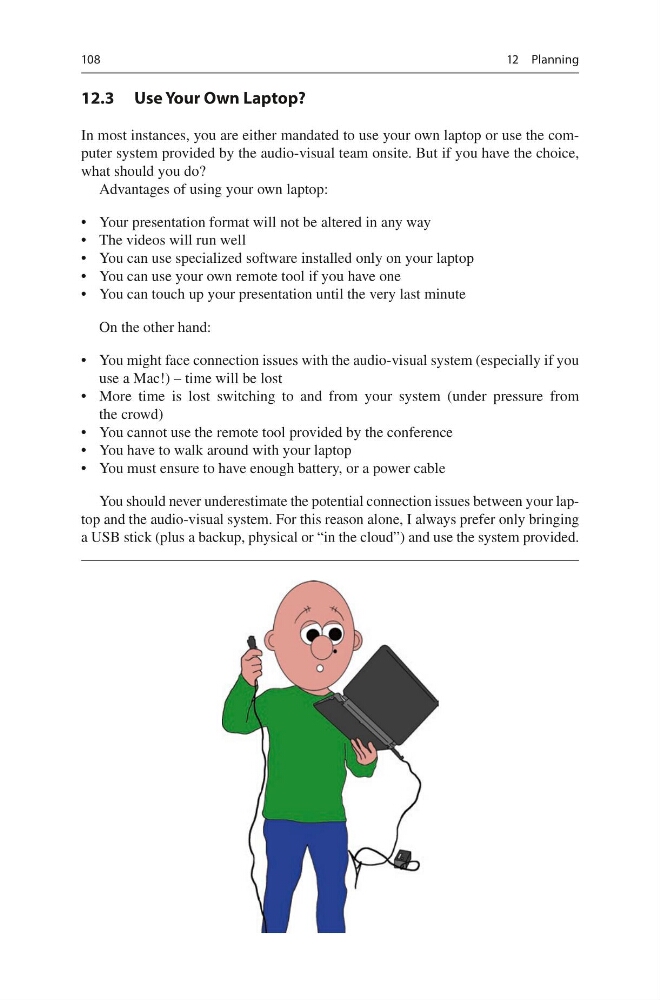
• You have to walk around with your laptop
• You must ensure to have enough battery, or a power cable
You should never underestimate the potential connection issues between your laptop and the audio-visual system. For this reason alone, I always prefer only bringing
a USB stick (plus a backup, physical or “in the cloud”) and use the system provided.
12 Planning
12.3 Use Your Own Laptop?
In most instances, you are either mandated to use your own laptop or use the computer system provided by the audio-visual team onsite. But if you have the choice,
what should you do?
Advantages of using your own laptop:
• Your presentation format will not be altered in any way
• The videos will run well
• You can use specialized software installed only on your laptop
• You can use your own remote tool if you have one
• You can touch up your presentation until the very last minute
On the other hand:
• You might face connection issues with the audio-visual system (especially if you
use a Mac!) – time will be lost
• More time is lost switching to and from your system (under pressure from
the crowd)
• You cannot use the remote tool provided by the conference
• You have to walk around with your laptop
• You must ensure to have enough battery, or a power cable
You should never underestimate the potential connection issues between your laptop and the audio-visual system. For this reason alone, I always prefer only bringing
a USB stick (plus a backup, physical or “in the cloud”) and use the system provided.
12 Planning