

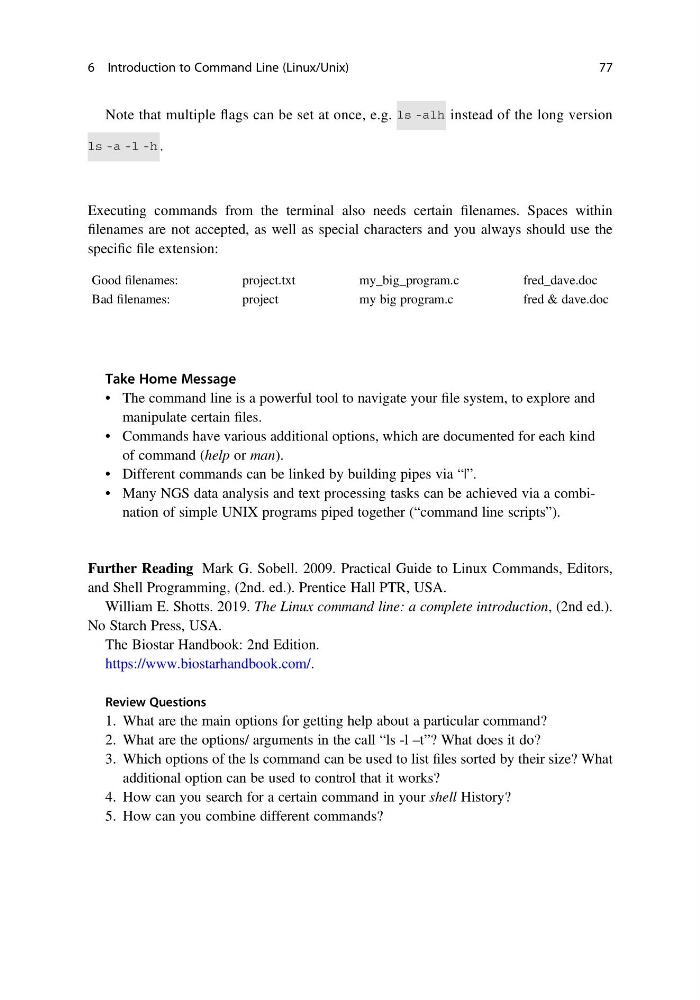
Note that multiple flags can be set at once, e.g.
instead of the long version
.
Executing commands from the terminal also needs certain filenames. Spaces within
filenames are not accepted, as well as special characters and you always should use the
specific file extension:
Good filenames:
project.txt
my_big_program.c
fred_dave.doc
Bad filenames:
project
my big program.c
fred & dave.doc
Take Home Message
• The command line is a powerful tool to navigate your file system, to explore and
manipulate certain files.
• Commands have various additional options, which are documented for each kind
of command (help or man).
• Different commands can be linked by building pipes via “|”.
• Many NGS data analysis and text processing tasks can be achieved via a combination of simple UNIX programs piped together (“command line scripts”).
Further Reading Mark G. Sobell. 2009. Practical Guide to Linux Commands, Editors,
and Shell Programming, (2nd. ed.). Prentice Hall PTR, USA.
William E. Shotts. 2019. The Linux command line: a complete introduction, (2nd ed.).
No Starch Press, USA.
The Biostar Handbook: 2nd Edition.
https://www.biostarhandbook.com/.
Review Questions
1. What are the main options for getting help about a particular command?
2. What are the options/ arguments in the call “ls -l –t”? What does it do?
3. Which options of the ls command can be used to list files sorted by their size? What
additional option can be used to control that it works?
4. How can you search for a certain command in your shell History?
5. How can you combine different commands?
6 Introduction to Command Line (Linux/Unix)
77
instead of the long version
.
Executing commands from the terminal also needs certain filenames. Spaces within
filenames are not accepted, as well as special characters and you always should use the
specific file extension:
Good filenames:
project.txt
my_big_program.c
fred_dave.doc
Bad filenames:
project
my big program.c
fred & dave.doc
Take Home Message
• The command line is a powerful tool to navigate your file system, to explore and
manipulate certain files.
• Commands have various additional options, which are documented for each kind
of command (help or man).
• Different commands can be linked by building pipes via “|”.
• Many NGS data analysis and text processing tasks can be achieved via a combination of simple UNIX programs piped together (“command line scripts”).
Further Reading Mark G. Sobell. 2009. Practical Guide to Linux Commands, Editors,
and Shell Programming, (2nd. ed.). Prentice Hall PTR, USA.
William E. Shotts. 2019. The Linux command line: a complete introduction, (2nd ed.).
No Starch Press, USA.
The Biostar Handbook: 2nd Edition.
https://www.biostarhandbook.com/.
Review Questions
1. What are the main options for getting help about a particular command?
2. What are the options/ arguments in the call “ls -l –t”? What does it do?
3. Which options of the ls command can be used to list files sorted by their size? What
additional option can be used to control that it works?
4. How can you search for a certain command in your shell History?
5. How can you combine different commands?
6 Introduction to Command Line (Linux/Unix)
77